
I'm Elin. You can look at Krea 2 and immediately imagine a product: product photos, brand visuals, ad creatives, moodboards, or a lightweight design tool for non-designers. That instinct makes sense. Krea's official page describes Krea 2 as its in-house image foundation model, built for aesthetics, style references, moodboards, and creative control.
But an AI image app is not just a model wrapped in a prompt box. The model creates images. The product has to manage users, projects, credits, payments, history, quality, uploads, rights, support, and iteration. That is where most founders' work begins.
I checked Krea's official Krea 2 page, API page, Terms of Service, and publicly available product materials while preparing this article. Because image-model access, pricing, API routes, usage limits, and output terms can change quickly, founders should verify the live docs before making product or legal claims.
What Krea 2 Gives AI Image App Builders
Krea 2 gives founders a serious visual engine to build around. Krea says Krea 2 is focused on aesthetic diversity, style control, and expressive visual direction. The official page also points to Krea 2 Raw and Turbo model paths through its open-source release materials. Teams that already live in Cursor often start with the Codex plugin in Cursor.
For a non-technical founder, the useful framing is simple: Krea 2 can help power the image layer. It does not automatically define the app.
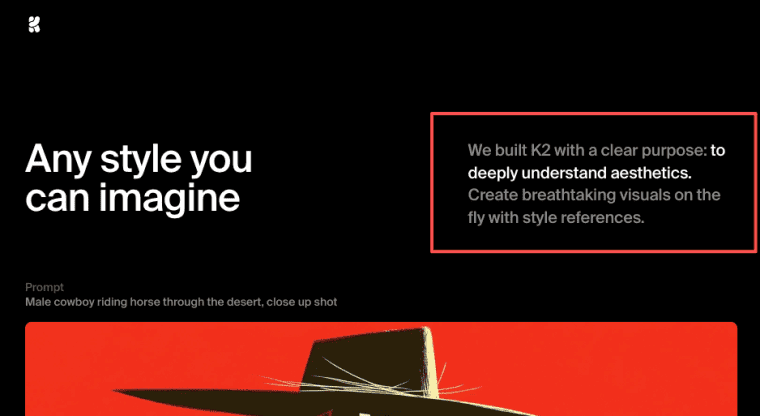
Text-to-image generation, style control, moodboards, Raw and Turbo model paths
Krea's product page shows text-to-image generation, style references, and moodboards as core Krea 2 concepts. It also says users can guide aesthetics with moodboards instead of relying only on longer prompts.
That matters for an image generation app because many users do not think in prompt syntax. They think in examples: "more premium," "more editorial," "more like this campaign," "same product, different mood." Moodboards and references help turn vague creative taste into usable input.
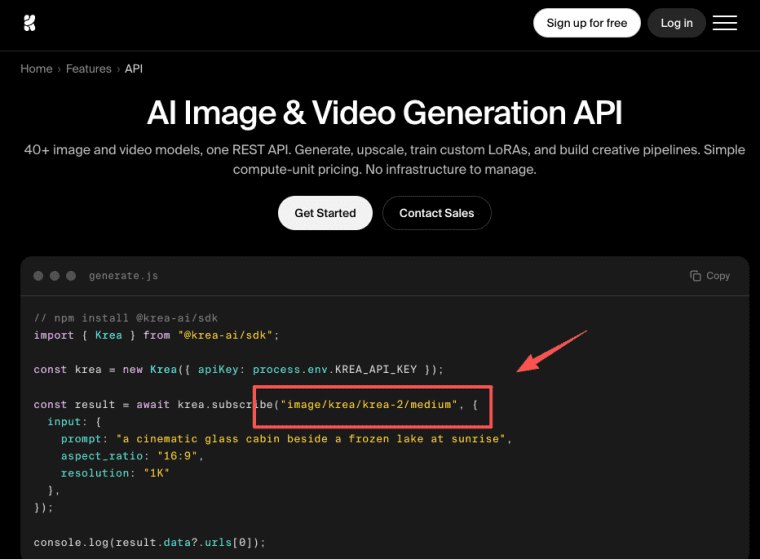
Krea's API page also shows a Krea SDK example using an image/krea/krea-2/medium path. Still, API details, pricing, limits, output rights, speed, and commercial usage should be checked against the latest official docs before launch. A practical API test should include at least five checks: one plain text-to-image request, one reference-image request, one failed or oversized upload, one repeated generation using the same input, and one export flow. Record the model path used, response time, output dimensions, error message, cost or credit usage, and whether the result can be stored and reused under the current terms. That gives you more useful evidence than a single good-looking sample image.
What Krea 2 Does Not Automatically Provide
Krea 2 can generate images, but it does not automatically give you a product business. This is the part founders skip because the demo feels exciting. A user does not only need an image. They need a place to organize the image, compare versions, reuse prompts, manage references, download assets, and understand whether they can use the output commercially. For example, an ecommerce seller may need to upload the same product photo, generate five clean catalog options, save the best one, export a square image for Shopify, and return next week for another SKU. A marketing team may need a campaign folder, brand references, approval history, and ad-size exports. Those workflows depend on product memory and controls, not only image quality.
User accounts, saved projects, credits, billing, permissions, SEO, and support
A real AI image app needs accounts so users can return. It needs saved projects so a brand shoot, ad set, or moodboard does not disappear. It needs credits or usage limits because image generation has cost. It needs billing if users pay. It needs permissions if teams, clients, or agencies collaborate.
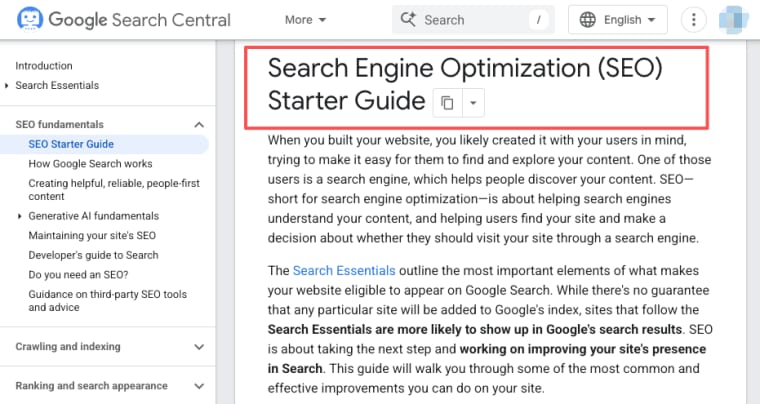
It also needs SEO, a domain, and support. A public app has to explain who it is for before users sign up. Google's SEO Starter Guide is a useful baseline for product pages, especially when the app targets searches like product image generator or brand visual tool.
Product Layers Around an AI Image Model
The model is only one layer. The product needs a full creation loop. That loop should feel familiar: prompt, reference, queue, result, compare, export, regenerate, save, and review. If that loop is messy, users may blame the model even when the product experience is the real issue.
If you want to build the product layer around an image model without getting stuck on accounts, projects, credits, payments, and launch flow, you can start with a launchpad or landing-page builder like HappySeeds to clarify domain, positioning, brand copy, and landing page first. The model matters, but the product loop is what users actually come back to.
Prompt input, upload/reference flow, generation queue, history, export, and regeneration
Start with prompt input. Keep it simple, but guide users toward useful detail: subject, purpose, style, format, audience, and constraints. Then design upload and reference flows. Users may upload product shots, brand images, sketches, moodboards, or past campaigns. Your app should explain what uploads are used for and what users should not upload. A useful first version might ask for six fields: product or subject, intended use, visual style, reference image, output format, and constraints. For example: "ceramic mug," "Shopify product image," "soft studio lighting," "use this reference photo," "square export," and "no visible hands or text." Structured input helps non-designers create better results without learning prompt engineering.
Generation needs a queue. Image tasks may take time, fail, or need retries. Users should see status instead of wondering whether the app broke.
History is not optional. An AI image app should save prompts, reference inputs, generated outputs, selected winners, rejected versions, exports, and regeneration attempts. Regeneration should not overwrite the old result. Users need version history, rollback, and a clear way to compare outputs.
Export should match the job: web image, ad creative, product page asset, social post, moodboard, or downloadable pack.
MVP Ideas for a Krea 2-Based Image App
The best MVP is narrow. Do not start with "generating anything." That is too broad to position and too hard to price. Pick one user, one visual job, and one repeatable output.
Product images, brand visuals, ad creatives, moodboards, and style tools
A product image MVP could help small ecommerce sellers turn rough photos into cleaner catalog visuals. A branded visual app could generate campaign directions from a style guide. An ad creative app could produce variations for Meta or TikTok testing. A moodboard app could help interior designers, creators, or agencies explore visual directions with clients. A style tool could be even narrower: upload references, lock a palette, generate options, save versions, and export a client-ready board.
These are stronger than generic AI app ideas because they map to repeatable business work.
Copyright, Licensing, and Trust Notes
Do not promise "copyright-safe" or "unlimited commercial use" unless the official terms clearly support that claim for your exact setup. This is where trust matters. Users may upload brand assets, product photos, licensed images, or client materials. They need to know what happens to those inputs and what responsibility they keep.
User uploads, generated outputs, commercial usage, moderation, and disclosure copy
Before launch, write plain disclosure copy. Explain that users must have the right to upload content. Explain that generated outputs may still need review before commercial use. Link to Krea's Terms of Service and any current model licensing page before making legal claims.
Add moderation and review paths. If an output looks like a public figure, trademarked character, existing artwork, unsafe content, or client-sensitive asset, the app should be able to hide it, flag it, or require manual review.
Founder Launch Checklist
Before launching, test the business layer as carefully as the image quality. A pretty output is not enough. Users need to finish a job.
Pricing model, storage cost, quality review, onboarding, analytics, and iteration
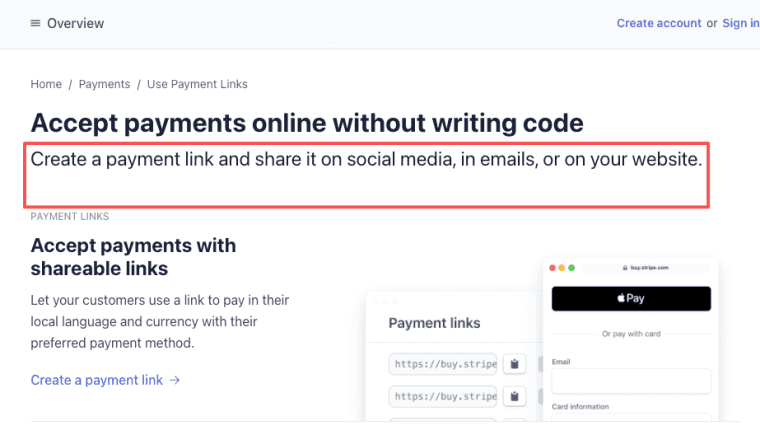
Choose a pricing model: subscription, credit packs, per-export, or project-based access. Stripe's Payment Links documentation is a simple reference if you want to test paid access before building complex billing.
Estimate storage cost. Images are heavier than text. Saved projects, references, exports, and versions can grow quickly. Create a quality review process. Track which outputs users keep, regenerate, export, or delete. Add onboarding so new users know how to provide references and judge results. Add analytics so you can see activation, repeat use, credit burn, and export rate. Then iterate. The first version will probably teach you that users care less about "more styles" and more about one reliable workflow. Finished enough is a real category.
Explore More Topics:
FAQ
Who reviews disputed image outputs?
Disputed outputs should have a defined review owner before launch. For a small app, that may be the founder. For a team app, assign review to support or trust and safety. The key is to document what counts as a dispute: rights concerns, unsafe content, brand misuse, likeness issues, or user complaints.
How should takedown requests be handled?
Create a simple takedown path with an email or form, required evidence, response timing, and escalation rules. Do not wait until the first complaint. Public image tools need a process for removing outputs, pausing user access, and preserving enough records to investigate.
What should teams document before launch?
Document upload rules, prompt rules, commercial-use disclaimers, moderation policy, refund rules, credit usage, regeneration behavior, and support ownership. Also document which Krea docs were checked and when, because model access, pricing, licensing, and API limits may change.
When should generated assets be hidden from users?
Generated assets should be hidden or held for review when they appear unsafe, infringing, private, misleading, or outside the app's stated use case. The product should show a clear status instead of silently failing. Users trust the system more when review behavior is visible.
How should regeneration history be designed?
Regeneration history should save the original prompt, references, settings, output, timestamp, and parent version. Users should be able to compare versions, restore an older result, and see which image was exported. Never make regeneration feel like a slot machine that destroys the previous good result.


