
Hi everyone! I'm Elin. Vibe coding feels magical the first time it works. You describe an idea, the AI turns it into screens and code, and suddenly the product in your head has buttons. For a non-technical founder, that is a real shift. You can test an interface before hiring a team, build a rough customer flow before writing a long product spec, and learn what your idea actually needs.
But learning how to vibe code is not the same as learning how to launch. A prototype can impress friends. A launch-ready app has to survive real users, messy data, failed actions, payments, support requests, and future changes. The goal is not to prompt your way into a beautiful demo. The goal is to turn one useful workflow into something people can use, trust, and come back to.
What Vibe Coding Means for a Founder
Prompt-led iteration versus a sellable application
Vibe coding means using AI to generate, revise, and extend software through natural-language direction. In vibe code 101 terms, the founder describes what the app should do, reviews what the AI builds, asks for changes, and repeats until the first working version appears.
That is powerful because it reduces the distance between idea and test. A founder can vibe code a website for a landing page, a calculator, a dashboard, or a simple internal workflow. Some founders may also explore how to vibe code iOS app concepts, but mobile distribution still brings review, privacy, permissions, account, payment, and device-testing requirements.
The risk is confusing code generation with product creation. Vibe coded products still need users, data models, security boundaries, error handling, and a business model. A free vibe code tool may reduce the cost of starting, but it does not remove maintenance, hosting, legal review, or technical judgment.
Choose One Narrow User Job
Audience, trigger, input, output, and success condition
A launch-ready app starts with one job. The audience is the person who needs the result. The trigger is the moment they open the app. The input is what they bring. The output is what they receive. The success condition is how they know the app worked.
For example, "I want an AI productivity app" is too broad. "A solo consultant uploads a client intake file and gets a first-draft audit summary in 3 minutes" is usable. It defines the buyer, the input, the output, and the value.
This is where many vibe-coded products fail. A founder builds a flexible prompt box and calls it an app. Early users try unrelated tasks, get inconsistent results, and leave because there is no saved project, no expected format, and no clear finish line. The problem is not always AI. Often the workflow is too loose to become a habit.
If you want to vibe code a website that can become a business, resist the blank-canvas instinct. Choose one repeated use case first. A narrow app can always expand later. A vague app usually collapses during user testing.
Write the Product Brief Before You Prompt
Screens, data, permissions, failure states, and acceptance criteria
Before prompting the AI to build, write a short product brief. It does not need to be technical, but it must be concrete. Name the screens users need. Define what data is saved. Decide who can see what. Describe what happens when something fails. Write acceptance criteria for the first version.
A useful brief might say: the app has a login screen, a project dashboard, an upload form, a processing state, a result screen, an edit field, an export button, and a support link. It saves original files, generated outputs, status, timestamps, and user feedback. It blocks users from seeing other customers' projects. It shows a clear error when an upload fails.
This brief becomes the founder's control system. Without it, vibe coding turns into endless styling requests and scattered feature changes. With it, every prompt can reference the same product promise.
The brief should also define what the AI must not do. It should not delete customer data without confirmation. It should not charge credits twice for the same failed run. It should not expose private files. It should not claim outputs are legally safe, medically reliable, or financially guaranteed without qualified review. For AI features, teams should keep an eye on prompt injection, insecure output handling, sensitive information disclosure, and excessive agency before giving the system too much power.
Build and Test the First Working Loop
Use realistic data, record failures, and revise one behavior at a time
The first working loop should be small. A user arrives, adds one input, receives one output, reviews it, and takes the next action. That loop is more important than extra pages, animations, or a settings menu.
Use realistic data from the beginning. If the app is for invoices, test messy invoices. If it is for customer emails, test confusing complaints. If it is for creators, test real images, filenames, captions, and exports. Fake clean data makes a prototype look stronger than it is.
Record failures as product signals. Did the app misunderstand the input? Did the output need too much editing? Did the user get stuck before completion? Did the AI make a confident mistake? Did the page break on mobile? Revise one behavior at a time so you know what improved.
A stronger pilot is boring but revealing. A founder building a client workflow app might ask five existing customers to upload the same type of source file, generate one structured result, and mark each section as useful, edited, wrong, or missing. That small test teaches more than a polished demo because it exposes input quality, review burden, pricing logic, and repeat value.
Add the Commercial Launch Layer
Login, persistent data, payments, domain, privacy, analytics, and support
A prototype becomes a product when the commercial layer appears. Users need login. Work needs persistent data. Customers need payment flows. The app needs a domain, privacy language, analytics, support workflows, and a way to recover from mistakes.
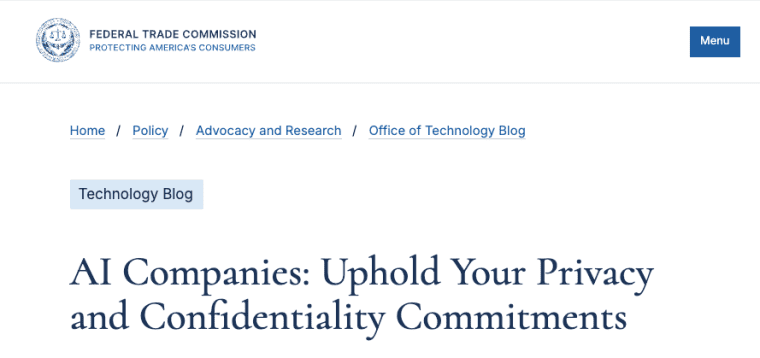
This is the moment where "it works on my screen" is no longer enough. If users pay, they expect their data to stay available. If the app handles personal or business information, privacy promises need to match the actual data flow. The FTC has repeatedly emphasized that companies should honor privacy and confidentiality commitments around AI services, so vague copy can become a real business risk.
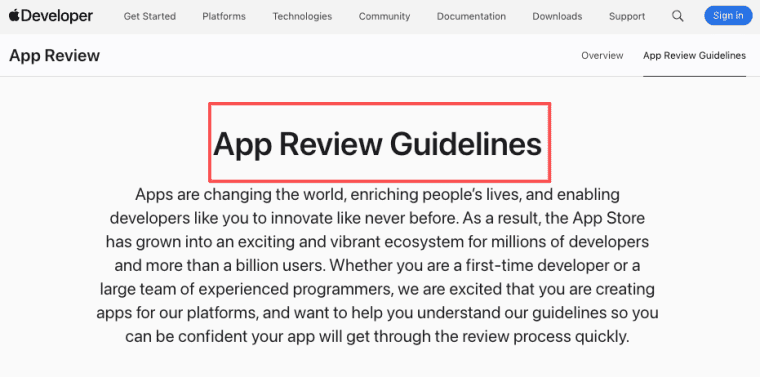
If you plan to vibe code iOS app experiences, the launch layer becomes even stricter. Apple reviews apps for safety, performance, business rules, design, and legal compliance, and user-generated or AI-assisted apps may need content reporting, moderation, privacy disclosure, and payment handling. Treat privacy, security, and content standards for iOS distribution as part of the product plan, not a final-week chore.
The same applies to web apps. A custom domain, onboarding flow, analytics event, and support inbox may sound less exciting than AI-generated features, but they are what let strangers become customers. They also make the product measurable. You can see who signs up, who completes the first workflow, who returns, who pays, and where the app breaks.
When the working loop is already visible, the next challenge is less about generating more code and more about giving the workflow a stable home. That means accounts, saved data, billing rules, review states, and feedback loops around the experience. For founders ready to move past prototype energy, Explore the OPC AI App Builder as a way to shape the product layer around a real workflow.
Improve the App After Real Users Arrive
Activation, completion, failure, retention, and rollback signals
After launch, the founder's job changes from building to learning. Track activation: how many users reach the first meaningful result? Track completion: how many finish the workflow? Track failure: where do errors, retries, or support tickets happen? Track retention: do users return when the same job appears again?
Do not improve everything at once. If users fail during upload, fix upload. If they complete once but never return, sharpen the repeat use case. If they pay but complain about quality, improve review, editing, or fallback paths. If the app is useful only when the founder manually fixes every output, the product may need a human-in-the-loop service model before it becomes self-serve software.
Rollback matters too. AI-generated changes can break old behavior. Keep versions, backups, and a simple record of what changed. When cofounders or contractors are involved, agree on who can approve production changes. The more consequential the app, the less you should rely on vibes alone.
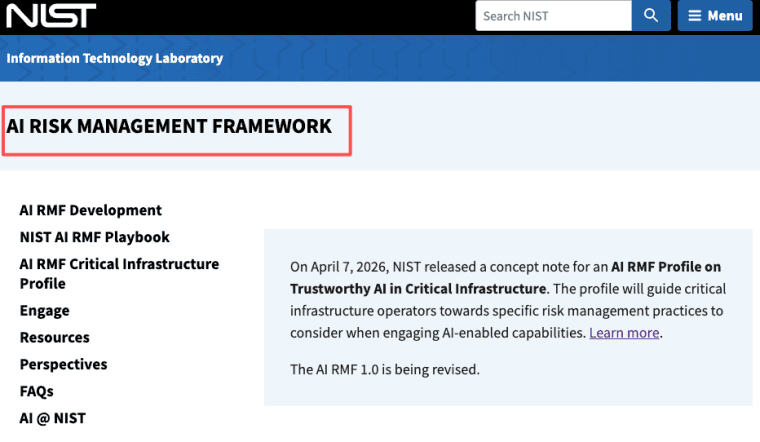
For higher-risk products, use a lightweight risk practice. NIST frames AI risk management as an ongoing process across govern, map, measure, and manage functions, which fits early-stage apps better than a one-time checklist. In founder terms, that means continuous AI risk management should continue after the app is live.
Turning the Vibe Into a Product System
The best answer to how to vibe code is not "prompt harder." It is to define one real workflow, build the smallest usable loop, test it with realistic inputs, and add the product layer before asking strangers to trust it. Vibe coding can help founders move faster, but launch-ready apps still need structure, review, maintenance, and a clear reason for users to come back.
Explore More Topics:
FAQ
Who owns code and assets generated during vibe coding?
Ownership depends on the tool terms, account setup, source materials, contractor agreements, and applicable law. Founders should not assume that AI-generated code, images, copy, or UI assets are automatically clean for every commercial use. Keep records of tools used, source assets, licenses, and contributor approvals. This is not legal advice, and ownership questions should be checked against the relevant tool terms and local rules.
What should be handed to a developer who takes over the project?
Give the developer the product brief, current source code, environment variables list, database schema, third-party services, known bugs, user feedback, payment setup, analytics events, and deployment process. Also include the original workflow logic in plain English. A developer can fix code faster when they understand what the app is supposed to do for the user.
How should cofounders approve AI-generated changes?
Use a simple approval rule before launch. One person can propose changes, but another person should review changes that affect payments, permissions, user data, production deployment, or customer-facing claims. For very small teams, even a short written changelog is better than silent edits.
When should an abandoned prototype be formally retired?
Retire a prototype when users can still access it, when it stores data, when it has public links, or when it uses paid services that may keep running. Close accounts, export needed records, delete unnecessary data, remove public claims, and notify users if they relied on the app. A quiet prototype can still create privacy, billing, or support problems.


