
I clicked "Publish" on my first Claude Artifact at about 11pm, mostly to see what would happen. Twenty minutes later a friend was using the little expense tracker I'd built, on her phone, without a Claude account. That's the moment what Claude Artifacts actually are clicked for me — not a code preview, a thing other people can use.
So here's the honest version. I've broken a couple of these, I went and re-read the official docs before writing this because the rules around storage and publishing changed and I didn't want to hand you a stale number. Hi, Elin here. This walks through what you can build, how publishing and sharing work, what the data limits really are — and the one boundary that matters most: where an Artifact stops and a real product begins.
What Are Claude Artifacts?
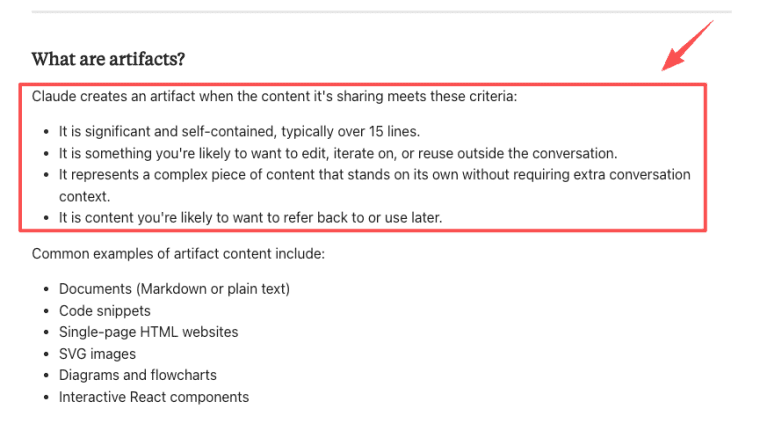
A Claude Artifact is a self-contained piece of content Claude builds and renders in a side panel next to your chat — code, a document, a chart, a webpage, or a working interactive tool. Instead of a wall of text you have to copy out, you get something you can see, click, and edit in place. Claude opens one automatically when the output is substantial and stands on its own (roughly 15+ lines), per the Claude Help Center on artifacts.
More than documents and code previews
This is where most people stop short. They see an artifact pop up, assume it's a fancy code box, and close the tab. But artifacts Claude now generates can hold their own state, call Claude's own intelligence, and connect to outside services. For serverless MySQL, see PlanetScale with Codex. The "what is artifacts" question has a different answer than it did a year ago — it went from preview panel to something closer to a tiny app environment.
What You Can Build With Claude Artifacts
The range surprised me — I went in expecting documents and ended up building a game. Here's what's on the table: documents and data visualizations, HTML pages and React components that actually feel like an app, and calculators, quizzes, games — anything interactive.
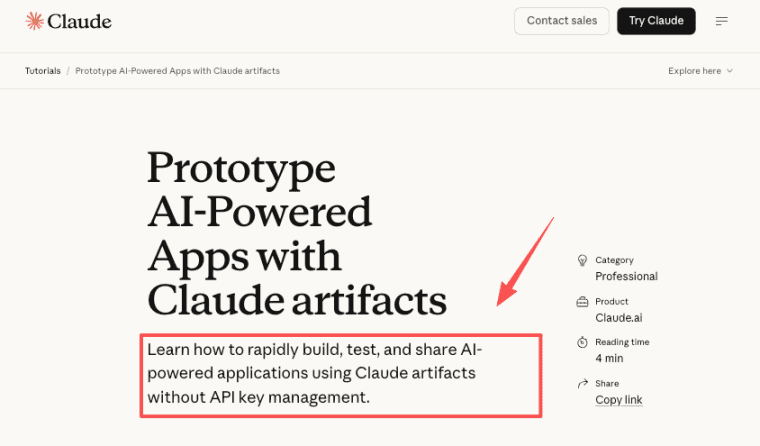
Then there's the category that changes the math: AI-powered artifacts. Claude can run inside the artifact as the reasoning engine — a language tutor you chat with, a code reviewer that gives feedback. Anthropic's own guide to prototyping AI-powered apps lays out how: basically, ask Claude to use Claude. No API keys to wrangle.
This is the part that makes "Claude app builder" a fair description rather than marketing. You describe a tool in plain English; you get a working one.
How Creating and Iterating Works
The loop is fast. You prompt, the artifact appears, you ask for changes. A version selector lets you flip between iterations — so when a change makes things worse, you don't lose what worked. Two things worth knowing: you can toggle to code view and copy it out any time, and for Markdown, "Edit with Claude" lets you highlight a specific section and change just that spot. The thing I'd tell past-me: small, surgical prompts beat big vague ones. "Add a pie chart by category" works. "Improve the visualization" sometimes triggers a full rewrite that nukes your working logic.
Publishing, Sharing, and Plan Boundaries
Publishing is the step that turns a private experiment into something with a link. You hit Publish, Claude generates a public URL, and you share it. Anyone with the link can open and use it — and here's the part I keep repeating to people because it surprises them — viewers don't need a Claude account to use a published artifact. They just use it. A Claude account only matters if someone wants to remix it into their own editable copy.
Public publishing vs organization-only sharing
This is where the plan you're on changes what's possible, and it's worth getting right before you build something to share.
| Who can see it | Account needed to view? | |
| Publishing (Free, Pro, Max) | Anyone on the internet with the link | No |
| Sharing (Team, Enterprise) | Only people in your organization | Yes — must sign in as an org member |
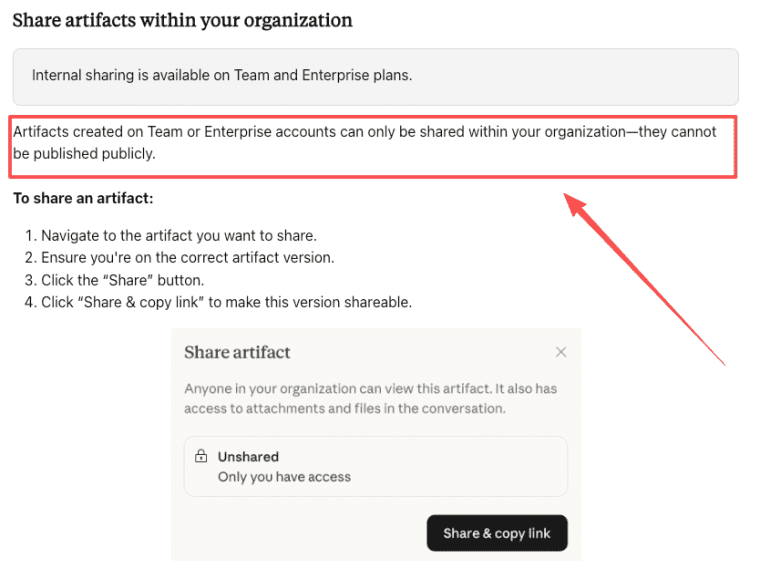
Per the publish and share documentation, artifacts created on Team or Enterprise accounts can only be shared within your organization — they can't be published to the public web. So if your plan is to build something for strangers on the internet, check which account you're building on first. I've watched someone build a whole tool on a Team account meaning to share it publicly, then realize they couldn't.
One more boundary that bites people: once you unpublish an artifact, you can't publish that same one again. You'd build a new one. And if it used persistent storage, unpublishing permanently deletes all the stored data. Export anything you care about before you pull the link.
Data and External Services in Current Artifacts
The old line that artifacts are stateless, isolated toys is just out of date now. Two upgrades changed that.
Persistent storage and MCP connections
Persistent storage lets an artifact remember things between visits — a journal that keeps your entries, a tracker that holds its state. The verified specs, as of publication: up to 20MB per artifact, text/JSON only, available on Pro, Max, Team, and Enterprise plans. Two flavors: personal (each user's data is private to them) and shared (everyone using the artifact sees the same data pool, like a leaderboard).
Here's the gotcha that silently breaks beginners, and I hit it myself: storage only works on a published artifact. During development and testing, storage operations just fail — no error, no warning, your data quietly vanishes. The fix is to publish before you test the storage. I lost a confusing twenty minutes to this before I read the docs and felt slightly dumb.
MCP connections
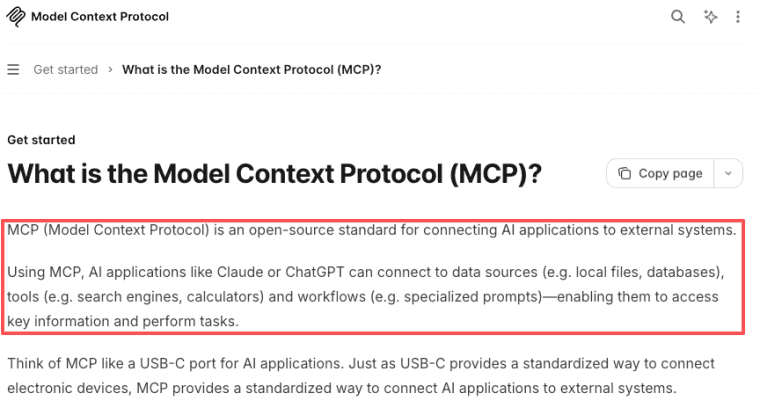
let an artifact reach external services — Google Calendar, Slack, Asana — on Pro, Max, Team, and Enterprise. The Model Context Protocol documentation explains the standard. Each user authenticates MCP servers independently, even for a shared artifact. They're not piggybacking on yours.
Where Artifacts Fit — and When You Need More Than One
Artifacts are spectacular for the inside-the-conversation loop: prototype, validate, share a link, watch someone use it, iterate. Nothing gets you there faster.
But they have a deliberate ceiling — and the billing model explains the shape of it. Storage tops out at 20MB of text, frontend only, no backend you control, no payment processing, no custom domain, no SEO surface. And when someone uses your published AI-powered artifact, the AI usage counts against their Claude subscription, not yours. That's great for sharing with 10,000 people without going broke — but notice what it implies. It's a tool people use, not a product you operate and charge for.
On the SEO point: Google's guidance on helpful content rewards pages with real signals — a claude.ai URL isn't built to compete there the way an independently operated site is.
So the line is: an Artifact is the fastest way to prove an idea is worth something. The moment you need to own the customer relationship, take payments under your own brand, or hold real business data — that's when you've outgrown it. Both steps are real. Just don't mistake the first for the second.
You Already Know Enough to Break One
That's not a throwaway line. The fastest way to understand what Claude Artifacts are is to open Claude, ask for something small — a tracker, a calculator, a dumb little game — and hit Publish. You'll hit a wall or two (probably the storage-before-publish one). That's fine. That's the part where it actually makes sense.
Plan availability, storage specs, and publishing rules described here were checked against the official Claude documentation as of publication. These details change; verify the latest on Anthropic's official help center before relying on them.
Explore More Topics
FAQ
When someone uses my AI-powered artifact, whose Claude usage does it consume — mine or theirs?
Theirs. Each viewer authenticates with their own Claude account and the AI usage counts against their subscription limits, not the creator's. On Team and Enterprise, org members can use a shared AI-powered artifact without adding cost to whoever built it. Worth knowing if you're designing a tool for a big audience.
What actually happens to stored data and the link if I unpublish?
The public link stops working immediately — anyone opening it afterward gets an error. And if the artifact used persistent storage, that data is permanently deleted on unpublish, both personal and shared. You also can't republish that same artifact. Export first. This one isn't reversible, so treat it carefully.
Can an artifact I make on a Team or Enterprise plan be published publicly?
No. Artifacts created on Team or Enterprise accounts can only be shared inside your organization, and viewers have to sign in as org members. Public publishing is a Free, Pro, and Max thing. (Policy details like this can shift — confirm against the official docs before you build a sharing flow around it.)
What should I check before putting sensitive data or external connections into an artifact?
Two things. First, whether the artifact uses shared storage — because shared means other users can see that data pool. The creator decides personal vs. shared when building it, so look before you type anything private in. Second, for MCP, remember each person connects their own accounts. For anything genuinely sensitive, treat the official privacy and security documentation as the source of truth, not a blog — including this one.


