Reviewed September 20, 2026 for 2027 planning.
The small-business AI problem is rarely a lack of options. It is the opposite: five subscriptions, five small pockets of business context, and no clear answer to who owns the next customer step. The best AI tools for small business remove one recurring friction without creating another system someone has to babysit.
This guide is for owners without a dedicated IT or AI team. It uses one job per tool, one important limitation, and a clear line between standard SaaS and a custom workflow. It is a planning snapshot, not a promise that the same tools will lead throughout 2027.
Quick Picks for 2027 by Business Job
| Business job | Primary starting point | Necessary backstop | Choose it when | Pause when |
| Research and writing | ChatGPT Business | Named human reviewer | Shared drafting, analysis, and internal research | Output makes a customer, legal, financial, or hiring commitment |
| Meetings | Otter | Meeting owner | Calls lose decisions before follow-up | Consent, accuracy, or confidentiality is unclear |
| Marketing | Canva | Brand template and editor | One approved message needs several assets | The offer and proof are still vague |
| Support | Intercom with Fin | Human escalation route | Repetitive questions have a clean knowledge base | Policies change often or cases need judgment |
| Operations | Zapier | Manual exception queue | Existing systems need a simple trigger-and-action flow | Customers need a branded, saved workflow of their own |
| Custom client workflow | HappySeeds | Data-isolation and payment tests | A conversationally built web portal needs its own workflow | The workflow or external setup is still unverified |
These are not interchangeable tools. Start with the bottleneck you can describe in one sentence, not the product with the longest feature list.
How We Chose Tools for Small Teams
One Outcome per Category and a Shared Evidence Date
Each tool needs a named input, outcome, owner, and human takeover point. "Make us more productive" is not enough. "Turn an approved sales call into a reviewable follow-up and next-step list" is a workable outcome.
Product facts change quickly. Treat this as a September 20, 2026 snapshot for 2027 planning, then recheck plans, free tiers, data terms, connectors, and regional availability before purchase.
What Changed in the Small-Business AI Stack for 2027
The shift is from isolated prompts to connected work. A team can now summarize a call, draft a reply, adapt a campaign asset, or route a lead without switching between five manual steps. That only works well when someone decides which data can move, what action needs approval, and how an error gets recovered.
That is why tool choice is more operational than glamorous. A clean source of information, a repeatable decision, and an owner for exceptions matter more than the most advanced model.
AI Tools for Research, Writing, and Meetings
ChatGPT Business is a strong first choice for shared research, writing, and analysis when the team needs central administration rather than a collection of personal accounts. Its Business workspace controls and default business-data protections are the meaningful difference. It can help turn a messy brief into a first draft, compare options, or summarize internal material, but source checks and customer-facing claims still need a human reviewer.
Otter is useful when decisions disappear between the call and the follow-up. Its meeting-notes workflow captures transcripts, summaries, and actions around common video calls. Use it for recall, not as the final record of what a client agreed to. The meeting owner should confirm decisions, correct names or figures, and publish the action list.
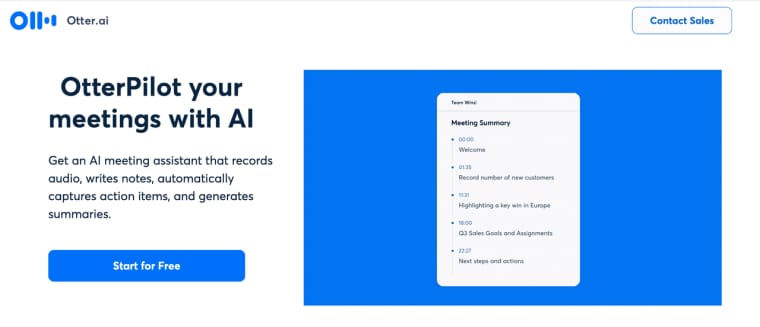
A free tier can test a recurring job. It is not automatically a durable team process. Check meeting minutes, storage, collaboration, admin controls, and data terms before a successful trial quietly becomes a business dependency.
AI Tools for Marketing and Customer Support
Canva is a sensible starting point when the job is turning one approved message into consistent campaign assets. Its AI-assisted campaign workflow can adapt a message across formats and work from brand guidance. It is not a strategy engine. If the offer, audience, or proof is still vague, more variations only multiply the fuzziness.
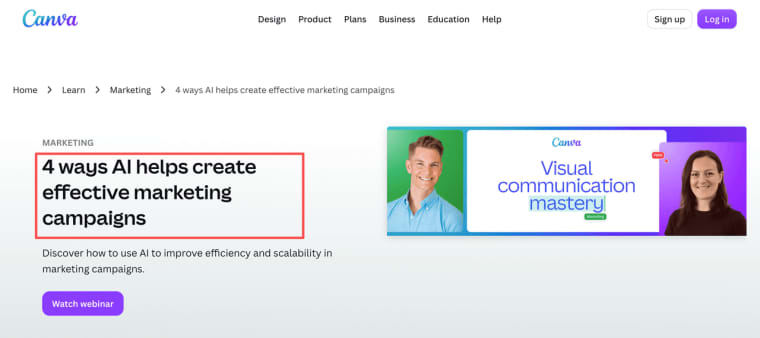
This is where ai tools for small business owners can be genuinely useful: a local service business approves one seasonal offer, then creates its email visual, social post, and simple print asset from the same source. The editor, not the tool, remains responsible for the final claim and tone.
Intercom with Fin is worth considering only after the help center and escalation rules are credible. Its outcome-based support model separates a successful resolution from an unanswered attempt and lets teams set usage limits. The trade-off is blunt: AI support amplifies the knowledge it receives. A messy policy library produces faster, more confident confusion.
AI Tools for Operations and Automation
Zapier is a practical first option for ai tools for small business automation when the team already has systems to connect: a form, CRM, inbox, spreadsheet, booking tool, or payment system. Its Free plan can test simple single-user flows, while shared workspaces, multi-step automation, and higher control are separate plan decisions.
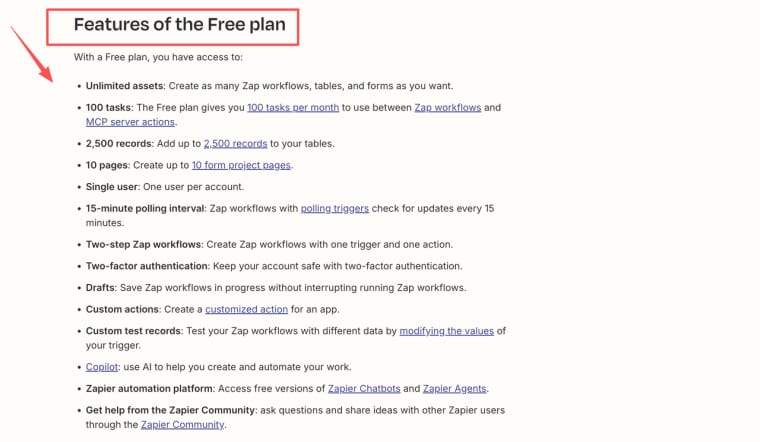
Start with an event that already happens. A qualified lead arrives, an invoice is paid, or a customer submits an intake. Copy the necessary record, alert an owner, and create the next task. That is easier to inspect than an agent told to "manage our operations."
A connector is not a customer experience. If clients need a branded intake, saved history, approval states, role-based visibility, and support, a chain of automations becomes hard to explain. That is the moment to consider an app around the workflow instead of another connection inside it.
Build or Customize a Workflow App
Standard software is enough when the process is familiar and customers never need to see the machinery. A helpdesk can handle support. A meeting assistant can preserve call context. An automation platform can route an internal event.
Build or customize when customers must enter and revisit a distinctive sequence. For example, an accounting consultancy may need clients to upload records, answer follow-up questions, see missing documents, approve a filing pack, and receive a next-step notice. The value is a calmer, visible client experience, not "AI automation."
Use a simple test. If staff repeatedly copy context between tools, explain the same status by email, or manually protect which client can see which record, map the workflow before buying another SaaS add-on. A custom app earns its place when it fixes a recurring coordination problem.
Compare Cost, Data Handling, and Adoption Effort
| Tool type | Cost pattern to inspect | Data-handling question | Adoption effort |
| Research and writing workspace | Seats, usage, overages | Who can use connected sources? | Low |
| Meeting assistant | Free tier, storage, minutes | Who can record, edit, and delete content? | Low |
| Marketing AI | Free features, generation, team seats | Which brand and customer assets are uploaded? | Low to medium |
| AI support | Helpdesk seats and outcomes | What can it answer, and when does it hand off? | Medium |
| Automation platform | Tasks, connectors, error recovery | Who owns and can revoke each connection? | Medium |
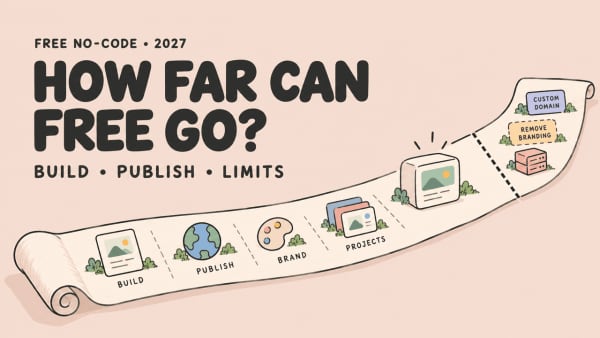
Free AI tools for small business are useful only when their ceiling matches the experiment. Separate a permanent free allowance from a time-limited trial, then calculate one normal week of meetings, tasks, support conversations, outputs, and users before calling a plan a budget solution.
Start With a Three-Tool Stack
Do not buy one tool for every category. Pick one thinking tool, one artifact-producing tool, and one that moves a reliable event forward.
A service business losing information in calls might start with ChatGPT Business, Otter, and Zapier. An ecommerce brand with a steady support queue might start with ChatGPT Business, Canva, and Intercom. Neither stack is a permanent architecture. Each is a controlled test of where work currently breaks.
After two weeks, ask whether the team used the tool without chasing, whether a real output needed fewer edits, and whether the tool created a new manual workaround. Keep only tools with a visible role in the workflow.
Limits and Human Review
AI can draft, classify, summarize, route, and surface options. Keep human review for refunds, pricing exceptions, employment decisions, sensitive complaints, and any commitment the business cannot undo.
Tell employees what they may upload, who can connect third-party accounts, and how long records remain. This is general operational guidance, not legal, privacy, security, or compliance advice. Your contracts, local rules, and vendor terms determine what the business must do.
Where HappySeeds May Fit a Custom Workflow
HappySeeds may fit when a customer-facing process no longer fits a standard tool. It is for non-technical users who want to use conversation to build and publish a web app, not a generic replacement for ChatGPT, a meeting assistant, a design suite, helpdesk, or connector.
An accounting consultancy could turn intake, document requests, status, clarification, review, approval, and next steps into one client portal. HappySeeds can support saved data, user sign-in, and configured access rules around that workflow. Its Auth and Payment setup covers checkout, subscriptions, webhooks, and customer-billing flows when the founder configures the required external accounts. The Database feature stores project application data for profiles, saved submissions, dashboards, and other records.
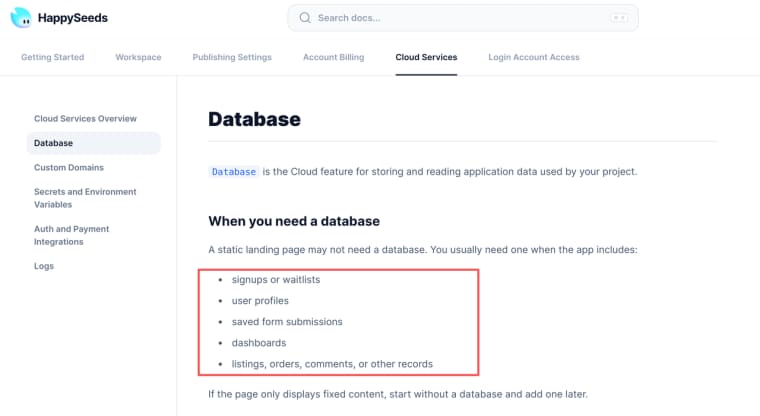
That does not make isolation or payment behavior automatic. Test that each client sees only its own records, then test checkout, subscription, webhook, failed-payment, and support paths from the published URL before making a customer promise.
Choose Fewer Tools, With Clearer Jobs
The best AI tools for small businesses in 2027 will be the ones a small team can explain: this is where we research, capture decisions, move work, and keep human responsibility. Start with one painful handoff and give one tool a defined job.
Explore More Topics:
FAQ
How should a small team decide whether to keep a three-tool stack after two weeks?
Keep a tool only when it has a visible role in the workflow. Review whether the team used it without reminders, whether it created an accepted output or clearer next step, and whether it introduced a new workaround. If a tool still needs someone to copy its output elsewhere, it may be solving the wrong problem.
When does a free tier become a business dependency?
A free tier becomes a dependency when a normal week of work depends on its allowance, storage, connected account, or shared history. At that point, treat the upgrade decision as an operating cost, not a pleasant surprise. Document the owner, fallback process, export option, and what happens when the limit is reached.
Where is the boundary between a HappySeeds workflow and a Zapier chain?
Use Zapier when work moves between existing systems through a clear trigger and action, such as sending a qualified lead into a CRM. Consider HappySeeds when customers need their own interface, sign-in, saved records, configured access rules, status visibility, approvals, or payment flow. The two can sit together, but the customer journey should have one clear home.
How can a small team make human review practical?
Give each AI-assisted workflow four fields: the action being reviewed, the responsible reviewer, the evidence they must check, and the stop condition. For example, a support reply may need a team member to verify policy accuracy before it is sent, while a failed payment should stop automation and route the case to a named person.