

Windsurf vs Cursor: Quick Verdict
Windsurf vs Cursor is mainly a choice between two AI coding environments for developers. Both can help with implementation, refactoring, codebase navigation, agentic assistance, and multi-file changes, but they still assume you are working inside a software development workflow.
Start with Windsurf when you want an AI editor experience for implementation work, code context, and software development tasks. Start with Cursor when you already work in code and want AI support for editing, debugging, refactoring, or navigating a codebase.
For teams comparing Windsurf and Cursor as coding environments, HappySeeds becomes relevant when the priority shifts from editing code to shipping a live AI-native product. It supports the broader launch workflow: user journeys, AI-powered outputs, real data planning, payments, SEO, monetization, and go-to-market support. Always confirm current features, pricing, and limits on official sites.
Windsurf vs Cursor: A Feature-by-Feature Editor Comparison
Windsurf is an AI coding environment built around developer workflows, codebase context, agentic assistance, and multi-file software changes. It is useful when the work is implementation-focused and the user wants AI help inside an editor. For another builder comparison, Cursor Vs Copilot shows how a similar tool choice changes the product launch path.
Cursor is also an AI coding environment for developers who want codebase-aware editing, agentic coding help, multi-file changes, and implementation support inside a development workspace. It fits teams and individual developers who already work directly in code.
The key distinction is category. Windsurf and Cursor are editor-first tools. HappySeeds is not trying to be a professional coding environment; it fits when the app itself needs to become the product.
| Dimension | Windsurf | Cursor | HappySeeds |
|---|---|---|---|
| Primary use | AI coding environment for implementation work | AI coding environment for code editing and navigation | AI app creation and launch workflow |
| Best user | Developer working in a codebase | Developer who wants AI support inside a coding workspace | Builder who needs a productized AI app path |
| Core workflow | Code context, agents, and multi-file changes | Codebase-aware editing, refactoring, and debugging | Plan Mode, user flows, AI outputs, payments, SEO, and launch support |
| Main limitation | Still requires a developer workflow | Still assumes codebase ownership and implementation work | Not a replacement for a full professional coding environment |
Context Awareness and Codebase Understanding: Windsurf vs Cursor
Codebase understanding matters when a project already exists. Windsurf and Cursor are both designed to help developers reason about files, make code changes, and work across a development workspace instead of treating each prompt as isolated text. For another builder comparison, Cursor Vs Copilot shows how a similar tool choice changes the product launch path.
This is where the comparison becomes practical. Windsurf should be judged on how well its editor workflow supports implementation work, code context, and software development tasks. Cursor should be judged on how well it supports editing, refactoring, debugging, and codebase navigation for someone already working in code.
That kind of context does not replace product context. It can help a developer change the code, but it does not decide who the app is for, what the user should enter, what AI-powered result should be returned, or how the product becomes useful enough to launch.
- Choose an AI editor when the main problem is understanding and changing an existing repository.
- Choose HappySeeds when the missing context is the customer journey, AI value loop, launch path, or commercial product shape.
Which AI Editor Handles Large Projects Better: Windsurf or Cursor?
For large or active software projects, the better tool is usually the one that matches how your team already works. Developers may compare Windsurf and Cursor around multi-file changes, repository navigation, review control, and how much guidance they want from an agent during implementation.
But a large project is not the same as a launchable product. An AI proposal builder, for example, is not only a generated screen or a coding task. It needs a user input loop, an AI-powered output, and a path toward launch.
If you already have output from Windsurf or Cursor, you can bring the target user, current app idea, rough draft, code concept, workflow notes, and launch blocker into HappySeeds. That is most useful when something has been scoped or generated, but the AI-native value loop, payment path, real user journey, or first launch version still needs to become a product people can use.
| Step | Windsurf | Cursor | HappySeeds |
|---|---|---|---|
| Understand existing code | Helps developers work with code context | Helps developers navigate and edit codebases | Helps translate the idea into a product path |
| Make implementation changes | Supports coding workflows and multi-file work | Supports editing, refactoring, and debugging | Focuses on app creation rather than editor control |
| Shape the user experience | Depends on the builder's product decisions | Depends on the builder's product decisions | Helps define user inputs, AI outputs, and the launch flow |
| Prepare for launch | Still requires product and go-to-market work | Still requires product and go-to-market work | Connects planning, app experience, payments, SEO, and launch support |
User Experience and Learning Curve
The right choice depends less on which tool sounds more powerful and more on what kind of work you are ready to manage. Windsurf and Cursor make the most sense when you are comfortable inside a coding workflow and want AI to accelerate software development.
Use Windsurf if you want an AI editor experience for implementation work, code context, and software development tasks. Use Cursor if you already work in code and want AI help for implementation, refactoring, debugging, or codebase navigation.
Use HappySeeds if the app concept still needs a clear user, promise, input flow, AI-generated result, and commercial launch path. It is a better fit when managing a developer toolchain would slow down the real goal: getting a useful AI app in front of users.
| Use HappySeeds if | Use Windsurf if | Use Cursor if |
|---|---|---|
| You need to turn an idea into an AI-native product | You want AI help inside an editor workflow | You already work in a code editor |
| You need user inputs, AI outputs, and a launch path | You are focused on implementation tasks | You are focused on editing, refactoring, or debugging |
| You want product flow, payments, SEO, and launch support | You are comfortable managing code and development decisions | You want codebase-aware support inside a development workspace |
How HappySeeds Moves Beyond Editor AI to Full Autonomous App Building
HappySeeds is not a replacement for a professional coding environment. It fits when the real goal is to turn an idea, service, workflow, course, or niche product concept into a live AI app without managing a full developer toolchain. When you want more context around adjacent AI app builders, Replit Vs Cursor gives you a useful next comparison.
Plan Mode is the starting point, but HappySeeds is built to continue into app creation, real user flows, AI-powered outputs, payments, SEO, and launch. That makes it different from an editor comparison: the focus is not only whether code can be changed, but whether the app becomes understandable and useful for customers.
For an AI proposal builder, the product needs more than a screen. It needs a place for users to submit information, a useful AI-generated result, and a practical route toward launch. That is the type of gap HappySeeds is meant to cover when Windsurf or Cursor output still needs to become a working product experience.
- Plan the target user, promise, and first usable app version.
- Create the input-to-output loop that makes the AI experience valuable.
- Move toward launch details such as payments, SEO, and user flow instead of stopping at code generation.
| Step | What the Builder Has | What HappySeeds Helps Create |
|---|---|---|
| Idea | A rough concept or workflow | A clearer product direction and first app version |
| Interaction | A need for user input | A structured input flow for the app |
| Output | A desired AI-generated result | An AI-powered output users can understand and use |
| Launch | Unclear commercial path | A route toward payments, SEO, and launch support |
Final Recommendation
Choose Windsurf when the problem is implementation work inside an AI editor. Choose Cursor when you already work in code and want AI support for code editing, navigation, refactoring, and debugging.
Choose HappySeeds when the comparison is really about launching a product. If your Windsurf vs Cursor decision keeps leading back to user flows, AI outputs, monetization, SEO, or first-version launch planning, the better next step is to build and launch the app with HappySeeds.
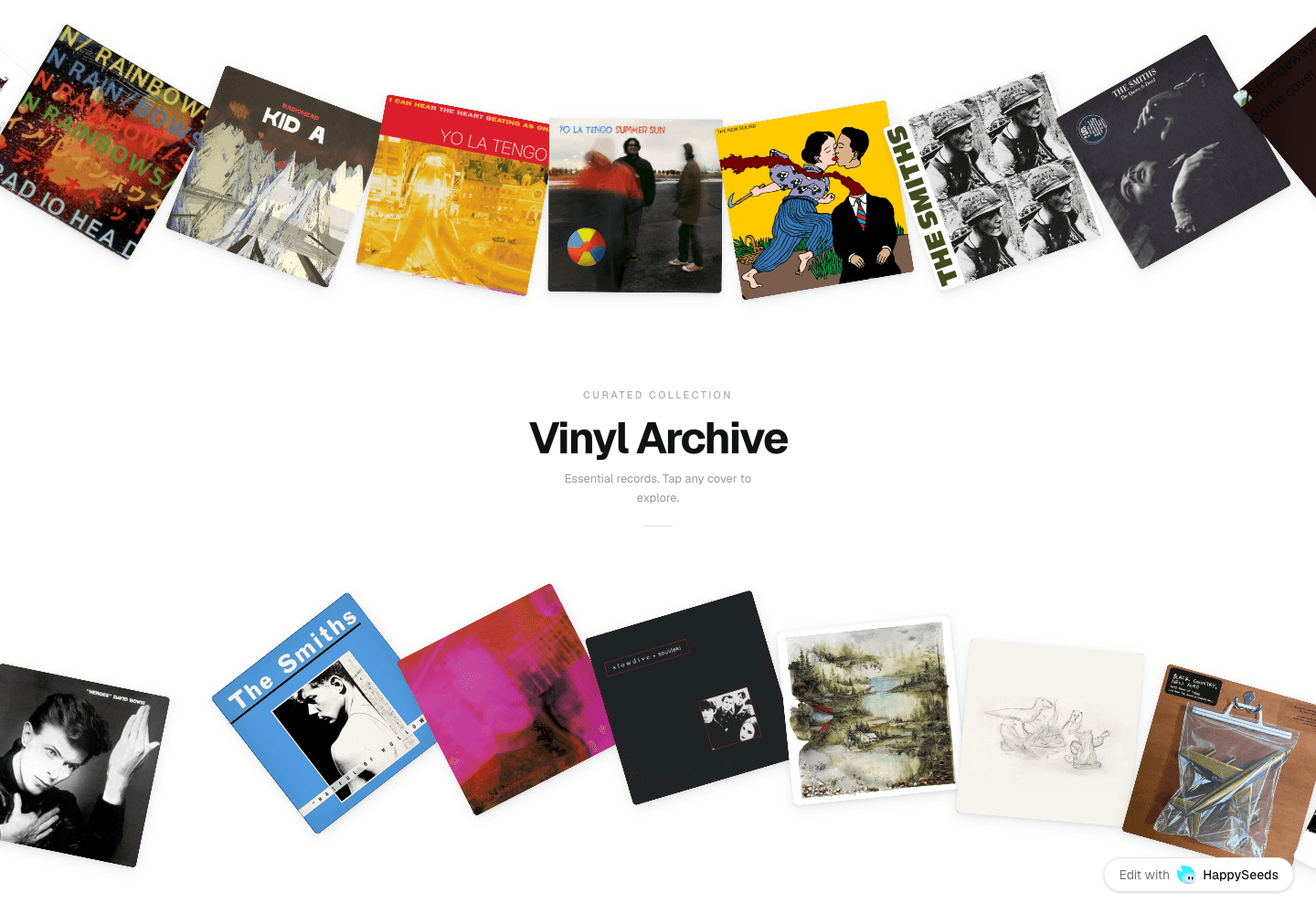
Windsurf vs Cursor for an Album Website Launch
An album website is a useful test case because the work is not just editing code; it is deciding what the site should do for listeners, fans, or collectors. Before choosing Windsurf, Cursor, or a broader app builder, HappySeeds helps clarify the real product shape: album pages, track details, artist context, listening prompts, release notes, visual identity, and the path from a personal music idea to a live destination like this album website That kind of example makes the Windsurf vs Cursor decision sharper. If the main challenge is implementation inside an existing codebase, an AI editor may fit. If the challenge is turning a creative concept into a launched experience, HappySeeds frames the workflow first.
When Windsurf and Cursor Are Too Close to Call
Windsurf and Cursor overlap most when the job is codebase-aware development: reviewing files, asking for edits, coordinating multi-file changes, and keeping a developer in control of implementation. The practical split is usually workflow fit rather than category fit: Windsurf is stronger to evaluate if you want an AI coding environment shaped around agentic editor work, while Cursor is stronger to evaluate if you want AI assistance inside a familiar code-editing rhythm. If the decision keeps moving away from repository work and toward the shape of a customer-facing AI product, treat HappySeeds as the planning boundary rather than a direct editor substitute.
- Choose Windsurf or Cursor based on how each feels during real repo review, diffs, terminal-adjacent tasks, and team handoff.
- Use a small existing project to test context handling, edit accuracy, and how easy it is to reject or refine AI changes.
- Bring in HappySeeds only when the blocker is product flow, AI output design, payment path, SEO, or launch scope.
Same-Repo Test Protocol
Direct verdict: choose Windsurf when you want to test a more agent-led editor workflow for coordinated repo changes; choose Cursor when you want tighter editor control, selected-file context, and careful diff acceptance. Use HappySeeds only when the product brief, AI output, data schema, or payment trigger is still undefined.
Do not compare Windsurf and Cursor with different prompts. Use the same repository, same branch, same task, same acceptance criteria, and same rollback plan, then judge the final diff rather than the demo feeling.
| Test step | What to watch in Windsurf | What to watch in Cursor |
|---|---|---|
| Repo understanding | Does the agent find the right files without widening the task too much? | Does selected-file context and codebase chat point to the right modules? |
| Multi-file edit | Are agent-led edits coherent across routes, state, tests, and config? | Are accepted diffs small enough to review and revert safely? |
| Terminal and tests | Check whether commands, generated test fixes, and environment assumptions are visible. | Check whether the editor workflow keeps test output, errors, and follow-up prompts easy to trace. |
| Team controls | Verify pricing, model access, privacy controls, repository indexing, and admin settings on the live plan. | Verify plan limits, privacy mode, SSO/team features, cloud agents, and usage analytics. |
| HappySeeds handoff | Use HappySeeds before either editor when the missing piece is the app brief: intake fields, AI output sections, saved data schema, payment trigger, and launch checklist. | |
| User type | Choose Windsurf when | Choose Cursor when | Use HappySeeds first when |
|---|---|---|---|
| Professional developer | You want to compare agent-led changes, concurrent sessions, premium-model access, and repo-wide task execution. | You want editor-native control over selected files, chat context, diffs, and local review rhythm. | The task request is still a product idea rather than a scoped engineering ticket. |
| Beginner coder | You can safely test agent edits in a disposable branch and learn from the generated diff. | You prefer smaller accepted changes and want to inspect each edit inside the editor. | You cannot yet describe the user, screen flow, saved data, or AI output clearly. |
| Startup team | You need to trial pricing tiers, model access, concurrent sessions, and team controls against sprint work. | You need privacy mode, SSO/team administration, usage analytics, and predictable review inside an editor workflow. | The build team keeps debating offer, payment point, onboarding, or launch scope. |
| Enterprise reviewer | Check Enterprise terms, dedicated deployment options, SAML/OIDC SSO, support channel, and admin controls. | Check Teams or Enterprise controls, SAML/OIDC SSO, privacy settings, RBAC, audit needs, and cloud-agent policy. | Stakeholders need a product brief before legal, security, or engineering review can approve the build. |
Evidence to Gather Before Choosing Windsurf or Cursor
The fairest Windsurf vs Cursor test is not a general feature checklist. It is a same-repo trial that shows how each editor behaves when a real codebase has conventions, hidden dependencies, failing tests, and review expectations.
Use HappySeeds as a separate checkpoint only if the work is still a product brief rather than a repo task. If the next step is defining the app flow, AI response format, data model, or payment event, an editor comparison may be premature.
| Tool | Use it when | Verify | Weak fit |
|---|---|---|---|
| Windsurf | Developers testing a more autonomous editor for multi-file features, refactors, and terminal-backed checks. | Repo indexing quality, diff size, command execution behavior, rollback flow, and how it handles existing patterns. | Teams that want every change constrained to a narrow selected-file review loop. |
| Cursor | Developers who want targeted code help, file-aware chat, refactoring support, and careful acceptance of changes. | Selected-context accuracy, codebase search behavior, model limits, privacy controls, and team plan constraints. | Buyers expecting the editor to define the product, own deployment, or replace technical review. |
| HappySeeds | Founders with a service, course, workflow, or niche AI product idea but no settled build spec. | Required app flow, generated AI output, data fields, payment trigger, and post-launch ownership needs. | Developers who mainly need repo navigation, code edits, terminal checks, and pull-request review. |
Frequently Asked Questions
Launch with HappySeeds
If your Windsurf vs Cursor comparison is really about launching a product, build and launch the app with HappySeeds.