I keep seeing the same search pop up in indie maker Discords — "what's a good Rork alternative?"Every time I click in, it's the same tired comparison tables of mobile app builders. The problem is, most people typing this aren't actually looking for a mobile app. They just don't know it yet.
I'm Elin, 26. I know this because I was one of them. Last month I wasted an entire Saturday building a massive spreadsheet of Rork alternatives, only to realize halfway through that I was solving the wrong problem. My project didn't need to live in the App Store.It needed to live on a URL that people could actually pay me through. That realization changed everything.
Here's the frame I wish someone had given me earlier: people searching "Rork alternative" usually fall into three very different groups:
- Those who like Rork but find the credits too expensive
- Those who quietly realized their idea doesn't actually need a native mobile app
- Those who've moved past the tool question entirely and just want to know if anyone will pay for the thing once it ships
This post is written mostly for the third group.
TL;DR: If your distribution channel is genuinely the App Store, stop reading and use Rork — it's good at what it does. If your users are going to find you through Google, a newsletter, or a tweet, you don't need another mobile app builder. A clean path is the VS Code Codex setup guide. You need a web platform that ships with payments, SEO, and a custom domain. A commercial AI app builder does that out of the box. Most no-code app builder lists you're reading right now will quietly waste your weekend.
Why Founders Search for a Rork Alternative
The searches I see fall into four buckets:
- "It's too expensive." Paid plans run from $25/month to $200/month for Scale 1K, with Rork Max (the native Swift product) at the top end. The free tier has daily credit caps, and if you burn through them in a week, costs add up.
- "It won't let me build what I want." Usually means the person wants a web app, an internal tool, or a client portal — none of which really belong in the App Store.
- "I built it but got stuck at launch." Native apps need an Apple Developer account, store submission, review queues, and a monetization model that fits Apple's rules. Real wall for non-technical founders.
- "I don't actually need a phone app." The honest one. A lot of people pick a mobile app builder because mobile sounds modern, then realize their users would happily use a website.
The right answer depends on which bucket you're in.
What Rork Is
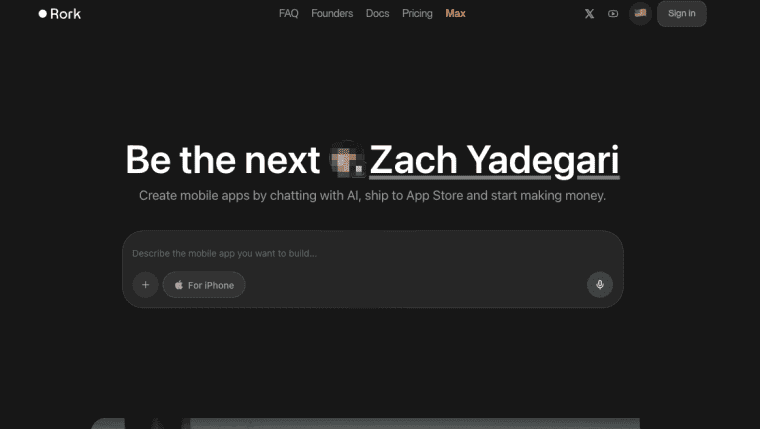
Rork generates mobile apps. You describe one in plain English, and it produces a working React Native project using Expo — the same framework behind Discord, Shopify, and a chunk of the top App Store. Live preview, QR code on your phone in seconds, generated code yours to export to GitHub.
In February 2026 the team launched Rork Max, which builds native Swift apps in their cloud Mac fleet. That unlocks the Apple-only stuff: HealthKit, ARKit, widgets, Dynamic Island, Apple Watch, Vision Pro. According to Rork's own positioning, the goal is "idea to mobile app in minutes." Founded by Daniel Dhawan and Levan Kvirkveliia in 2024, backed by a16z Speedrun.
Where Rork fits in AI app building
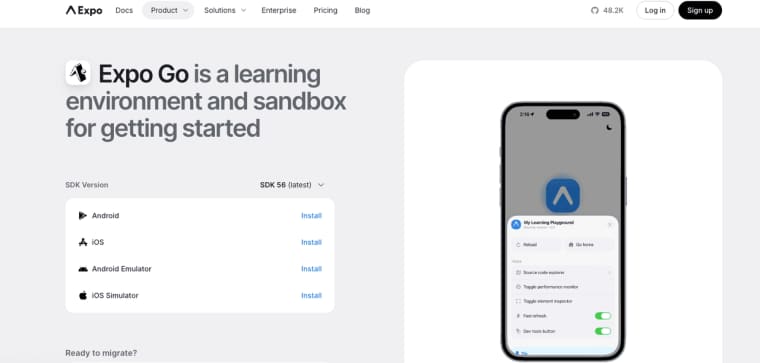
The cleanest tool I've seen for one specific job: getting a native iOS or Android app from a prompt to a phone. Real React Native code, not a web wrapper. You can keep iterating with prompts or hand the export to a developer, and the workflow into Expo's tooling is smooth. The catch is that "publishing" is a much longer road than "preview."
Mobile App Builder vs Commercial Web Platform
This is the part most people skip, and it's the part that matters most. Before getting into specific tools, it's worth seeing the two categories side by side — including the scenarios where each one quietly disappoints you.
| What you're evaluating | Native mobile (e.g. Rork) | Commercial web platform (e.g. HappySeeds) |
| Output | iOS / Android native app | Live web app with its own URL |
| Time to first live URL | Days to weeks (store review pipeline) | Same session |
| Payments | Apple IAP at 30% commission (15% for Small Business Program or qualifying subscriptions, as of May 2026) | Stripe / Paddle directly, no platform cut |
| SEO | Not applicable | Built-in meta, sitemap, indexable pages |
| Custom domain | Not applicable | Included |
| User path to your product | App Store search → download → sign up | Link click → use → pay |
| Upfront account cost | Apple Developer $99/year + Google Play $25 one-time | None |
| Works without coding knowledge | Yes | Yes |
| Best for | HealthKit, ARKit, sensors, App Store distribution | SaaS MVP, client portal, consultant tool, creator app |
| When you'll regret choosing this | Your users are on laptops paying via links, not downloading apps | You need HealthKit, ARKit, or a genuine App Store presence |
Neither row is "better." They're answers to different questions. The last row is the one most comparison posts leave out.
Sources: Apple Developer commission rates — Apple App Store Business Models (verified May 2026). Apple Developer Program annual fee and Google Play one-time fee — Apple Developer Program and Google Play Console Help. App Store review timelines — Apple's App Review page states most reviews complete within 24 hours, though submissions requiring additional review can take longer. Verify current rates before committing.
Native mobile workflows
Even with the best generator, here's what publishing a native app actually involves:
- An Apple Developer Program enrollment at $99/year (as of May 2026) before submitting anything to the App Store. Apple's standard commission on in-app purchases is 30%, reduced to 15% for developers enrolled in the Small Business Program or for qualifying subscriptions.
- A Google Play Console account at a one-time $25 registration fee, with no annual renewal.
- App review — Apple rejects a notable percentage of submissions every year for unclear monetization, performance issues, or privacy disclosure problems.
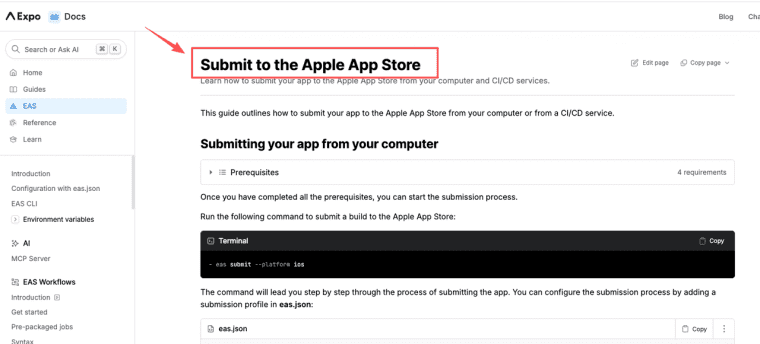
- A build-and-submit pipeline. Expo has a tool called EAS Submit, documented in EAS Submit's guide for the Apple App Store. Clean, but it's still a process.
None of this is impossible — people do it every weekend. But if you came in thinking "I just want to ship something and see if anyone pays," native adds weeks before you even know.
Data, payments, SEO, and custom domains
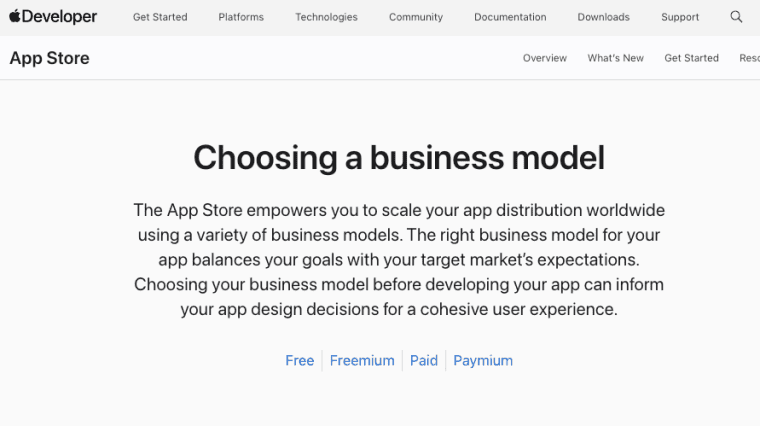
A web-first commercial tool gives you a live URL, wired-up database, connected payment provider, SEO meta tags, and a custom domain — same afternoon, no review queue. And on the web, you use Stripe or Paddle directly. Apple's business models and monetization page shows why this matters: most iOS payment flows route through Apple's in-app purchase system with its commission. On the web, you charge what you want with whoever you want.
Do you need a phone app, or do you need a product?
When HappySeeds May Fit Better
Full disclosure — I started writing this because I've been using HappySeeds. Web-first, not mobile. So not a head-to-head — different jobs.
The method I used to decide which tool to open: draw the path from "someone hears about this" to "someone pays me." If "App Store" appears anywhere in that path → Rork. If it's link, page, pay → web platform. Everything else follows from that one question.
What that looked like in practice: I was building a consulting intake tool — clients answer a set of structured questions, get a formatted brief back, and I review it before the first call. Every one of them would be clicking a link from an email on a laptop. I described it in HappySeeds, used Plan Mode to lock the flow down before it built anything, and had a live page with a Stripe payment link by that evening. First paying client came through four days later using exactly the link I sent.
A few things I noticed that I didn't expect to care about as much:
- Plan Mode. It asks what the app does, who uses it, and what success looks like before generating anything. Saved me from building three versions of the wrong thing.
- Payments are part of the build, not a tutorial you do later. Most generators treat monetization as your problem. This one doesn't.
- No-training policy on user content. If you're uploading client data, check this on any platform first.
I still use Rork. If I were building a workout app or a kid's journaling app, I'd open it before anything else. But the last three things I shipped were all web products, and that's why I ended up writing this.
The point isn't that one tool wins. It's that "Rork alternative" is the wrong search if you don't first ask: am I building for a phone, or building for a market?
Anyway. I'll probably still be tweaking this comparison next week instead of finishing the other five ideas sitting in my notes app.
FAQ
What is Rork?
Rork is a native mobile specialist. It turns plain English prompts into real React Native (Expo) or native Swift apps. If your idea needs deep phone features like HealthKit, ARKit, widgets, or Apple Watch support, Rork is one of the strongest options right now. But if you just need a product people can use and pay for quickly, it might be overkill — because you're adding the entire App Store publishing process on top of building the product.
How do non-technical founders typically use Rork to build apps?
The pattern I see most: someone has an idea for a phone app, signs up for the free tier or Junior plan, describes it in a paragraph, gets a working prototype within a few prompts, and tests on their phone with Expo Go. Where founders get stuck is the publishing step — Apple Developer enrollment, App Store Connect setup, review submission, monetization compliance. The generation part is fast. The store part isn't.
What should founders check before choosing an AI app builder?
Five questions worth answering before you commit: - Where do my users actually live? Browser tab or home screen icon? - Can I take payments without rebuilding the app? - Does the output have its own URL, or live inside someone else's platform? - What happens to my data and prompts? Look for a no-training commitment if you're uploading sensitive stuff. - Can I export the code or take the project elsewhere?
When should founders look for a Rork alternative?
Look for an alternative when your ideal user journey is "click a link → use the product → pay with Stripe" instead of "open App Store → download → use." Another clear signal: if you're Googling "how to add Stripe" and "custom domain" while using a mobile app builder, you're probably solving the wrong problem.
What makes a commercial AI app builder different from a basic no-code tool?
Commercial AI builders prioritize fast launch and revenue — built-in Stripe, database, SEO, and one-click deployment. Traditional no-code tools give you more drag-and-drop control but often need extra steps for payments and going live.