Image to video

Turn product photos
into videos.

  • Upload a product photo or another image.
  • Describe the scene, movement and lighting.
  • Review your video and ask for changes.
Animate my image
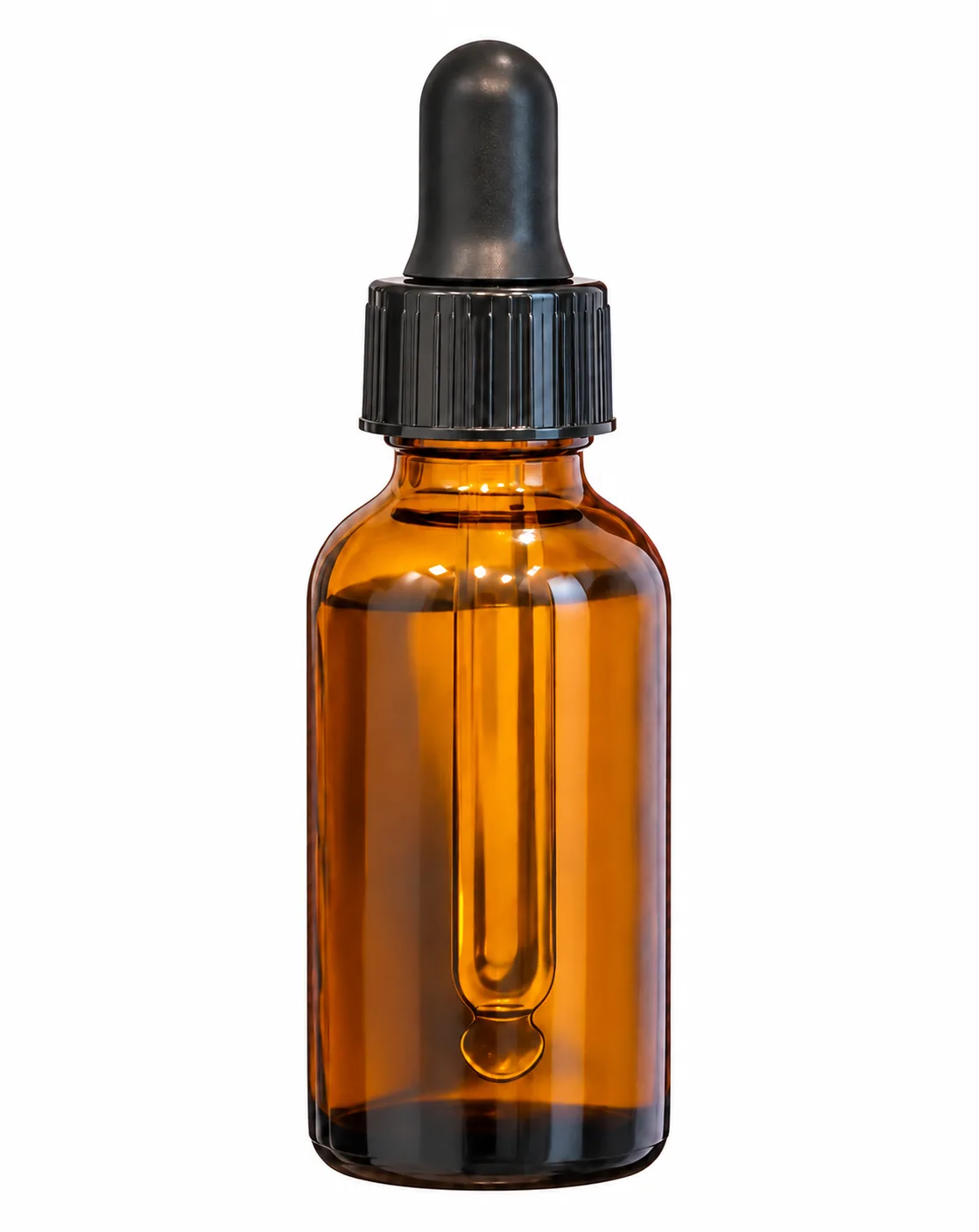
Amber glass dropper bottle
01 · Product image
Try a prompt like this

Create a video showing this hair oil in use, from filling the dropper to applying it to hair.

02 · Video example
Video remix

Remix a video.
Make it your own.

  • Upload a reference video or paste its link.
  • Tell AI what to keep and what to change.
  • Add your product photo to make it your own.
Remix a video
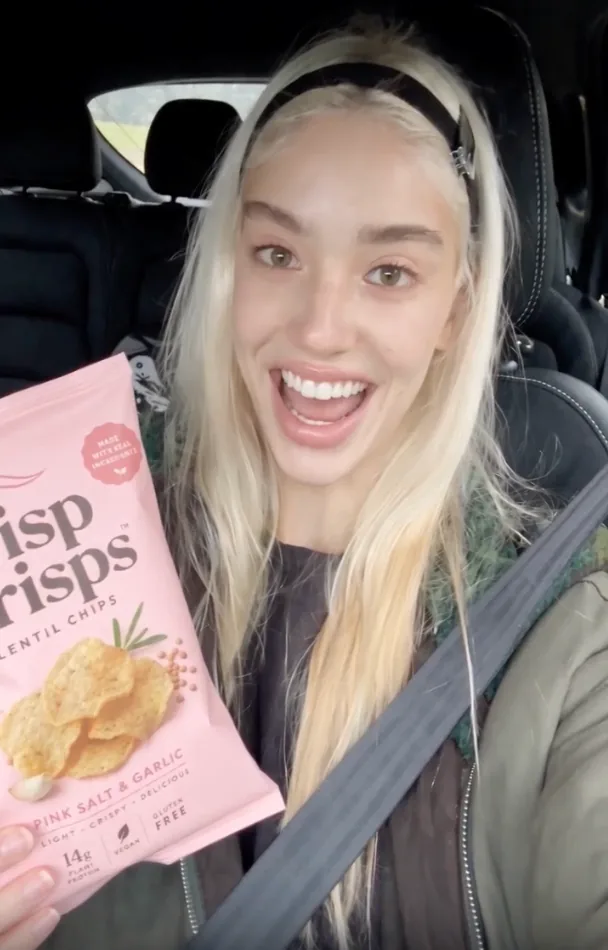
Reference image of a creator reviewing snacks in a car
01 · Reference concept
Try a prompt like this

Keep the in-car setting, but have a different woman introduce my product.

02 · Video example
Text to video

Turn words
into video.

Describe a scene to generate a video. Want to plan the look first? Create an image like this one, then turn it into a video.

Try this prompt
Image example
VIDEO IDEAS & PROMPTS

Find your next idea.
Let AI write the prompt.

Browse styles below. Tell HappySeeds your goal to get video ideas and a prompt you can adjust.

Start creating

FAQ

What kinds of videos can I make with HappySeeds?

Product promos, social videos, ads, brand stories and creative shorts. Start with an image, a written idea or a reference video.

Do I need footage or video-editing skills?

No. Start with an image or a written idea and describe what you want. Add voiceover, music and captions, and make simple edits in the same browser workspace.

Can I remix a video I like?

Yes. Upload a reference video or paste a TikTok, YouTube, Instagram or X link. Tell HappySeeds what to keep and change. Add your product photo to feature your own product.

Can HappySeeds help me with ideas and the prompt?

Yes. Tell HappySeeds your goal and audience. It suggests creative directions and writes a prompt for the one you choose. You can adjust it before generating.

Which AI video models can I use?

HappySeeds supports Seedance, Wan 3.0, Wan 3.0 Prime, MiniMax H3 and other popular video models. Choose a model before you generate.

Is HappySeeds free to try?

Yes. Sign up without a credit card to get 30 free credits. New users may also get limited-time bonus credits. Credits work for videos, websites and apps. Check your account for current offers.

Can I change a video after it's generated?

Yes. Ask for changes in chat to get a new version. You can also trim clips and change voiceover, music and captions.

What sizes can I make videos in?

Choose vertical 9:16, square 1:1, landscape 16:9 or other supported formats before generating. Create separate versions for your social channels and website.

What do I get with a paid plan?

Lite and Pro add monthly credits, higher-resolution videos and watermark-free downloads. See pricing for current plans.

Creative inspiration

Make this direction your own. Add your product and create a video for your brand.

Use this style
High-resolution lipstick product ad example