
Hi guys, Elin here. Most teams do not need ChatGPT Work for every question. Quick chat is still better for a fast answer, a brainstorm, or a small rewrite. The stronger use case for ChatGPT Work for business is when a task has multiple steps, source files, constraints, and a deliverable someone needs to review before it affects customers or money.
That is the mindset shift. Do not treat Work as a bigger chat box. Treat it as a place to turn messy business inputs into reviewable outputs: a brief, report, spreadsheet, presentation, analysis, or recurring update your team can improve.
Where ChatGPT Work Fits in a Business
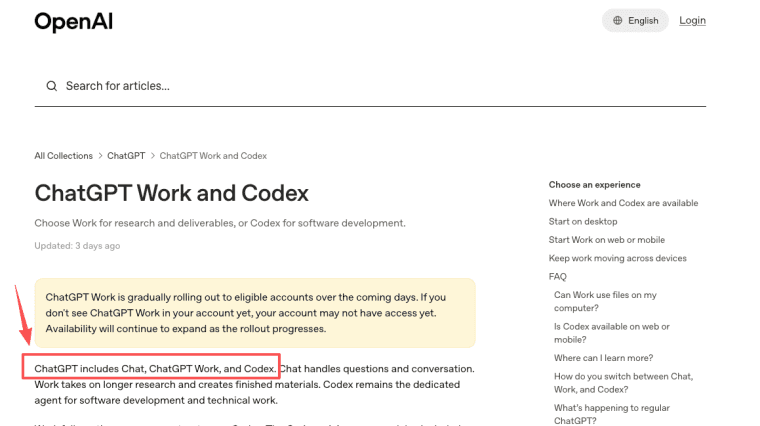
OpenAI says ChatGPT includes Chat, ChatGPT Work, and Codex, with Work meant for longer research and finished materials, while Codex stays focused on software development. That distinction matters for founders, consultants, and small teams.
Use Chat for quick thinking. Use Work when the outcome needs source material, files, reviewer criteria, and iteration. Self-hosted deploys can use the Codex Dokploy flow.
Multi-step work versus quick Chat requests
A quick Chat request might be: "Rewrite this email." A Work task is closer to: "Use these notes, compare the attached files, produce a client-ready briefing, preserve the pricing table, and flag claims that need review."
The second task has inputs, constraints, output format, and risk. That is where ChatGPT business workflows become useful.
Research, analysis, documents, and workflow updates
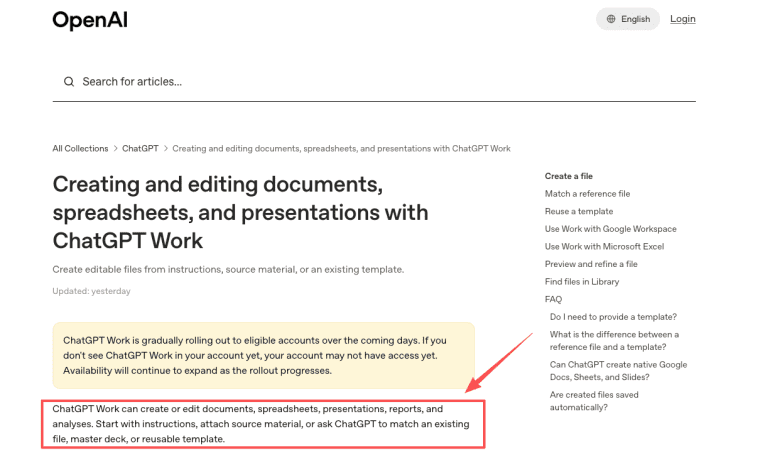
ChatGPT Work can create or edit documents, spreadsheets, presentations, reports, and analyses from instructions, source material, or templates. It also supports native Google Docs, Sheets, and Slides where the relevant Google Workspace app is enabled, while availability depends on plan, workspace settings, file type, and surface.
That makes Work a good fit for small-team deliverables: market scans, client briefs, meeting summaries, tracker updates, internal reports, reusable decks, and research synthesis.
Turn a Business Goal Into a Reviewable Workflow
A business goal is not a workflow yet. "Improve sales reporting" is too vague. A reviewable workflow needs a repeatable path from input to output.
Define inputs, constraints, output, and reviewer
Start with four things. What files or sources should Work use? What must stay unchanged? What should the final deliverable look like? Who reviews it?
OpenAI's Work file guidance recommends naming the source material, output format, and things that must stay unchanged, such as formulas, layout, tone, branding, slide order, or table structure. That is a useful operating habit. The more specific the workflow, the easier it is to repeat.
Separate drafting from consequential actions
Keep drafting separate from consequential actions. Work can help prepare a report, client brief, tracker update, or presentation, but a human should approve customer-facing claims, financial numbers, legal language, pricing, hiring decisions, and anything that triggers external commitments.
This is not caution for caution's sake. It keeps the team clear on responsibility.
Three Workflows to Pilot First
Start with workflows that already happen. Do not invent a complicated AI process before you know where your team loses time.
Client briefing and research synthesis
For consultants and founders, a good first workflow is client briefing. Inputs might include discovery notes, client files, website research, competitor notes, and an internal template. The output could be a one-page brief, risks list, proposed agenda, and questions for the next call.
This is useful because it turns scattered research into a deliverable someone can review.
Recurring report and tracker update
The second pilot is a recurring report. Use Work to update a weekly KPI summary, sales tracker, customer feedback log, or marketing performance note. Projects in ChatGPT are designed to keep chats, files, and instructions together for repeated work, and OpenAI describes projects as useful for weekly reporting and long-running efforts.
The value is not one report. It is reducing the weekly reset.
Reusable document or presentation production
The third pilot is a reusable document or presentation production. Work can use a reference file for one task or a template for a repeatable workflow. This is helpful for proposals, onboarding decks, campaign recaps, operating updates, or investor materials.
The key is to keep the template stable and let the content change.
When Repetition Becomes a Product Signal
First, these are internal AI workflows for small business. But repetition can reveal a product opportunity.
If the same workflow keeps appearing across clients, teams, or customers, it may deserve its own interface.
Repeated prompts, inputs, corrections, and delivery steps
Look for repeated prompts, repeated source files, repeated corrections, and repeated delivery steps. If your team keeps asking Work to transform the same type of input into the same type of output, you may have a workflow product hiding inside the operation.
This is where ChatGPT for entrepreneurs becomes more than productivity. It becomes discovery. The repeated workflow shows what users may want to run themselves.
Signals that customers need their own interface
Customers may need their own interface when they repeatedly provide inputs, ask for status, request revisions, approve outputs, or want saved history. A repeatable AI workflow becomes app-worthy when external users need accounts, permissions, data storage, payment, onboarding, analytics, and support.
Work can help shape the process. A dedicated product may be better when the workflow needs to be used by customers without you operating it manually.
Limits, Credits, and Human Review
Work has limits, and teams should plan for them before relying on them.
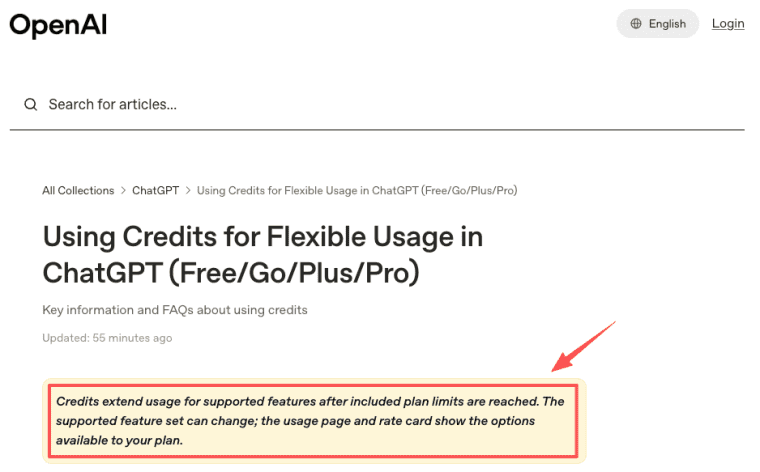
OpenAI says Work is gradually rolling out to eligible accounts, and availability depends on plan, workspace settings, file type, and surface. Work on desktop can use local files and desktop apps with permission, while cloud Work and desktop Work have different behavior at launch. Credits extend usage for supported features after included plan limits are reached, and supported agentic features on Plus and Pro can include Codex, ChatGPT Work, and ChatGPT for Excel. Because the same page also says supported feature availability varies by feature and plan, teams should verify their account's usage page before planning around Work credits.
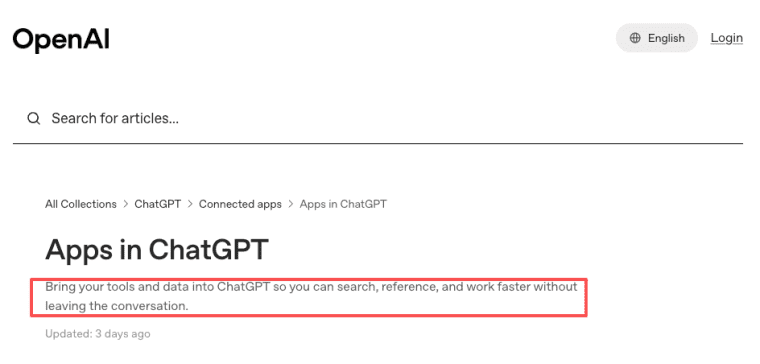
Connected sources require care. Apps with Sync can bring tools and data into ChatGPT, but each workspace should define who can connect sources, what happens when access is revoked, and who reviews the final output. OpenAI's app overview says apps help users search, reference, and work faster, but responsibility for review still belongs to the team.
Make Work Reviewable Before You Make It Automatic
ChatGPT Work is most useful when a team turns business tasks into clear, reviewable workflows. Start with one repeated deliverable, define the inputs and reviewer, separate drafts from decisions, and watch where the same process repeats. If customers eventually need their own interface, that is the moment to think beyond internal Work and toward a product.
Explore More Topics:
FAQ
What happens to a recurring task when its owner leaves the company?
Assign a backup owner before the task matters. The team should document the project, source files, schedule, output format, reviewer, and approval path. If a task lives only in one person's private workspace, continuity becomes fragile. For shared business workflows, keep instructions and files in a shared project where permissions allow it.
How should completed deliverables be archived after a project closes?
Archive the final file, source inputs, reviewer notes, approval date, and any key assumptions. Do not rely only on chat history. For client work, keep a project folder or document repository that matches your retention policy. ChatGPT may help create the deliverable, but your business should own the final archive.
What should a team do when a connected source is revoked mid-task?
Pause the workflow and mark the source as unavailable. Do not let Work guess from stale context if the connected source was required for accuracy. The task owner should reconnect the source, replace it with an approved file, or document that the output was produced without that source.
Can workflow responsibility be transferred between separate workspaces?
Treat this as a governance question, not a simple copy step. Confirm what can be exported, what must remain in the original workspace, and whether files, chats, approvals, or memories transfer. OpenAI's project and retention behavior should be checked in the latest official docs before promising portability.


