
Most AI image tools still start from a blank prompt box. That works for casual generation, but it is a weak fit for professional editing. A client does not usually say, "Make this image better." They circle the wrong headline, sketch where the product should move, mark the background that needs cleanup, or ask for one localized text change while the rest of the asset stays untouched.
I'm Elin. That is why Seedream 5.0 Pro is interesting for a non-technical founder. The opportunity is not a general image generator. It is a focused AI image editing app built around annotations, sketch guidance, layer state, and revision approval.
Why Seedream 5.0 Pro Is a Different Editing Opportunity
Seedream 5.0 Pro should be judged as an editing workflow opportunity, not just another image model. The useful question is not whether it can produce an impressive image. The useful question is whether it can help users turn marked feedback into controlled revisions.
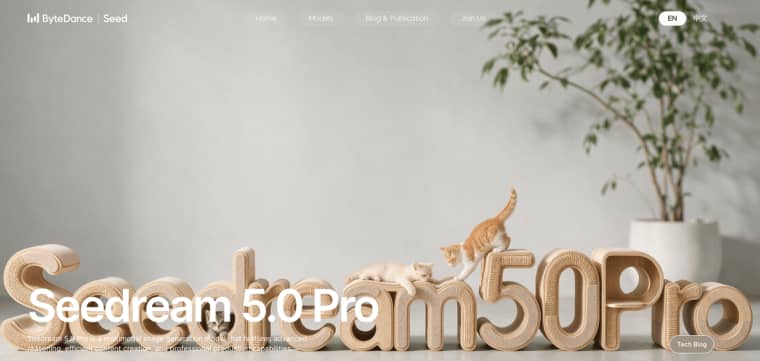
Public Seedream materials and related ByteDance model work point toward more professional image generation and editing workflows. The earlier Seedream 4.0 paper describes image generation, editing, and multi-image composition as part of a unified visual system, which helps explain why founders are watching this model family for production use. For Seedream 5.0 Pro specifically, API access, pricing, export behavior, input limits, commercial terms, and regional availability still need direct verification before launch.
The official page highlights spatial annotations, sketch guidance, and layer separation
Spatial annotations, sketch-guided editing, and layer separation create a different product shape. Instead of asking the user to write a long prompt and hope the model edits the right area, the app can let the user show the desired change directly. That matters because professional edits are usually local. A poster needs one line fixed. A campaign visual needs a badge moved. A translated banner needs the text changed without breaking the layout. A product photo needs one object separated from the background.
This is where annotation editing becomes useful. It turns visual feedback into structured revision intent.
Choose One Annotation-Driven User Job
Do not build a broad editor first. That is how founders inherit every possible edge case before proving demand. Choose one job where users already mark images. If they already send screenshots with arrows, circles, handwritten comments, or messy revision notes, the behavior exists. Your app just makes it cleaner.
Poster corrections, localized edits, design markups, and production revisions
Poster corrections are a strong fit. A marketer can mark spacing issues, circle incorrect text, or sketch where a logo should move. Localized edits are also useful, especially when a team needs the same visual adapted across languages while preserving brand balance.
Design markups can work for agencies. A client annotates a draft, the app interprets the notes, and the agency reviews the result before delivery. Production revisions can work for ecommerce or campaign teams: remove a distracting object, update a label, fix translated text, or separate foreground and background.
The buyer is not paying for "AI." They are paying for fewer revision rounds and clearer approvals.
Design the Markup-to-Revision Loop
A serious annotation-driven app needs a loop, not a single edit button. The loop should be: upload, annotate, interpret, preview, accept, branch, and compare. Each step should leave a record, because creative revision gets messy fast. People forget which version was approved. Clients change their minds. A marketplace rejects a file. A designer needs to know whether the AI changed the wrong area.
If you want to turn that markup-to-revision loop into a usable editing product, an AI app builder like HappySeeds may help with the broader app shell—uploads, real-data context, users, payments, deployment, and product flow—while annotation tools, approvals, saved edit states, and revision history should still be verified or built for this specific workflow. Seedream 5.0 Pro may power the edit, but the app experience makes the workflow repeatable
Upload, annotate, interpret, preview, accept, branch, and compare
Upload should preserve the original asset. Store the source file, dimensions, owner, project, and upload time.
Annotation should match the job. It might support boxes, masks, arrows, strokes, handwritten notes, or pinned comments. Keep the first version narrow. A few clear markup tools are better than a cluttered mini design suite.
Interpretation turns markup into a task: "replace this line," "move this object," "keep the background unchanged," "separate this layer," or "localize this text."
Preview reduces misunderstanding. Accept and branch let teams approve one result or explore alternatives. Compare mode helps clients and operators decide whether the edit followed the annotation.
Preserve Reference and Layer State
The final image is not enough. In revision workflows, the evidence trail is part of the product value. If a client asks why something changed, the app should show the original asset, annotation, interpreted instruction, generated output, approval state, and branch history. Without that record, the workflow becomes a black box.
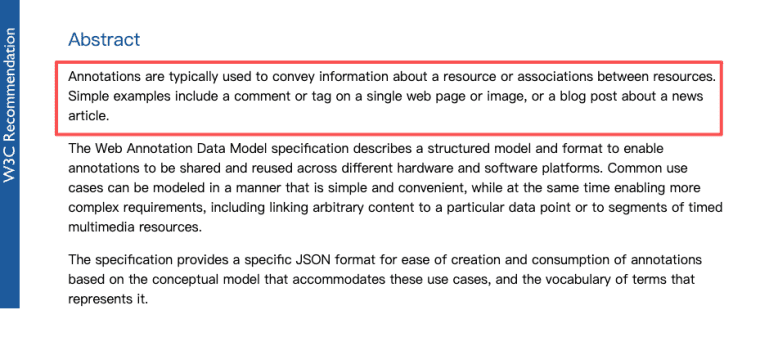
The W3C Web Annotation Data Model is a useful mental model here because annotations can have target relationships and can refer to specific segments or states of a resource. A production app would still need its own model for masks, versions, approvals, and revision decisions.
Original asset, annotation mask, approved state, editable layers, and revision branch
The minimum state model should include the original asset, annotation mask, generated output, approved state, and revision branch. If Seedream 5.0 Pro supports layer separation in the provider workflow, record which separated elements were created and how they were used.
Be careful with export promises. Do not claim Photoshop, Figma, PSD, vector, or other design-software compatibility unless you have tested the exact export format. Layer separation inside a model does not automatically mean a clean production handoff.
A practical first product can still be valuable. It can preserve masks, branches, approved outputs, comments, and downloadable files before supporting advanced layer exports.
Evaluate Pro-Specific Editing Quality
For this category, quality is not just image beauty. A beautiful edit that changes the wrong area is a failure. The app should evaluate whether Seedream 5.0 Pro supports controlled revision. That means testing locality, preservation, text behavior, layer usability, and multilingual reliability.
Edit locality, untouched-area preservation, text accuracy, layer usability, and multilingual fidelity
Edit locality asks whether the change stayed inside the marked area. Untouched-area preservation asks whether faces, products, logos, layout, lighting, and background details remained stable.
Text accuracy matters for posters, ads, packaging, and localized visuals. If the app supports multilingual generation, test real scripts and real brand assets. English-only tests are not enough. A localized visual editor needs to handle text length, line breaks, spacing, directionality, and typography expectations.
Layer usability should be judged by downstream work. Are object edges clean? Are shadows preserved? Is transparency usable? Does the separated layer align with the approved result?
These checks should become review criteria, not founder intuition.
Limits and Trade-Offs
Keep the launch promise conservative. Seedream 5.0 Pro may support a strong editing workflow, but founders should not promise perfect design compatibility, automatic marketplace approval, or human-free production review.
API access, export formats, pricing, commercial terms, edit consistency, and human review require verification
The Seedream API is the first thing to verify. Can your account access Seedream 5.0 Pro? What inputs are accepted? What annotation formats work? What file sizes are supported? What exports are possible? What are the rate limits, regions, and pricing?
Commercial terms also need direct review. If clients use edited assets in ads, marketplaces, packaging, or paid campaigns, your app needs clear language around source rights, output review, and responsibility. AI-related rights remain legally sensitive, and the U.S. Copyright Office continues to publish updates around AI and copyright. This article is not legal advice.
Human review should remain part of the workflow. Some edits will require agency approval, client approval, marketplace review, or legal review. Design for that reality from day one.
Build for Revision, Not Novelty
Seedream 5.0 Pro is most useful when the product is built around controlled revision, not visual surprise. Start with one annotation-heavy job, preserve the original asset and every edit state, and measure quality by whether the final file survives client review, platform rules, and real production use.
Explore More Topics:
FAQ
Can clients request a human-only revision after AI editing?
Yes, if the agency or platform offers it. The workflow should separate AI-assisted revisions, human-reviewed revisions, and human-only revisions. That distinction may matter for sensitive brand assets, regulated campaigns, executive materials, or final production files. The app should make revision type visible in status, pricing, and approval records when the contract requires it.
Who owns handwritten notes added by an agency client?
Ownership depends on the client agreement, agency terms, and local law. As a workflow practice, treat handwritten notes, sketches, arrows, and comments as client-provided project materials. The app should define whether those notes can be reused for QA, templates, internal examples, or model improvement. Do not assume reuse rights just because notes were uploaded.
What happens when a marketplace rejects the finished edited asset?
Treat marketplace rejection as a revision event. Store the rejected file, rejection reason, original asset, annotation trail, generated version, and export settings. Then create a correction branch. This helps the team identify whether the issue came from format, text, misleading edits, image quality, prohibited content, or platform-specific requirements.
Can clients request deletion after the final file is delivered?
Yes, if the contract, privacy policy, or applicable rules allow it. The app should define what deletion covers: original uploads, annotation masks, previews, generated versions, final exports, logs, and backups. Agency workflows may also need retention for disputes, invoices, or approval records. Set the policy before selling the app.
Should agencies disclose AI editing in customer contracts?
Agencies should consider disclosure when AI editing affects rights, approval duties, brand risk, platform compliance, or client expectations. A contract can explain that AI tools may assist with revisions, that human review may be available, and that clients remain responsible for source-image permissions unless the agency accepts that duty. Keep the language practical and specific.


