
Hi, I'm Elin. I shipped an app in the afternoon last month. One prompt, a working screen, a deploy button. I felt great for about three days — right up until the two people who actually tried it both got stuck on the exact same step, and I realized I'd built something that ran but didn't do anything for anyone.
That gap is where loop engineering keeps coming up. If you've been anywhere near AI building lately, you've seen the phrase. This post is about what it actually means when you're shipping a product — not wiring up a coding agent — and how to turn one-shot building into a cycle that gets a little better each round. I'll flag where the idea is still fuzzy, because it's new and I'd rather not oversell it to you.
Loop Engineering Beyond the Coding-Agent Hype
Quick reality check before someone sells you a course: loop engineering isn't a formal methodology, and "loop engineer" isn't a job title you should rush onto your LinkedIn. I went and read through the discussion before writing this, because I didn't want to overstate it. The phrase started spreading around June 2026 inside the developer crowd, mostly to describe designing systems that drive AI coding agents instead of prompting them by hand, turn by turn. As of mid-2026 it's an emerging concept with no agreed-on definition. Treat anyone who tells you otherwise with some side-eye.
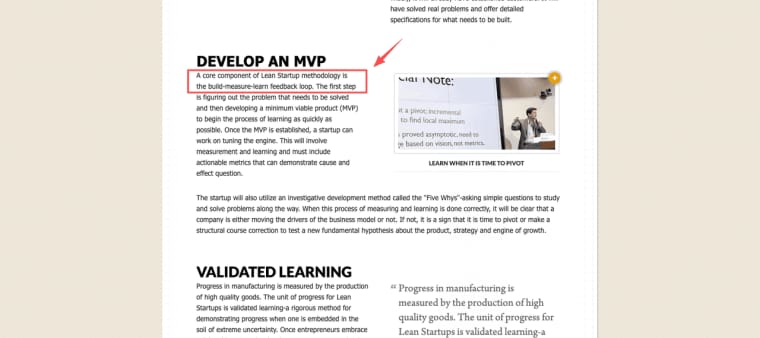
In the developer version, a "loop" is an agent that acts, checks its own work, and retries until some goal is met. Useful — but very engineering-flavored, and not what I'm here to teach. What's worth stealing is the shape: do a thing, check it against something real, decide the next move, know when to stop. That shape isn't even new. It's basically Eric Ries's build-measure-learn loop, which has been kicking around since 2011. The label is fresh; the idea has receipts.
Why One-Shot App Building Breaks Down
Here's the trap. A modern AI app builder makes the first version feel like the finish line. You describe a vibe app, it spits out screens, and the dopamine hits before a single real user does. I've fallen for this more than once, so I'm not judging.
A working screen is not validated user value
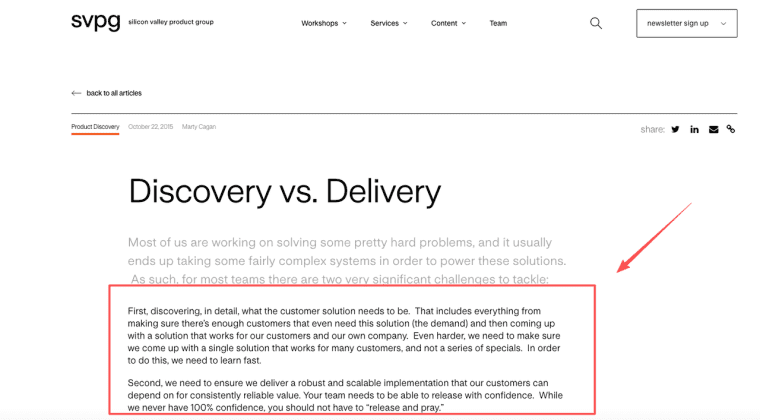
A screen that renders is not the same as a screen someone needs. Marty Cagan has spent years drawing the difference between discovery and delivery — figuring out the right product versus building the product right. Building being cheap now doesn't make the "is this even right?" part cheap. If anything it makes it sneakier, because a polished demo hides how little you actually know about whether anyone wants it.
That's exactly what got me on my afternoon app. Usability: fine. Value: completely unproven. Textbook mistake, and I walked right into it.
The Commercial AI App Loop
So what does a loop look like when the goal is a live product, not passing a test suite? When you build an AI app to sell, each turn needs five things: a target, a smallest version, a signal, a decision, and a stop. Miss any of them and you're not looping — you're just fiddling and calling it iteration.
Plan the user, problem, outcome, data, and validation signal
Before generating anything, write down five lines: who it's for, the problem, what counts as success, what data it actually needs, and — the one everyone skips — what signal would tell you it worked. Some builders call this a plan-first step, or a plan mode. I just call it the thing I now refuse to skip, because skipping it once cost me a full week of building confidently in the wrong direction.
Build the smallest usable version and test the full journey
Then build the smallest version a real person can finish start to end — signup, payment, the thing they came for, all of it connected. Not the prettiest version. The smallest whole one. A half-built journey teaches you nothing except that you stopped early.
Measure, learn, and choose the next change
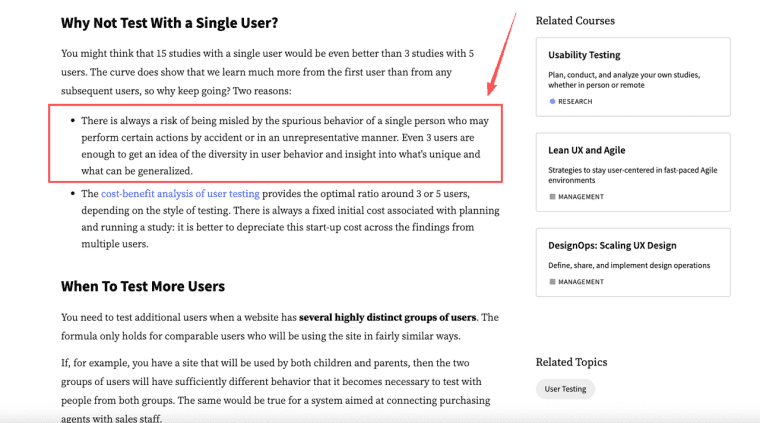
Now watch real people use it. And you don't need a crowd — Nielsen Norman Group's research on testing with five users found that a handful of people surface most of the usability problems in a flow, with the fair caveat that genuinely different user groups each need their own small batch. Five honest sessions told me more than a month of tweaking alone in a coffee shop ever did. Then pick one change. Just one. Resist the urge to fix everything at once.
Turn Feedback Into Controlled Product Changes
A product feedback loop is only useful if you can tell evidence from noise. People will ask you for features. What they're usually telling you is where they got stuck — and those are not the same thing. "Add a dashboard" often means "I can't tell if this worked." Fix the second thing, not reflexively the first.
Then prioritize honestly: act first on whatever blocks the most people from the outcome you defined, not on the loudest or most recent comment. And — this is the part that genuinely bit me — make sure your change doesn't quietly break what already works. That's the whole idea behind Martin Fowler's write-up on feature toggles: release a change to a slice of users safely, and roll it back fast if it goes sideways. You don't have to implement toggles yourself. But the principle is gold for non-coders: change behind a switch, test on a few, keep an escape hatch.
A Repeatable Loop for Non-Technical Founders
For a non-technical founder, none of this sticks unless it's repeatable without a dev team on call. Mine looks like this now: start from a plan (or a template, so I'm not paralyzed by a blank page), build on real data instead of fake placeholder screens, run a quick launch check — does payment actually go through, does the domain resolve, can a stranger finish the core action — then make exactly one revision decision based on what real users did. Then around again.
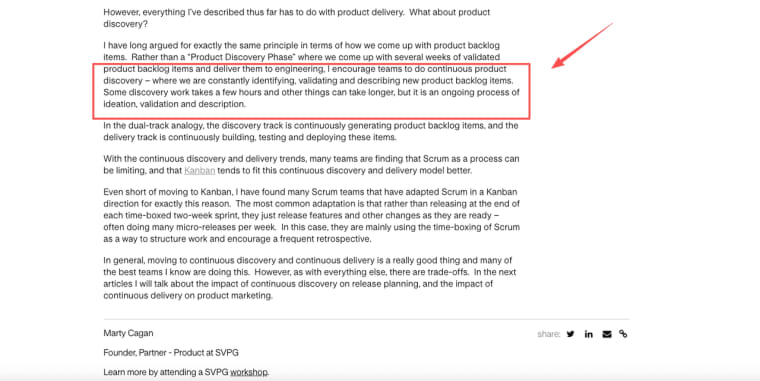
The thing produced at the end of each loop isn't "the AI changed something." It's a live app, real users, and a slightly clearer answer to "will anyone pay for this?" Cagan calls the always-on version of this continuous discovery — validation as a standing habit, not a phase you finish and forget.
One warning, because I said I'd be honest: looping does not automatically make a product better. More turns can dig you deeper into the wrong hole, faster. The loop is only as good as the signal you feed it — and your willingness to stop when the signal keeps saying no.
Loop engineering, stripped of the hype, is just this: quit trying to one-shot the perfect product, and start running tight little loops where each one teaches you something real. Pick one idea this week. Build the smallest version a person can finish. Then go watch one human use it. That's the whole loop — everything after that is reps.
Explore more topics:
FAQ
How should founders decide which user feedback to act on first?
When you don't have enough users to rank by frequency, use severity instead: which problem made someone stop entirely versus which one just slowed them down? A full stop always beats a slowdown. If two issues tie on both counts, fix the one that's cheaper to undo — you might be wrong about which solution actually works.
What keeps frequent changes from breaking existing user flows?
Before every release, manually run three things: can a new user sign up, can they complete the core action, and does payment actually go through. Those three will catch 80% of regressions. Write them down as a checklist, not a memory exercise — the moment you're tired and rushed is exactly when the list earns its place.
How can non-technical founders preserve working versions during rapid iteration?
The trigger for saving a version is "this is working well enough that someone would miss it." Don't wait for perfection — save the moment something actually works end-to-end for a real user. Most AI builders let you duplicate a project or roll back; treat that the way a writer treats saving a draft before a big rewrite.
When does continuous iteration start hurting product quality instead of helping?
Earlier than most people notice: when you start changing things to feel productive rather than to answer a specific question. The tell is that you can't name what you'll learn from the change before you make it. A second warning sign is running loops faster than users can actually return and tell you what changed — iteration without feedback is just redecorating.


