
The moment to turn ChatGPT workflow into an app is usually not when the prompt becomes clever. It is when the same work keeps coming back with the same inputs, the same corrections, the same review steps, and the same delivery pressure. For long-document agents, try Context7 with Codex.
I'm Elin. I have seen this pattern show up in consulting, operations, education, marketing, and small service businesses. At first, the workflow lives in ChatGPT because that is faster than building software. Then one person becomes the operator. They collect files, paste context, clean outputs, send results, fix mistakes, and repeat the whole thing next week.
That is the signal. Not "AI is cool." The signal is repeatable work that customers or teammates should be able to run without you manually carrying it every time.
Five Signs a Workflow Has Outgrown Chat
A workflow has outgrown chat when the conversation is no longer the product. The product is the repeatable result.
You do not need all five signs to move forward, but the more you see, the stronger the case for a small app: repeated inputs, repeated corrections, customer access needs, operator dependency, and measurable delivery value.
The same inputs and corrections appear every time
A workflow is product-shaped when the same input pattern keeps appearing. A client brief, spreadsheet, transcript, intake form, support log, campaign report, or set of uploaded files comes in. The prompt changes slightly, but the structure stays familiar.
The corrections repeat too. "Keep the tone more executive." "Do not change the pricing table." "Add risks before recommendations." "Use our brand format." Repeated corrections are not annoying noise. They are product requirements trying to get your attention.
If you can predict the next prompt, next input, and next edit, you may be ready to productize AI workflow instead of running it manually in chat.
Customers need direct access or saved results
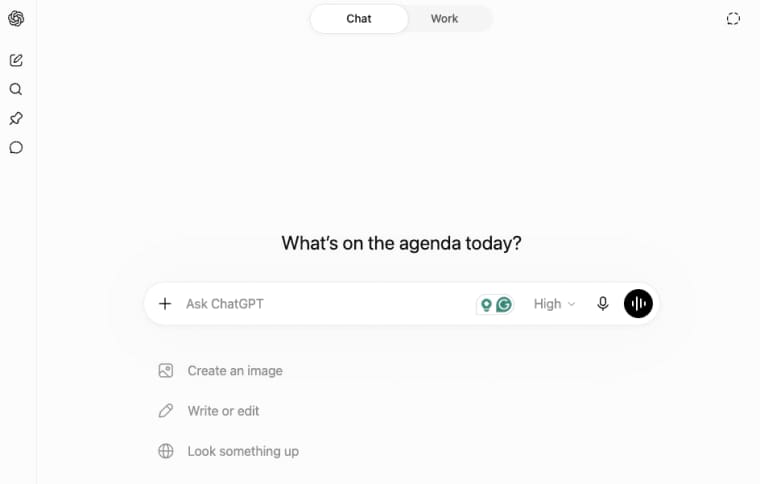
Chat works when one operator owns the process. It starts breaking when customers need to log in, upload files, check status, retrieve old results, approve drafts, or rerun the workflow later.
That is where a client workflow app becomes more useful. Customers should not have to send the same files again because the last conversation is buried. They should not depend on your memory to know which output was approved. They should have a place where their own records, preferences, and results live.
OpenAI's guidance around connected apps is useful here because it separates reading information from taking actions and notes that permissions matter when tools can access data or make changes. That same thinking applies when you build your own customer-facing workflow: access and action should be deliberate, not accidental.
Delivery depends on one operator
If the workflow only works because one consultant, founder, or operator knows the right prompt sequence, the business is fragile.
That person becomes the hidden backend. They remember client preferences, check outputs, catch edge cases, and know which steps cannot be automated. That may be fine for high-touch services, but it is weak if the goal is scale.
A workflow is ready for an app when the operator's judgment can be turned into rules, review states, default templates, or exception paths. The human may still approve outputs, but the app carries the repeatable structure.
Map the Hidden Manual Workflow
Before you build app from ChatGPT workflow, map what is already happening manually. Do not start with screens. Start with the actual work.
Inputs, decisions, transformations, and outputs
Write the workflow as a chain. What enters? Who provides it? What decisions happen? What transformations occur? What comes out?
For example, a client strategy workflow might start with intake notes, website links, past reports, competitor names, and campaign goals. Then the operator decides what matters, turns raw context into a structured brief, flags missing claims, and delivers a client-ready summary.
That chain is your first app spec.
Human review and exception paths
Now mark where human review is required. Some outputs can be drafts. Others need approval before they affect customers, money, legal claims, hiring, medical advice, financial decisions, or public publishing.
Also, write the exception paths. What happens when the source file is missing? When the customer uploads the wrong format? When the AI gives a weak answer? When the reviewer rejects the output? An app needs these paths because users will find them quickly.
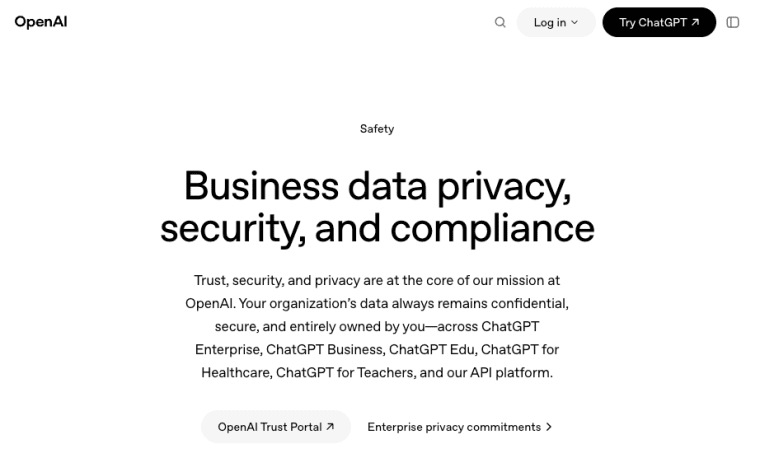
For business data and governance, OpenAI's business data commitments are a useful reference for thinking about data ownership, retention controls, access management, workspace analytics, and spend controls in business AI products. Your own app should be at least as explicit about what customer data is stored and who can access it.
Product Layers the Prompt Does Not Provide
A prompt can create an output. It does not create a product. The product starts when the workflow needs identity, persistence, permissions, payments, limits, support, and measurement.
Login, customer data, projects, and permissions
Login lets users return. Customer data makes the result specific. Projects keep work organized by client, case, campaign, or report. Permissions define who can view, edit, approve, export, or delete.
These layers are not decoration. They are the difference between "I ran a good prompt" and "customers can use this workflow without me."
Payments, usage limits, support, and analytics
Payments test whether the workflow has value. Usage limits prevent one customer from consuming all capacity. Support gives users a path when the workflow breaks. Analytics show whether users complete, reuse, abandon, or pay for the workflow.
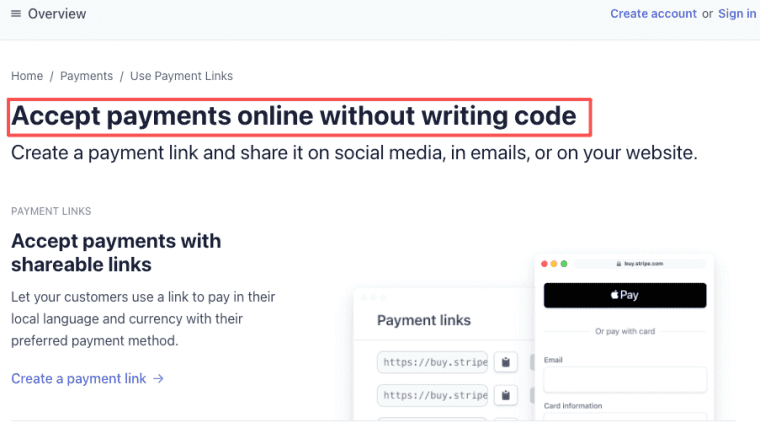
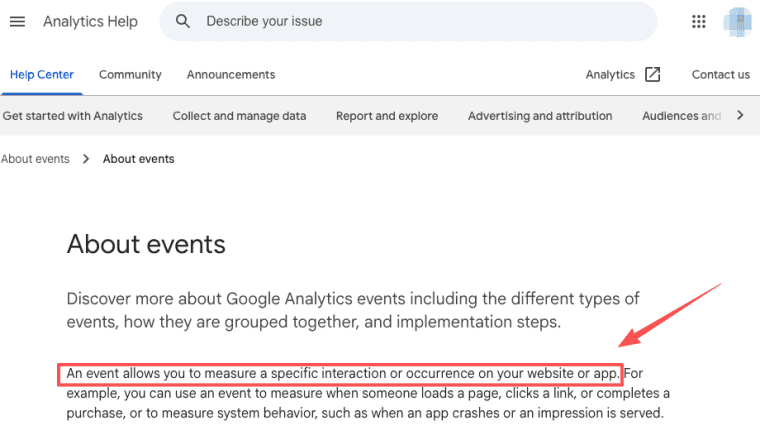
Payment infrastructure can start simply. Stripe's Payment Links flow is one example of how founders test paid access before building complex billing. For product learning, Google Analytics' event model can help teams think in terms of measuring user actions, not just page views.
An AI app builder can help here when the founder needs product layers faster than a custom engineering cycle allows.
Move from Workflow to MVP
The first MVP should be boringly narrow. Do not productize every use case. Productize the one outcome customers already ask for repeatedly.
Choose one customer and one repeated outcome
Pick one customer type and one outcome. A consultant may choose "monthly client briefing." A recruiter may choose a "candidate summary packet." A marketer may choose "campaign review report." A coach may choose a "personalized progress plan."
The narrower the outcome, the easier it is to price, test, and improve.
Build a narrow customer-facing loop
The loop should be simple: the customer uploads or enters input, the app structures the task, AI drafts the result, the human or customer reviews it, the app saves the result, and the customer can return later.
That is enough. Do not start with dashboards, marketplaces, or twenty templates. The loop should prove the workflow.
Measure completion, reuse, and willingness to pay
Track whether users finish the workflow, return to use it again, and pay for it. Compliments are weak evidence. Reuse is stronger. Payment is stronger still.
Also track edits. If users always correct the same part, that is not a failure. That is where the product should improve.
When the workflow starts showing real pull, do not leave it trapped in a chat thread. Give customers a place to sign in, submit inputs, review outputs, and come back later. HappySeeds is one way to turn that validated workflow into an OPC AI app without rebuilding the whole product layer from scratch.
When Not to Productize the Workflow
Do not productize a workflow just because it works once.
Keep it in ChatGPT when the task is rare, highly bespoke, dependent on expert judgment, or impossible to standardize. Keep it manual when the customer does not need direct access, saved results, or repeat delivery. Keep it internal when the risk is high and review paths are unclear.
A workflow may also be too early if you cannot describe the buyer, input, output, review owner, and payment reason in plain language. If the promise sounds like "AI will help with everything," the app is not ready.
Build the Smallest Repeatable Product
The right time to turn a ChatGPT workflow into an app is when repetition becomes obvious and manual operation becomes the bottleneck. Start with one buyer, one recurring input, one valuable output, and one review path. If customers return, pay, and ask for saved history, you are no longer just using ChatGPT well. You are looking at a product.
Explore More Topics:
FAQ
What happens to customer records if the app is retired?
Retirement should have a written plan before customers depend on the app. Define export options, deletion timing, archive access, support contact, and whether old outputs remain available. This is not legal advice. Retention and deletion should follow the customer agreement and applicable local rules.
Can a client move the workflow to another provider?
Sometimes, but only if the workflow is documented well enough. Clients may need exported data, templates, prompts, review history, approved outputs, and usage records. If portability matters, make it part of the contract instead of improvising during offboarding.
Who maintains the workflow after the original consultant leaves?
The business should assign a maintenance owner. That owner keeps templates current, reviews failures, updates rules, handles provider changes, and watches customer complaints. If the original consultant is the only person who understands the workflow, the app is not operationally ready.
How should legacy outputs be handled after the workflow logic changes?
Keep legacy outputs tied to the workflow version that produced them. If scoring, language, recommendations, or output structure changes, users should know whether old results are historical records or should be regenerated. Versioning prevents old deliverables from becoming mysterious.


