
Phone repair website
Focus the device catalog and intake wording on screens, batteries, and other services your shop provides.
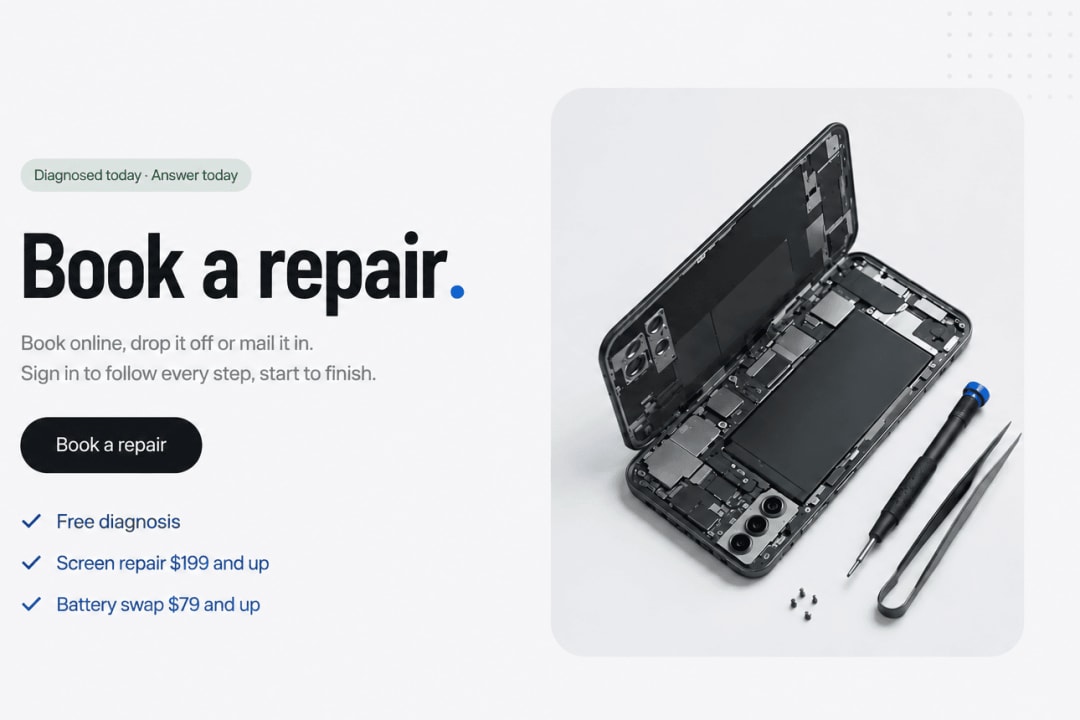
Repair Desk is a phone repair website template for independent shops that need device service pages, customer repair requests, and a staff ticket queue. Customers sign in with Google to start a request and access their repair records. Adapt the sample devices, drop-off and mail-in information, and store details for a cell phone, laptop, or console repair business.
A phone or computer repair website needs an intake flow that explains which device failed, what went wrong, and how it will reach the shop. Repair Desk connects a public service website with a customer sign-in route and a separate staff workbench. The ticket queue distinguishes new requests, work in progress, devices ready for collection, and completed or cancelled jobs. Use it as the starting point for your intake and status workflow.
Use the template Start a copy for the devices and repair services your shop actually handles.
Set your shop information Replace service descriptions, starting prices, warranty wording, address, map, phone, and WhatsApp contact details.
Configure access and intake Set up Google sign-in and your own staff access. Review the fault fields, drop-off instructions, and mail-in process.
Test and publish Test a customer request and its staff workflow before launch. Confirm that customers see the right repair records and that your team can manage the intended ticket stages.
Focus the device catalog and intake wording on screens, batteries, and other services your shop provides.
Adapt device details and fault descriptions for notebook diagnostics and the computer repair services your shop provides.
Use the same request and ticket structure for controllers, consoles, and related electronics.
Keep the mail-in option and add clear packaging, delivery, and return instructions for your service area.
Present the device categories you repair and give each one a path into the request flow.
Provide an account entry for repair requests and customer repair records.
Adapt the request flow and instructions to how devices reach your shop.
Browse jobs through a separate staff workbench, with filters for the main repair stages.
Organize requests, work in progress, devices ready for collection, returned jobs, and cancelled tickets.
Give customers your location, contact details, and a WhatsApp route for questions.
It is a website and repair-ticket starting point for a repair business. Check additional requirements separately if you need parts inventory, invoicing, a point-of-sale integration, or other specialized repair operations.
The core flow collects repair requests and supports drop-off or mail-in jobs. Do not present it as a technician calendar with guaranteed appointment slots unless you add and test that scheduling workflow.
Customers use Google sign-in for their repair records, while staff have a separate workbench login. Configure those connections and access rules for your own shop before launch.
Card checkout is not connected by default. If your business needs online deposits or payments, add and test that flow before offering it to customers.
No. Repair Desk is a HappySeeds template. It is not the separate RepairDesk software product.
Describe the changes in HappySeeds, replace the sample shop details, and test the customer and staff workflows. See HappySeeds pricing for current publishing options.