
Video A
Product and petals
- What you see
- An uncapped lipstick on white marble, with coral petals drifting into the scene
- What the opening puts first
- The color and gold finish
Have the product photo but not the ad idea? Tell HappySeeds who you're selling to and what you want to show. Get creative directions and prompts, then turn the ideas you choose into separate videos for TikTok, Instagram, Facebook or YouTube.
Tell us who it's for, what matters about the product and where the ad will run.
Start free · No credit card
Choose from popular video models, including Seedance.
An AI video ad maker turns a product photo or written brief into video footage for an ad. In HappySeeds, you can ask for different creative directions, adjust the prompts and generate the versions you want to explore.
Use the results as the visual part of your ad. After downloading, add your price, offer and call to action in your video editor, or add the offer as ad text when you set up your campaign.
You can start with free credits and no credit card. Lite and Pro add monthly credits, higher-resolution video and watermark-free downloads. See current plans.
We gave HappySeeds one AI-generated sample photo of a coral lipstick and asked for ad directions. We chose a product-focused idea and a getting-ready scene, then generated a video for each.
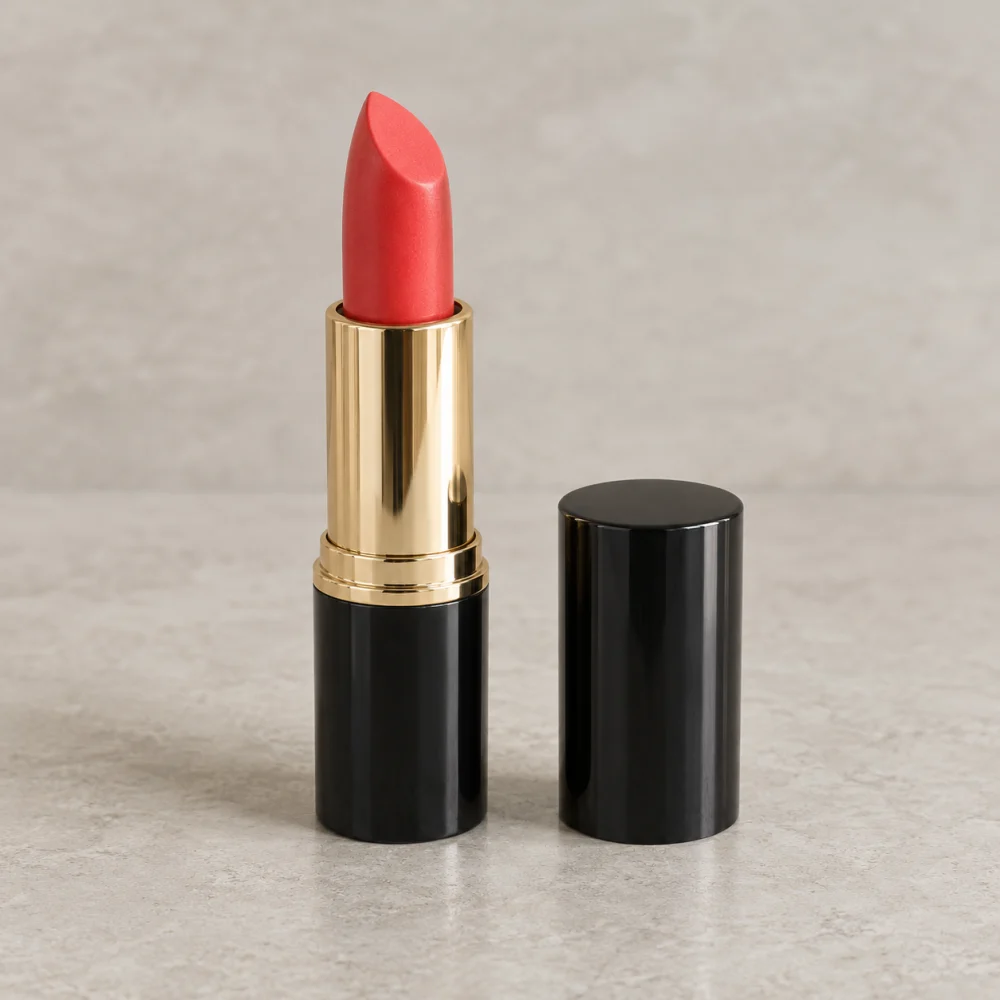
The coral color, gold tube and black base remain recognizable in these samples. Both are five-second vertical videos made with Wan 3.0 on October 14, 2026.
One opens on the product; the other puts it in a person's routine. You can explore that kind of difference before adding your offer and running the ads.
AI-generated sample product image · Videos made with HappySeeds
Start by deciding what a viewer should notice about your product. Then give HappySeeds the photo and the context it needs to suggest a direction.
Use a photo of the product you want to advertise, with its shape and important details visible. If the color, closure or packaging matters, show it clearly rather than hiding it behind props. Keep the original nearby when you review the video.
| What to include | Example of a useful detail |
|---|---|
| Who it's for | Commuters carrying a laptop and everyday essentials |
| What to show | The tote's shape, handles and how someone carries it |
| Where it will run | A vertical video for Instagram Reels |
| The message | Introduce the bag for a weekday commute; I'll add the launch offer after download |
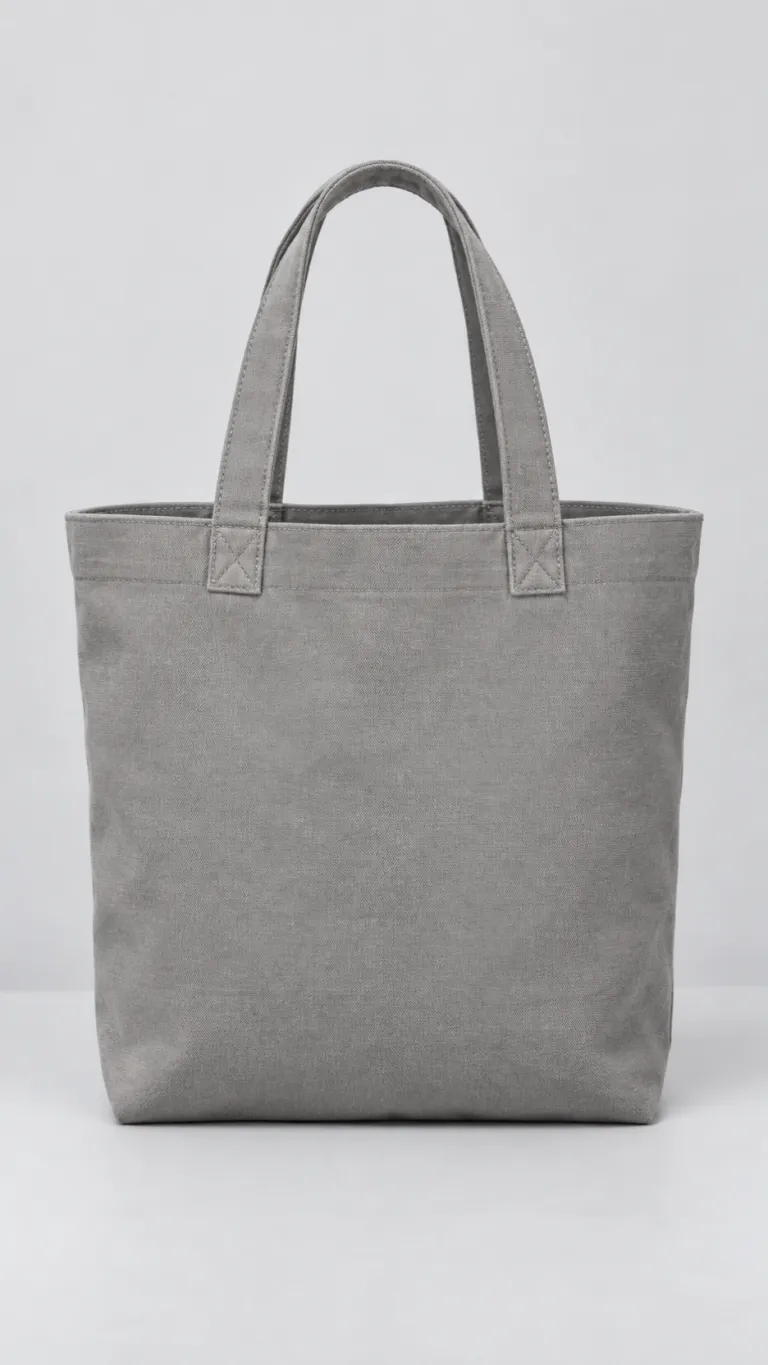 tote-bag.jpg
Example prompt:
Suggest different ad ideas for the tote in this photo. It's for commuters carrying a laptop and everyday essentials. I'd like to compare a product close-up with a person carrying it on a weekday commute. Write a video prompt for each direction. I'll add the launch offer after download.
Sample product image for this prompt example
Read the ideas before generating. What opens the video, what feature or situation does it focus on, and why does that fit your audience? Ask for a different direction if the ideas all make the same point. Then generate the versions you choose and review each one.
Example directions for the tote photo
Which two creative directions would you like to develop into videos?
The bag sits on a desk while the camera moves slowly along the canvas, the stitched handles and the inside pocket.
A commuter slides a laptop into the tote, lifts it onto one shoulder and heads out to catch the train.
The packed tote hangs on a hook by the front door. A hand lifts it off on the way out.
For online sellers and small brands, the starting point is often a photo you already have. HappySeeds can suggest ad directions and write the prompts, so you can explore a close-up, a scene showing the product in use or another idea without starting each prompt from scratch. Choose the versions that suit your campaign and check the product details before using them.
For a freelance creator or small studio, separate versions can make a discussion more concrete. Show how the same product looks in different settings, collect feedback and describe the changes you want. Use materials you have permission to work with and get the client's approval before publishing.
TikTok's guidance suggests 3–5 different creatives per ad group, with noticeable differences between them. It also recommends introducing the main message in the first three seconds and ending with a clear call to action.
Our suggestion is to start with a product feature or a moment of use you want a viewer to notice. Try one of these creative ideas in your next brief:
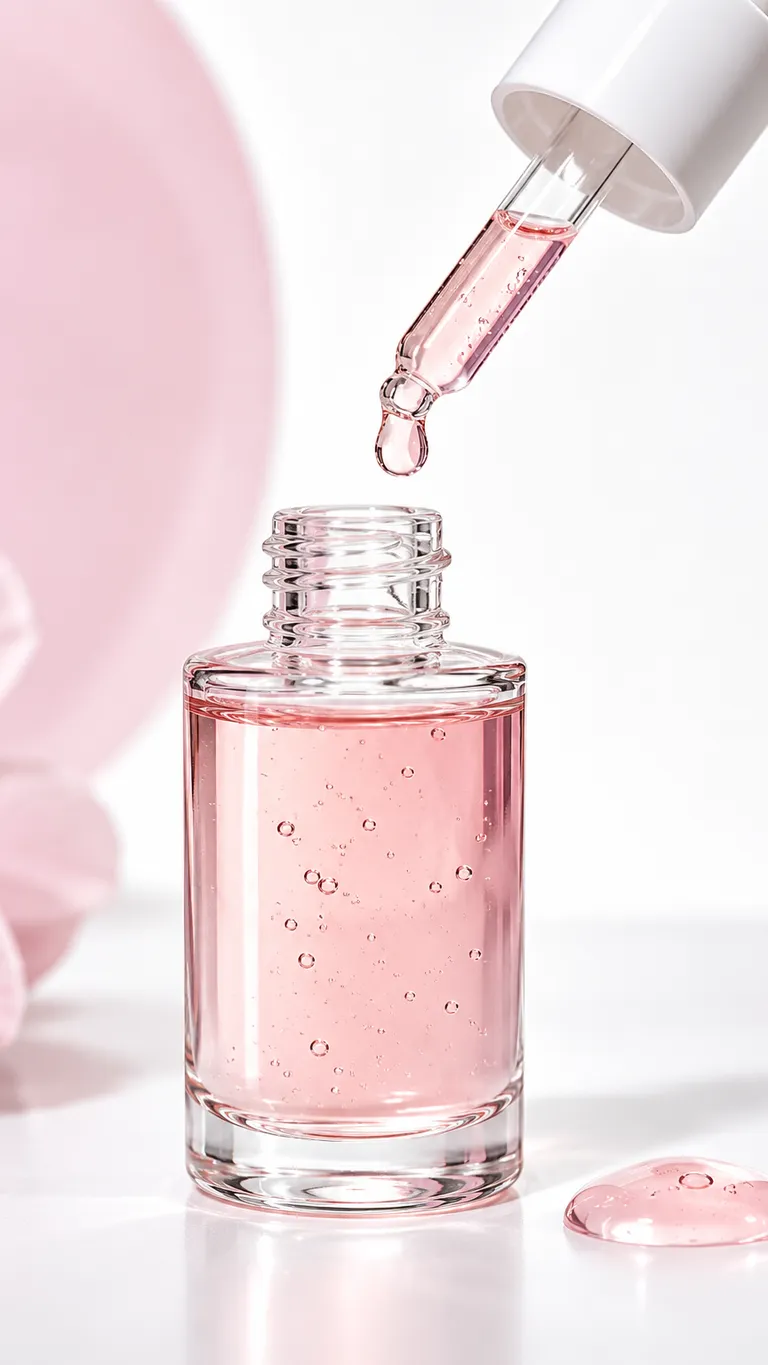 Visual concept
Color, texture or packaging in close-up
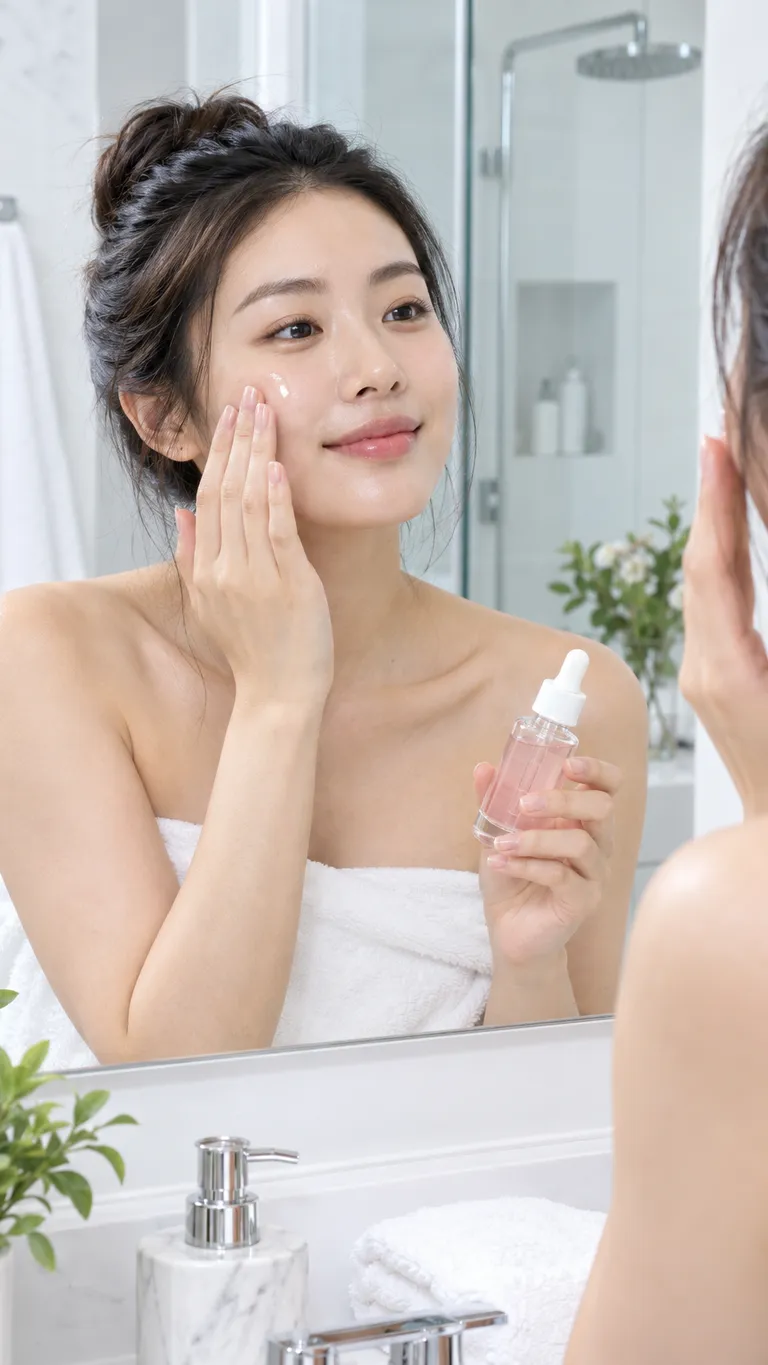 Visual concept
Applying or holding the product as part of a routine
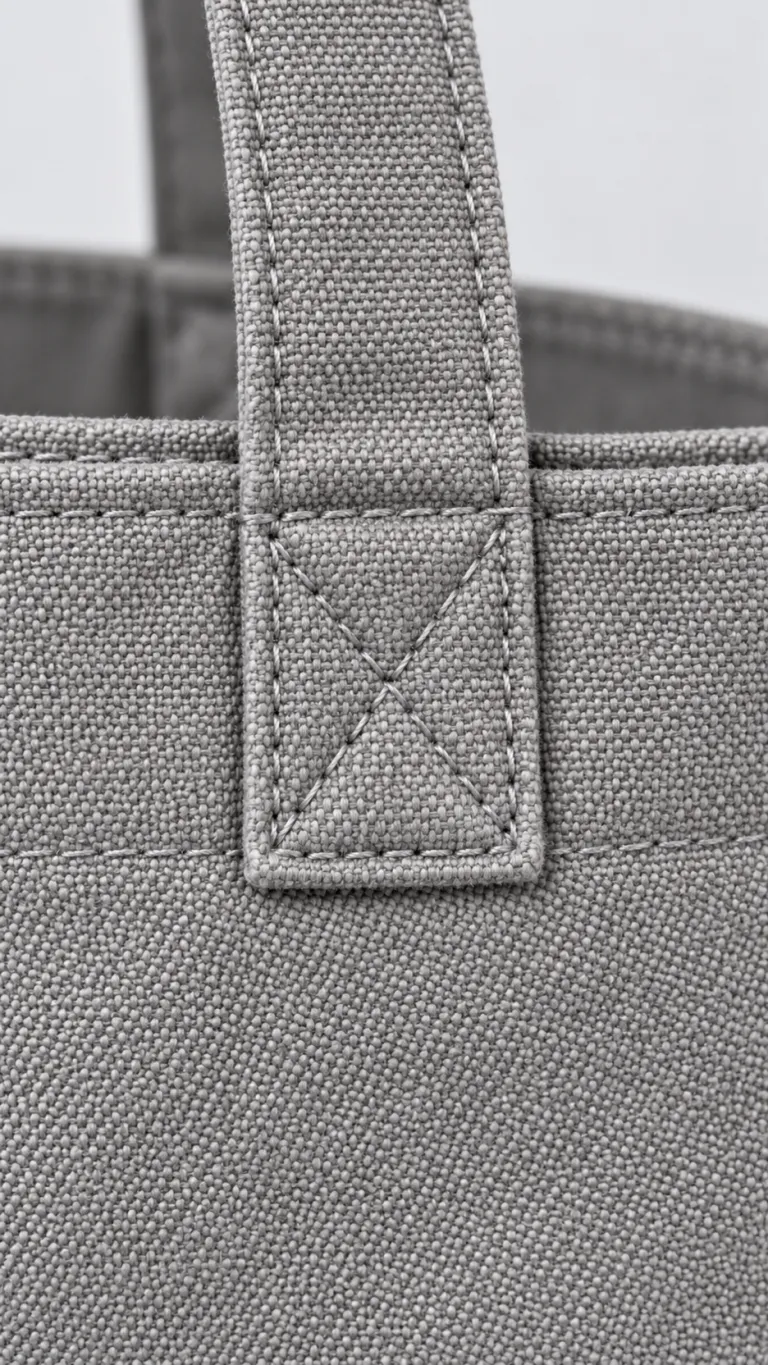 Visual concept
Material, shape or a detail worth showing
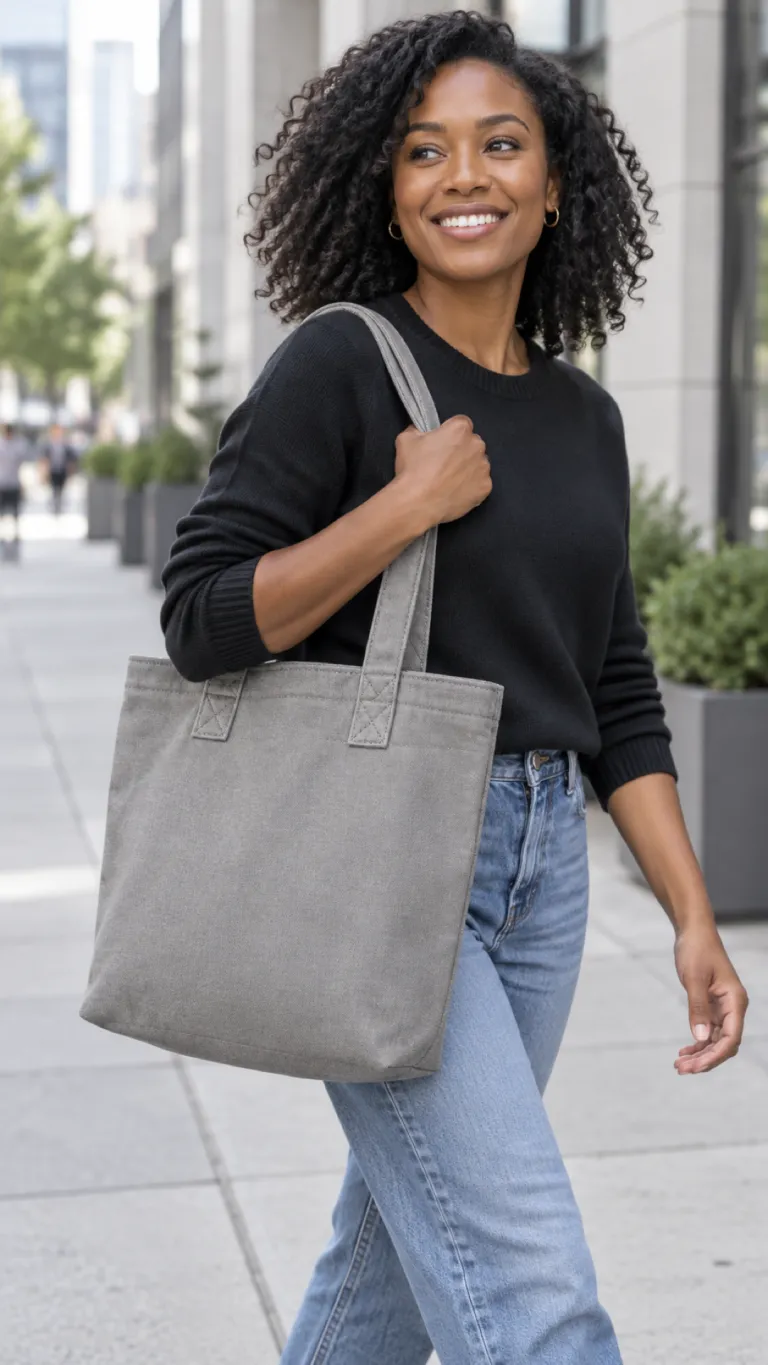 Visual concept
Wearing or carrying it in a relevant setting
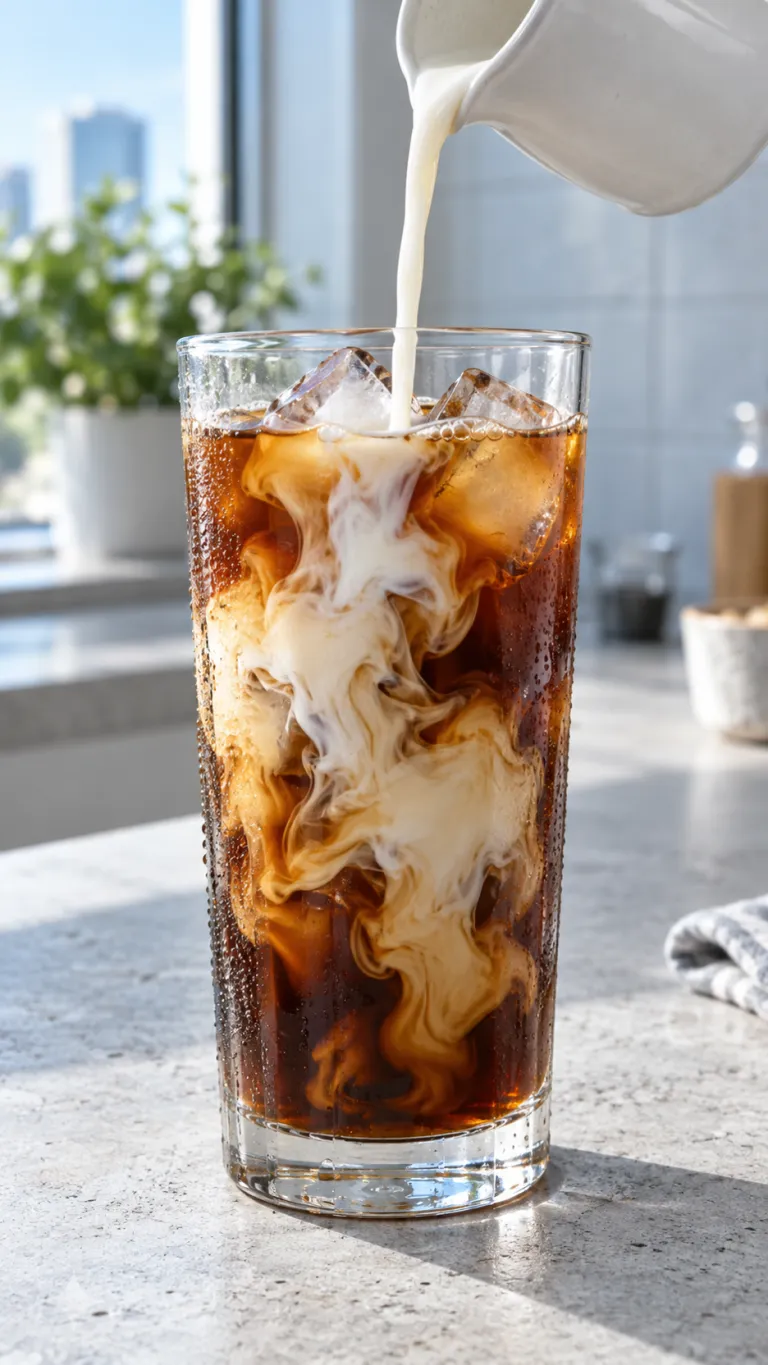 Visual concept
The dish, pour or serving details
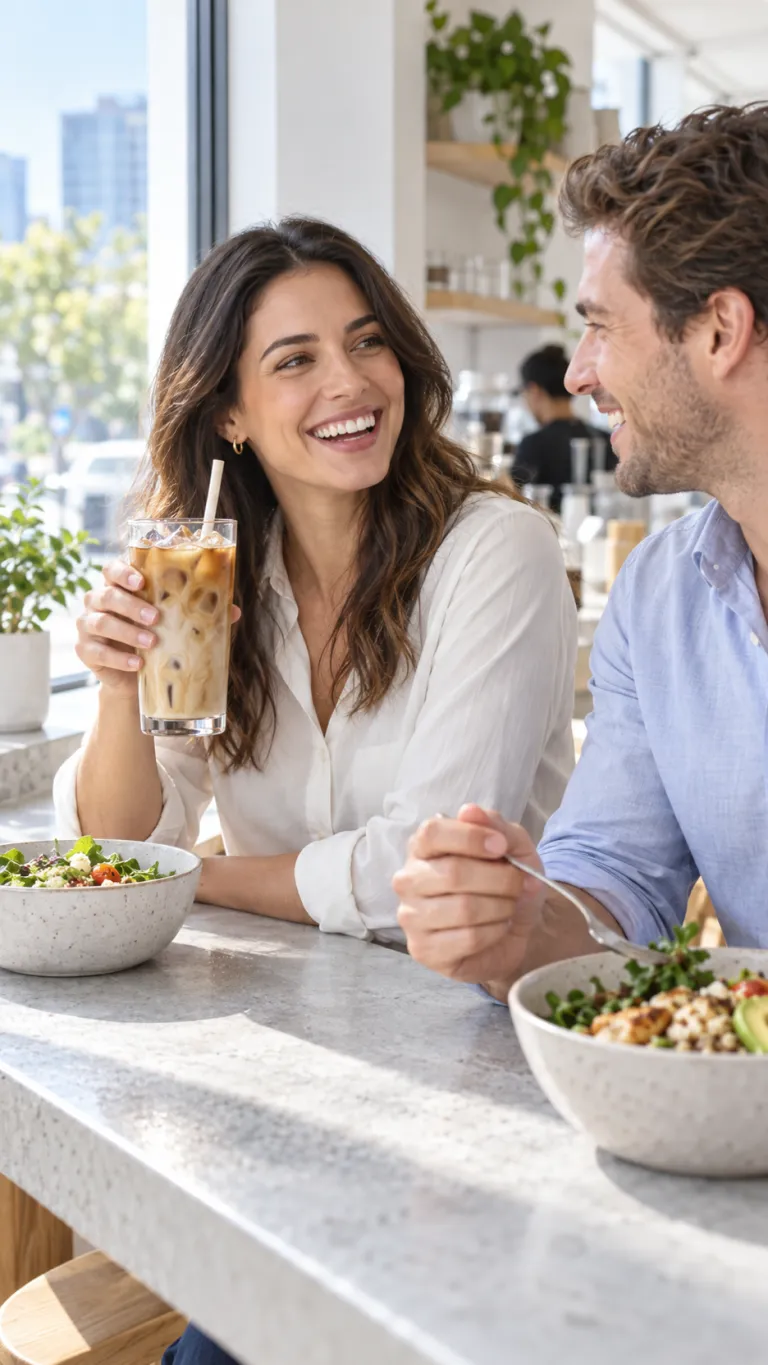 Visual concept
A meal, break or occasion where it belongs
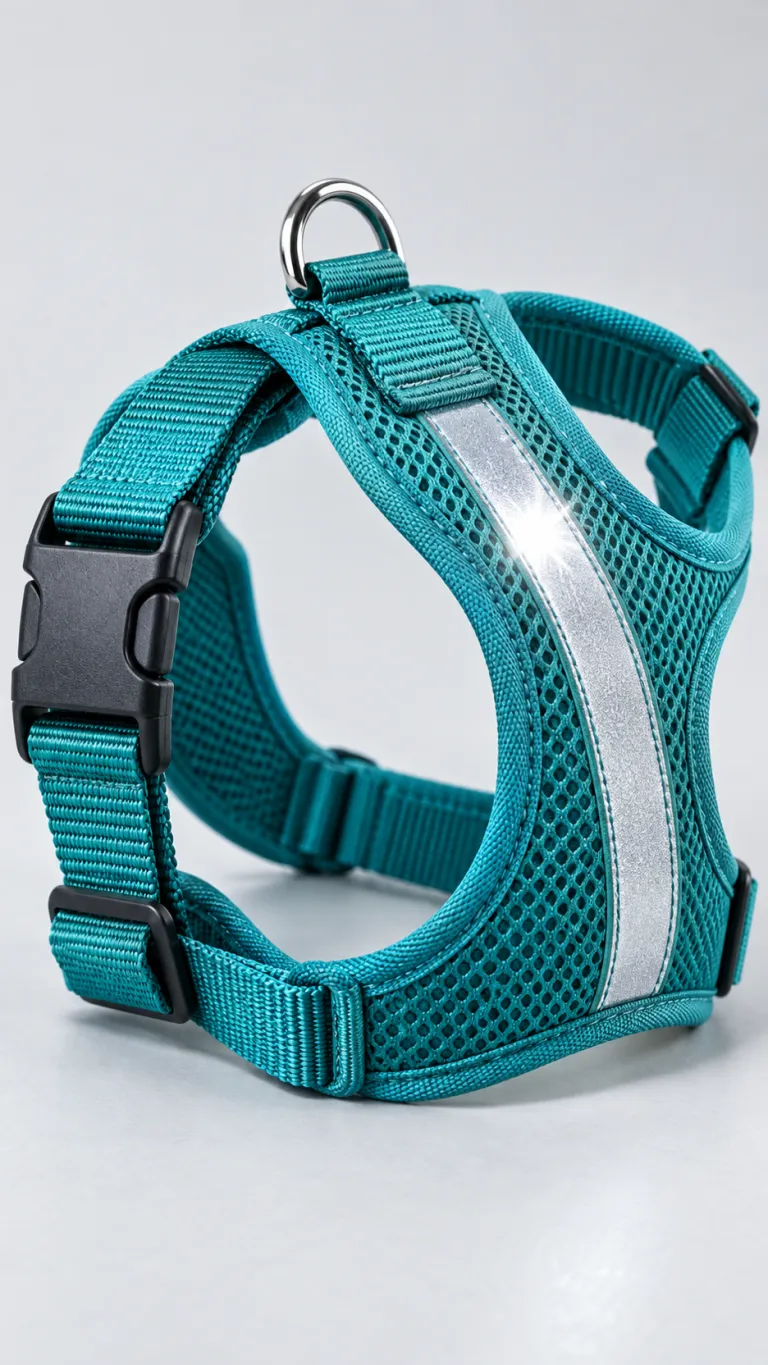 Visual concept
A distinctive feature shown clearly
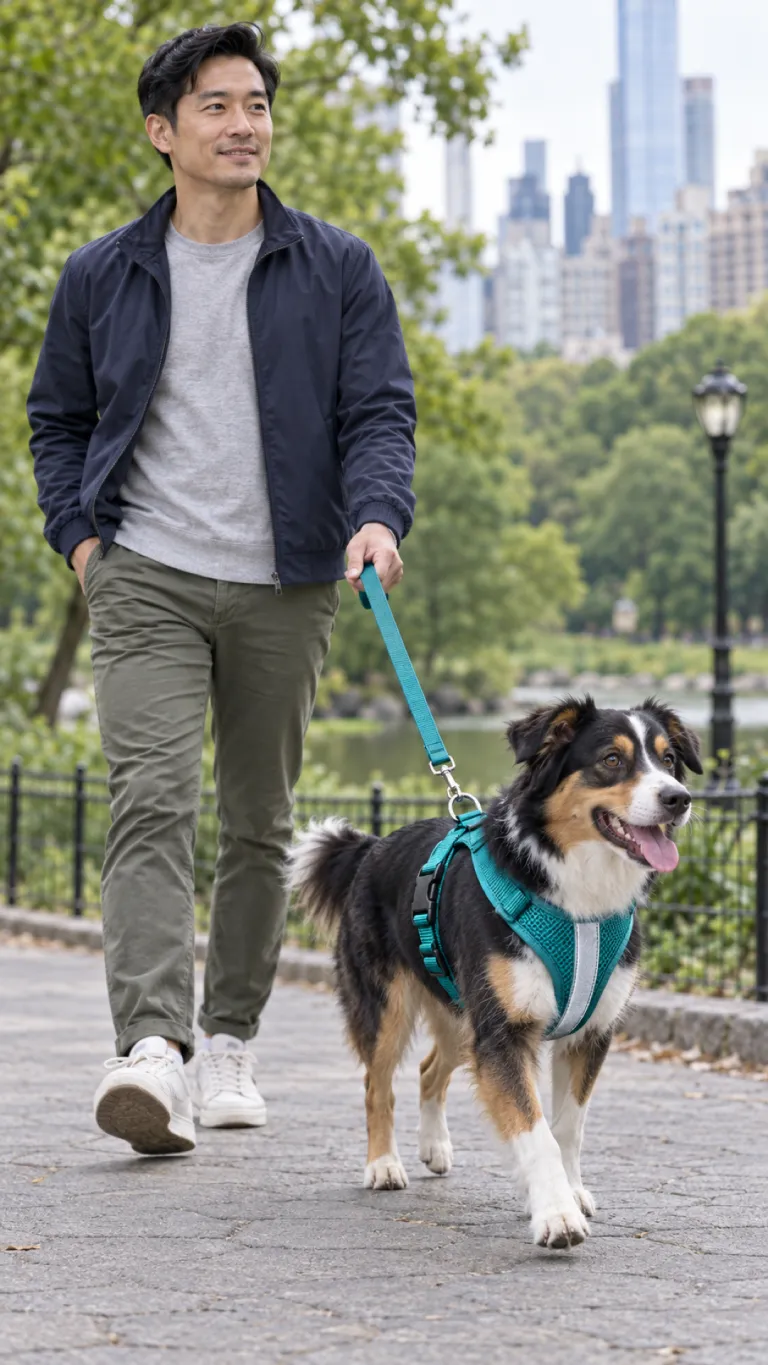 Visual concept
A pet interaction, an outdoor activity or an everyday task at home
Compare the first moments and the main message of each version. Does one show the product itself while another shows why someone might use it? A different backdrop may change the mood without changing the idea. Vertical, square and landscape formats help fit placements; they don't create a new message on their own.
Watch the whole video with your original photo beside it. Check the shape, color, packaging and any text or logo. AI can change details as the scene moves. Ask for revisions when needed, and use product claims you can support.
Source: TikTok for Business — Creative best practices for performance ads, checked October 15, 2026. The product directions and review advice above are our suggestions.
See more creative examples our team made with HappySeeds, from fragrance and accessories to food. The brands in these examples are fictional.
Once you've chosen a version, download it and add the details your campaign needs: the current price or offer, the dates if relevant, and a clear next step such as “Shop now”. Add these in your video editor or as ad text when you set up the campaign.
Upload the finished creative to your ad account, such as TikTok Ads Manager, Meta Ads Manager or Google Ads. That's where you set the audience, budget and schedule, compare results and decide what to try next. You can return to HappySeeds when you want a new creative direction.
Yes. Ask HappySeeds for different directions and generate the ones you choose as separate videos. The lipstick example above shows a product-focused opening and a getting-ready scene made from the same sample photo.
TikTok suggests 3–5 different creatives per ad group. First choose ideas with a clear difference in their opening or message, then generate and review them. The guidance above explains how to think about those differences.
AI can change fine details, small text or logos as the product moves. Compare the whole video with your original photo, check what matters for your product and ask for revisions when needed.
Tell HappySeeds who the product is for, what you want viewers to notice and where the ad will run. Ask for different directions and a prompt for each. You can adjust those prompts before generating.
Yes. Upload a video, or paste a TikTok, YouTube, Instagram or X link, add your product photo and explain what to keep or change. HappySeeds can use the reference's opening, pacing and shots to help develop your version.
Vertical 9:16 is TikTok's recommended format and suits Reels or Shorts. Landscape 16:9 is useful for standard YouTube videos and website placements; square 1:1 is also available. Check the current specifications for the ad placement you plan to use.
Yes. After download, add the price, offer and call to action in your video editor, or include the offer as ad text when you set up the campaign. Check the wording and dates before publishing.
Yes. Videos you make with HappySeeds can be used commercially, including in ads. Use photos and other materials you have permission to use, and follow the ad platform's policies.
You run the ads in your own ad account. HappySeeds helps create the video assets; your ad account handles the audience, budget, schedule and performance reporting.
Yes. Start with a photo of your product, dish or business, and describe the message and audience. For a shop or restaurant promotion, add the actual offer, dates and location after downloading. HappySeeds also supports longer videos.
Yes. Sign up without a credit card to get 30 free credits, plus limited-time new-user bonus credits. Credits can be used for videos, websites and apps; use varies with the request. Check your account for current offers.
Lite and Pro add monthly credits, higher-resolution video and watermark-free downloads. See pricing for current plans.
HappySeeds supports popular models including Seedance, Wan 3.0, Wan 3.0 Prime and MiniMax H3. Choose a model before generating.
Upload a product photo and tell us who you want to reach. Start with free credits and explore a new direction for your next ad.
Find my ad ideas ↑