
A local Claude Code recipe can feel like a product because it works for you. You run the same prompt, pass in the same files, get the same kind of output, and think, "This should be an app."
Maybe. But the moment you turn Claude Code recipe into app workflows, the question changes. It is no longer "Can I run this?" It becomes "Can someone else use this without me?"
That means forms, uploads, saved runs, accounts, permissions, structured outputs, payments, support, and clear failure states.
Scope note: this is product and implementation guidance, not legal, security, or compliance advice. For workflows involving regulated data, client contracts, source code, personal information, payments, employment, finance, healthcare, or legal decisions, founders should get qualified review before launch. The goal here is to define the product questions early, not to replace expert review.
Why a Claude Code Recipe Is Not Yet an App
A Claude Code recipe is a repeatable workflow, not a user product. It may prove that a job exists, but it does not prove that a customer can complete the job alone.
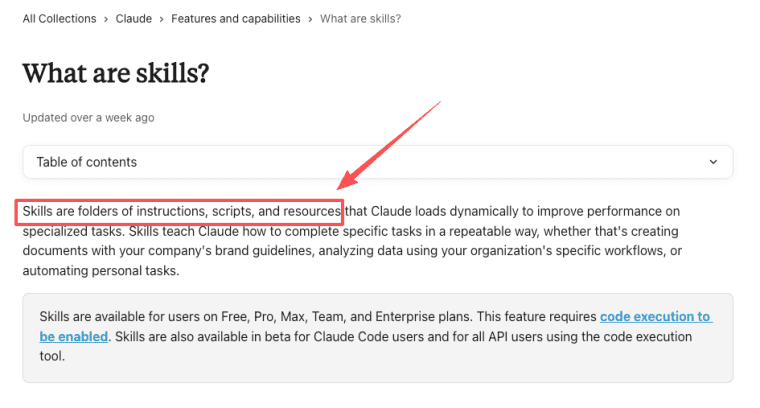
Claude Code supports repeatable instructions through skills and commands. The useful part for founders is that a repeated procedure can become something Claude loads and runs when needed, instead of a prompt you paste by hand every time: instructions, scripts, and resources can live together as a skill. That is useful for operators. It is not the same as an app.
The difference also shows up in basic software risk standards. OWASP's API Security Top 10 highlights issues such as broken object-level authorization, broken authentication, unrestricted resource consumption, and unsafe consumption of APIs. A local recipe usually does not need to solve those problems. A public app does, because users, files, permissions, credits, and third-party model calls become part of the system.
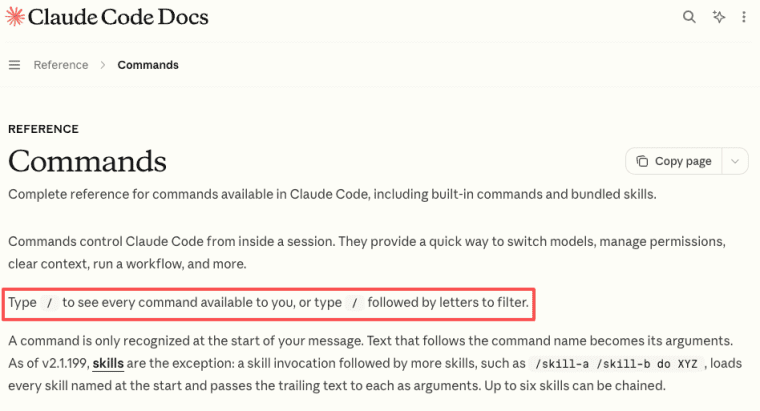
Claude Code also treats slash commands as a way to run repeatable session actions, which is helpful for operators but still not the same as a customer-facing app.
A local prompt workflow can prove the job, but not the user experience
A local prompt workflow proves the task can be structured. It does not prove onboarding, input validation, file handling, support, billing, or customer trust.
If the workflow only works because you know which file to attach, which instruction to paste, and how to judge the result, the recipe still depends on you. An app has to carry that structure for the user.
For example, a local "client brief generator" may work when you personally know which discovery notes, proposal template, and brand file to attach. The app version has to make those decisions visible: upload discovery notes here, choose the proposal type, confirm client industry, preview missing fields, generate the brief, save the run, and mark the result as draft or approved. That is the difference between a private shortcut and a workflow another person can trust.
What to Extract From the Recipe
Before building, extract the recipe's operating logic. Do not start with screens.
The recipe already contains the app's first requirements. You just need to make them explicit.
I would extract the recipe into four layers: input contract, processing rules, output schema, and review policy. The input contract defines what the user must provide. The processing rules define what the workflow should preserve, transform, ignore, or flag. The output schema defines what the app returns. The review policy defines what can be shipped automatically and what needs human approval.
Inputs, files, constraints, output format, review steps, and success criteria
Write down the input path. Does the user provide a form, spreadsheet, PDF, folder, transcript, brief, image, or code file?
Then list constraints. What must the model preserve? Tone, format, terminology, formulas, sections, citations, file names, or approval rules?
Next, define the output. A prompt answer is too loose. A useful app needs structured output: report, checklist, JSON, proposal, summary, table, slide outline, or task plan.
Finally, define review steps and success criteria. Who approves the output? What makes it pass? What makes it unsafe, incomplete, or wrong?
Product Layers to Add Around the Workflow
A recipe becomes a product when it gets a user-facing shell.
That shell should reduce confusion, preserve history, and make the workflow repeatable for someone who did not write the original prompt.
If the recipe is already showing repeat value, HappySeeds can help turn it into an OPC AI app with its own interface, input flow, saved runs, and customer-facing structure. The goal is not to sell promptly. It is to package the workflow so users can run it reliably.
Forms, uploads, user accounts, saved runs, structured output, permissions, and billing
Forms turn vague prompting into guided input. Uploads let users provide source files without learning your local setup. User accounts let them return. Saved runs preserve history. Structured output makes results easier to review, export, and compare.
Permissions matter when teams, clients, or agencies use the app. One user may upload files, another may review, and another may approve final output.
Billing matters if the workflow has real value. A prompt workflow app should define whether customers pay per run, per project, per seat, or per usage bundle.
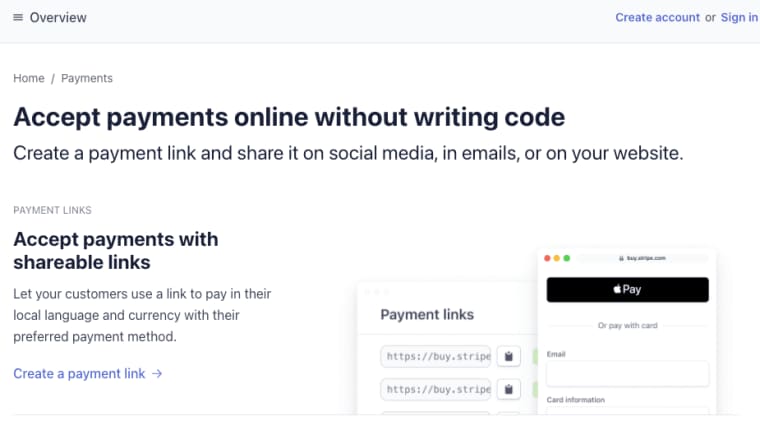
If you test paid access before building a full billing system, a simple hosted checkout path can be enough for the first version.
MVP Workflow for Non-Technical Founders
A non-technical founder should not turn every recipe into a platform. Start with the smallest loop that proves customers want the result.
This is the safe path from workflow to AI app.
One repeated task, one input path, one output screen, one saved history view
Choose one repeated task. For example: client brief generation, codebase audit summary, content repurposing plan, customer research synthesis, or proposal review.
Choose one input path. Do not support every file type first. Start with one form plus one upload type if possible.
Choose one output screen. The user should see the result in a stable format, not an open-ended chat response.
Choose one saved history view. Users should be able to reopen past runs, compare outputs, and understand what source files created each result.
That is enough for a first MVP.
Limits and Risk Notes
Claude Code recipes can be brittle. A small change in files, instructions, context, or model behavior can change the output.
That is fine for personal use. It is riskier for customers.
This is where a lightweight risk framework helps. NIST's AI Risk Management Framework describes AI risk management around governance, mapping, measurement, and management. A small founder does not need enterprise bureaucracy, but the pattern is useful: define the use case, identify what can go wrong, measure failures, and decide who manages them.
Recipe brittleness, missing context, privacy, unsupported files, cost, and human review
Recipe brittleness shows up when the workflow only works with your exact folder structure or hidden assumptions. Missing context appears when users upload incomplete files. Unsupported files create confusion. Cost becomes hard to predict when runs include large inputs or repeated retries.
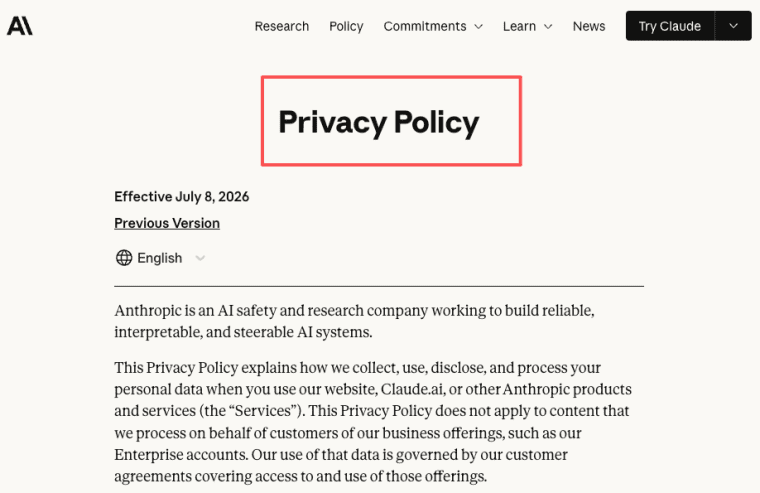
Privacy also needs review. If users upload client files, code, contracts, research, or business data, the app needs clear storage, access, retention, and deletion rules. Anthropic's privacy and data handling information is useful context, but your own product still needs its own policies.
A practical retention policy should answer five questions before launch: how long uploaded files are stored, whether generated outputs remain after source deletion, whether logs include file names or extracted text, who can access support records, and how a user can request deletion. The safest default for sensitive workflows is to store only what the product needs, separate source files from derived outputs, and avoid exposing raw content in support logs unless the user explicitly authorizes it.
Human review should remain in the loop for sensitive outputs. A build AI productivity tool project should not pretend that generated work is automatically ready for customers, legal use, finance, hiring, healthcare, or public publishing.
Make the Recipe Usable by Someone Else
A Claude Code recipe becomes app-worthy when the same task repeats and someone other than you needs to run it. Extract the inputs, rules, outputs, and review steps. Then add the boring product layer: accounts, uploads, saved history, permissions, billing, and support. That is how a local recipe becomes a customer workflow instead of a private shortcut.
Explore More Topics:
FAQ
What should happen when a user deletes source files later?
The app should define whether deleting source files also deletes outputs, summaries, embeddings, logs, and exports. Some products may keep final deliverables while removing the original file. Others may delete the full project trail. The rule should be visible before users upload sensitive material.
Can teams freeze a recipe version for old customers?
Yes. Freezing a version can protect old customers from unexpected output changes. The app should record recipe version, model path, prompt instructions, output schema, and release date. New customers can use the latest workflow, while old projects remain tied to the version that produced them.
Who reviews sensitive outputs before they are shared?
The review owner should be defined by the use case. A consultant, admin, client lead, legal reviewer, or internal manager may need to approve sensitive outputs. The app should mark outputs as draft, reviewed, approved, rejected, or needs changes instead of sending them automatically.
How should failed runs be logged for support?
Failed runs should log run ID, user, timestamp, input type, error message, model path, recipe version, and support status. Do not expose sensitive source content in support views unless necessary and authorized. Good logs help support fix problems without asking users to recreate everything.


