
Handmade jewelry shop
Introduce an independent maker's collection with product pages, brand stories, and a shopping bag.
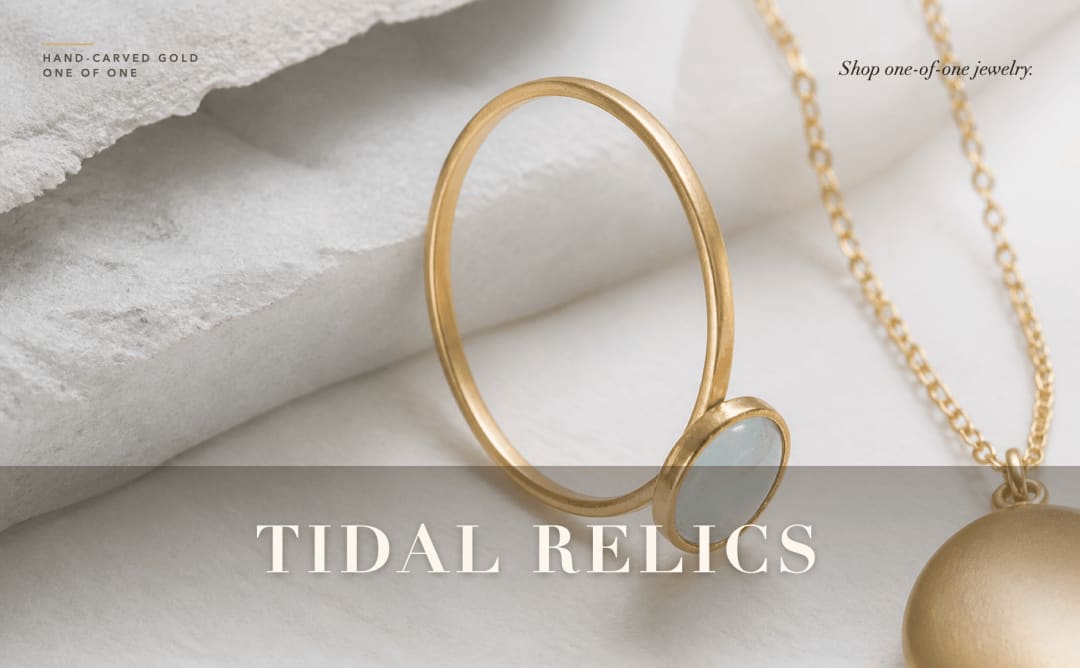
Tidal Relics is a jewelry store website template for independent makers and small jewelry boutiques. It includes product collections, a shopping bag, a gift finder, and a personalization flow. Visitors can explore pieces, choose details such as metal and engraving, or request an atelier visit. Customize the sample shop for your brand; checkout uses a demo order flow until you connect live payments.
A handmade jewelry website needs to serve shoppers with a piece in mind, a person to buy for, or an idea they want to personalize. This template gives those visits different paths: browse a collection, answer the gift quiz, or choose a piece and its details in Make It Personal. The Tidal Relics sample shows how product information and brand storytelling can sit alongside a shopping flow and an atelier appointment request.
Use the template Start from the Tidal Relics sample and choose the kind of jewelry or keepsakes you sell.
Add your collection Replace product images, materials, sizes, prices, collection names, and brand copy. Update personalization options to match what you can actually make.
Configure the customer paths Adapt quiz questions and recommendations, set real appointment locations, and connect the payment and request-handling services you need.
Test and publish Review a gift recommendation, a personalized piece, checkout, and an appointment request before sharing the store. Remove sample delivery and craftsmanship promises that do not apply to your business.
Introduce an independent maker's collection with product pages, brand stories, and a shopping bag.
Put engravings, initials, and material choices at the center of the shopping experience.
Adapt the collections, gift questions, and atelier request form for wedding jewelry and keepsakes.
Organize pieces into distinct collections with product images and descriptions.
Give shoppers space to examine a piece and save favorites while exploring the shop.
Present piece, metal, chain, and engraving choices with a configuration summary.
Guide shoppers through questions about the recipient, style, preferred jewelry, and budget, then show a suggested piece.
Demonstrate the path from a selected product to checkout without taking a live payment by default.
Collect a visitor's contact details, atelier choice, and preferred date for a studio visit request.
Yes. Replace the sample collection with your own pieces, photography, materials, sizing, and care information. Use the brand pages to explain your process without keeping the sample shop's claims.
Make It Personal includes piece, metal, chain, and engraving options for the sample designs. Adapt those choices to the products you offer and test how they appear in the shopping bag.
It asks about the recipient, style, preferred jewelry, and budget, then recommends a piece with a product link. Update the questions and recommendations for your own collection.
Not by default. The sample checkout is a demo order flow. Connect and test your own payment provider before taking live orders.
The form collects an atelier and a preferred date. Treat it as a request and confirm the visit with the customer; do not present it as a live calendar reservation unless you add and test that workflow.
Describe your changes in HappySeeds, review the preview, and configure payments and appointment handling for your business. Check HappySeeds pricing for current publishing and domain options.