
AI Work Diary
A build-in-public log for founders: what shipped, what's blocked, what you decided not to do. The history becomes raw material for changelogs and updates.
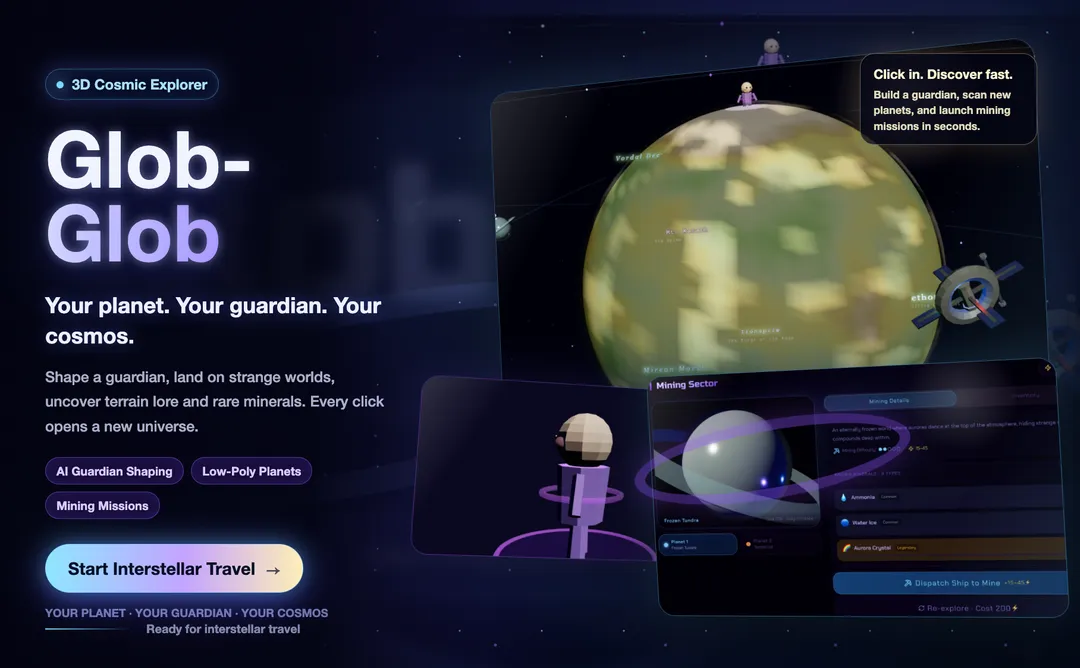
Glob-Glob is an AI work diary template for recording daily progress, blockers, and ideas. Each entry gets a short AI reflection, and past notes stay easy to revisit — customize the prompts, tone, and visual style for your own audience.
Most work diaries ask you to write and then abandon what you wrote. Glob-Glob reads it: every entry — a shipped feature, a stuck afternoon, a half-formed idea — gets a short reflection back. Over weeks they become a timeline of how your project actually moved, not how you remember it moving.
Remix this template Get a working copy — nothing to install or deploy.
Decide who it's for A founder log, cohort homework, and coaching check-ins share mechanics but not copy.
Write prompts, set the voice Swap the theme in the same pass if needed.
Choose storage, then publish Go live with your own domain and pricing.
A build-in-public log for founders: what shipped, what's blocked, what you decided not to do. The history becomes raw material for changelogs and updates.
Less habit tracker, more thinking partner — for anyone who processes their week by writing it down first.
A weekly check-in that produces a reflection for clients and a pattern summary for you, so sessions start at the actual problem.
A running log of content ideas and audience notes, with reflections that turn into ready-made recaps.
One clean composer — text in, no forms to fight.
A short response per entry, tuned to a tone you set.
A scrollable timeline of entries and reflections.
Swap the default question for one that fits your audience.
Entries persist per user, ready for real accounts.
Reskin the cosmic theme — palette, type, and tone.
Yes. Change the entry prompts, reflection style, history view, visual identity, and page copy.
Yes. Set a tone that fits your audience, from playful and informal to calm and professional.
They can be, if you configure user accounts and data storage. Make the retention and deletion settings clear to users.
Yes. Adapt the prompts for lesson reflections, weekly check-ins, habit tracking, or coaching homework.
Yes. Add separate accounts or workspaces if you want each person to keep their own history.
Collect only what the app needs, explain how entries are stored, and give users a way to manage or delete their data.