
Online teleprompter
The default build — paste, read, done, nothing installed.
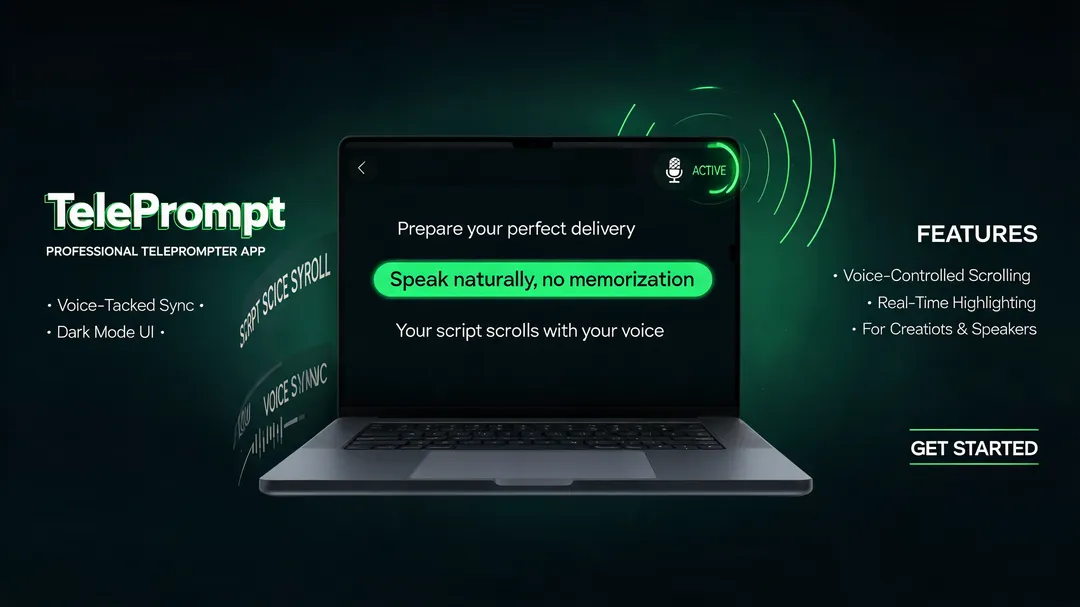
TelePrompt is a browser-based teleprompter. Paste a script, set the size and speed, and read it in a clean view with nothing installed. Scrolling is manual to start — add timed scroll or voice tracking if your setup needs it.
Everyone writes the script; almost nobody solves where to put it. TelePrompt puts it there: a take you'll redo, a livestream you can't, a lecture nobody's timing — same script, one clean reading view. Scrolling a doc with one hand is a teleprompter the way a chair is a ladder.
Remix this template Get a working copy — nothing to install or deploy.
Decide who it's for A creator's own setup, a school's shared tool, and a public free utility share mechanics but not wording.
Add what your users need Timed auto-scroll, voice tracking, a mirror view — the starting version is manual.
Decide if scripts are saved, then publish Keep it session-only, or add accounts and storage for people who write in advance.
The default build — paste, read, done, nothing installed.
The thing that sits under the lens so your eyeline stays put.
Notes for a talk that don't look like notes.
One step in a team's pipeline, branded and always open.
Paste it in; no formatting to clean up.
Controls out of the way, text front and centre.
Manual by default, at the pace you set.
Size and typeface you can read at arm's length.
Desktop, tablet, or a phone under the lens.
Your colors, your instructions, your name on it.
Yes. Change the controls, script view, fonts, colors, instructions, and branding.
Yes. The browser-based layout can be adapted for desktop, tablet, and mobile recording setups.
The starting version includes manual controls. You can add timed auto-scroll or voice tracking if your setup supports it.
It is primarily a script-reading tool. Use it alongside a camera or recording app, or add recording features to your version.
Yes. Offer it for free, use it as a lead magnet, or add paid features based on your business model.
Yes, if you add accounts and storage. You can also keep the tool temporary so scripts stay only for the current session.