
Birthday invite
A single page with the plan, the address, and a reply button — sent as one link instead of five messages.
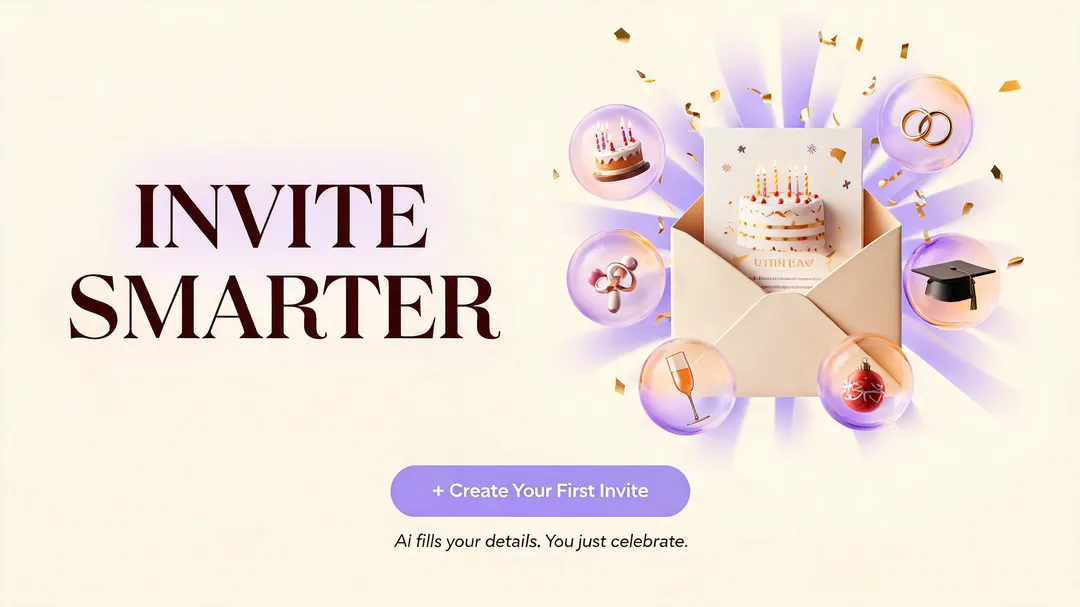
Birthday Dinner Invite is a birthday invite app template for sharing details and collecting RSVPs in one place. Guests open a link, read the plan, and reply — nothing to install. Customize the schedule, the questions, and the look for any small gathering.
Most invites look finished, then leave you counting heads in a group chat. Birthday Dinner Invite counts them: every reply — a yes, a no, a plus-one with a nut allergy — lands on one page. Change the time and the same link updates for everyone — no second announcement, no one arriving an hour early.
Remix this template Get a working copy — nothing to install or deploy.
Decide who it's for A birthday dinner, a community meetup, and a client event share mechanics but not wording.
Rewrite the questions and reskin Ask what your event actually needs, then match the visuals to the occasion.
Publish and share Go live on your own domain, and decide how long guest replies are kept before you send the link.
A single page with the plan, the address, and a reply button — sent as one link instead of five messages.
Attendance, party size, and dietary needs collected in one list you can hand to a restaurant.
Menu, schedule, and directions on a page guests can reopen the morning of, instead of scrolling back through a chat.
An anniversary, a housewarming, a farewell — same flow, different wording and visuals.
Date, place, schedule, and dress code in one block.
One tap to reply, no account required.
Ask for party size, dietary needs, or anything else.
One URL that opens in any browser.
Swap colors, images, and wording to fit the occasion.
Change the plan after sharing; the link stays the same.
Yes. Change the event details, guest questions, colors, images, wording, and confirmation message.
Yes. Ask for attendance, party size, dietary needs, or another response your event requires.
Yes. Adapt it for anniversaries, family dinners, team events, welcome parties, or other small gatherings.
Yes. Publish the page, then send its URL through any messaging, email, or social channel.
Yes. Edit the published page when plans change so guests can use the same link for the latest information.
No. They can open the invitation and respond in a browser.