
Online piano game
The default build — falling notes, on-screen keys, and a score at the end.
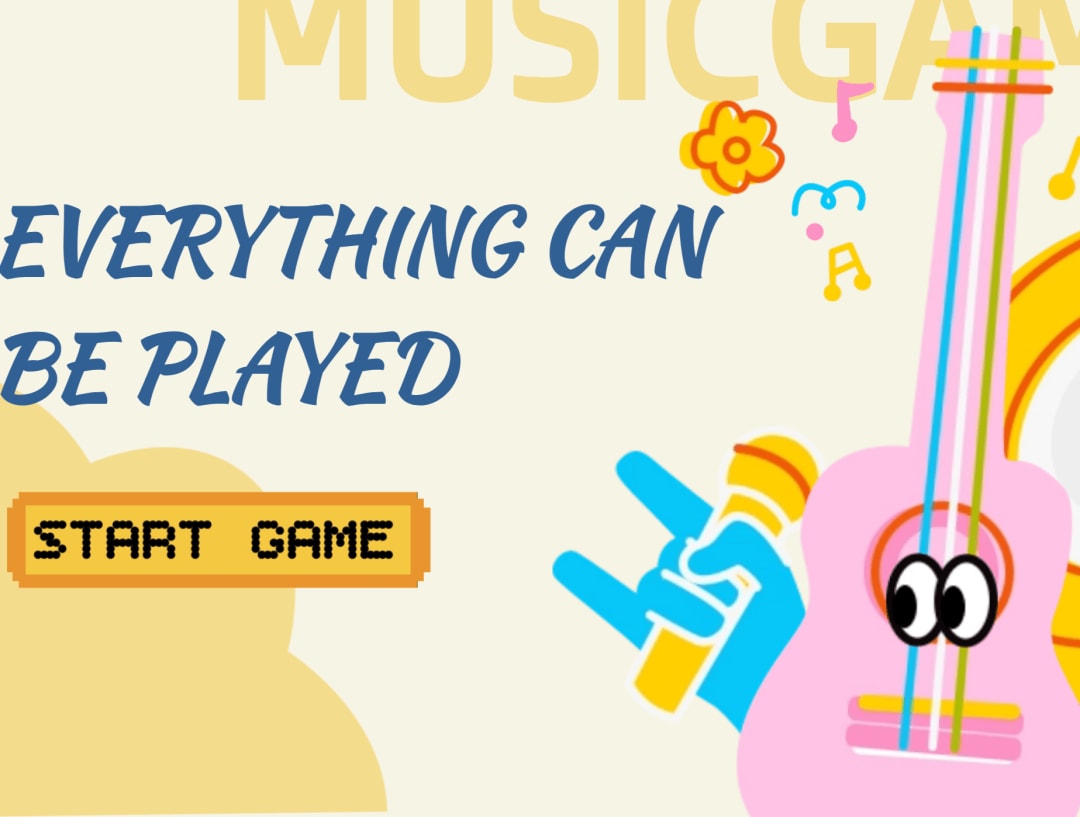
Piano Game is a piano game template that drops notes down the screen and asks a player to catch them in time — on-screen keys, no instrument needed. Edit the songs, the note labels, and the difficulty for a game, a practice tool, or a classroom activity.
Practice apps log the minutes and never hear a note you played. Piano Game hears it: a clean run, a note missed by a fraction, the same bar for the fifth time. Nobody replays a level they beat; everybody replays a bar they nearly had.
Remix this template Get a working copy — nothing to install or deploy.
Decide who it's for A practice tool, a classroom activity, and an arcade game share mechanics but not wording.
Edit the songs and difficulty Change the note labels, the song patterns, and how hard a clean run is.
Test the audio, then publish Timing and sound behave differently across browsers; play it through before you go live.
The default build — falling notes, on-screen keys, and a score at the end.
Drills that tell you where you slipped, not just how long you sat there.
Something a room can take turns at, with nothing to install.
Strip out the game and keep the keys — intervals, ear training, anything audible.
Playable on a laptop or a phone, no instrument needed.
Change what each key is called and what it plays.
Build or replace the sequences players run.
Set how tight the timing window is.
A number at the end of every run.
Where you slipped, not just what you scored.
A browser-based music game, practice tool, classroom activity, or interactive demo.
Yes. Edit the note labels, song patterns, difficulty, and feedback shown to the player.
No. It can also work as a learning aid, sound demo, or small music widget.
It suits music teachers, creators, students, and anyone testing an interactive audio idea.
Yes. Publish the finished app to the web and share the live link.