


- What you need
- Public portfolios, service or package details, and an inquiry form
- Where to start
- Build the public site described on this page.
Photographer website builder for your portfolio, packages and inquiries
Describe your style, the sessions you offer and how you take inquiries, and HappySeeds builds a public portfolio with services, prices and a contact form you can keep refining through conversation.
What is the best website builder for photographers?
It depends on what your photography business sells. HappySeeds suits working photographers who want a public website where new clients can see their work, check packages, and ask about a shoot: describe your business and bring a few photos you have permission to display, and it builds portfolio groups, service packages with prices, and an inquiry form that saves submissions to the site’s database. As of October 2026, you can publish it with hosting on the Free plan, which starts with 30 free credits, and paid plans start at $12.90 a month. If your main job is delivering finished photos or selling prints, choose the tools for those jobs first.
- What you need
- Client galleries and a proofing workflow
- Where to start
- Choose a dedicated delivery tool; keep your public site as the place new clients find you.
- What you need
- Product sales, payment and fulfillment tools
- Where to start
- Choose a photo sales workflow that fits the products you sell.
Keep your delivery workflow when it already works
Already have a tool for sending galleries to clients? You can keep using it and build a separate public site for your portfolio, packages and inquiries.
For a closer look at HappySeeds as a public-site option, compare the ways of building below.
Why working photographers choose HappySeeds for a portfolio website

Changes in conversation
You can ask for changes to pages, service descriptions and form questions in conversation.

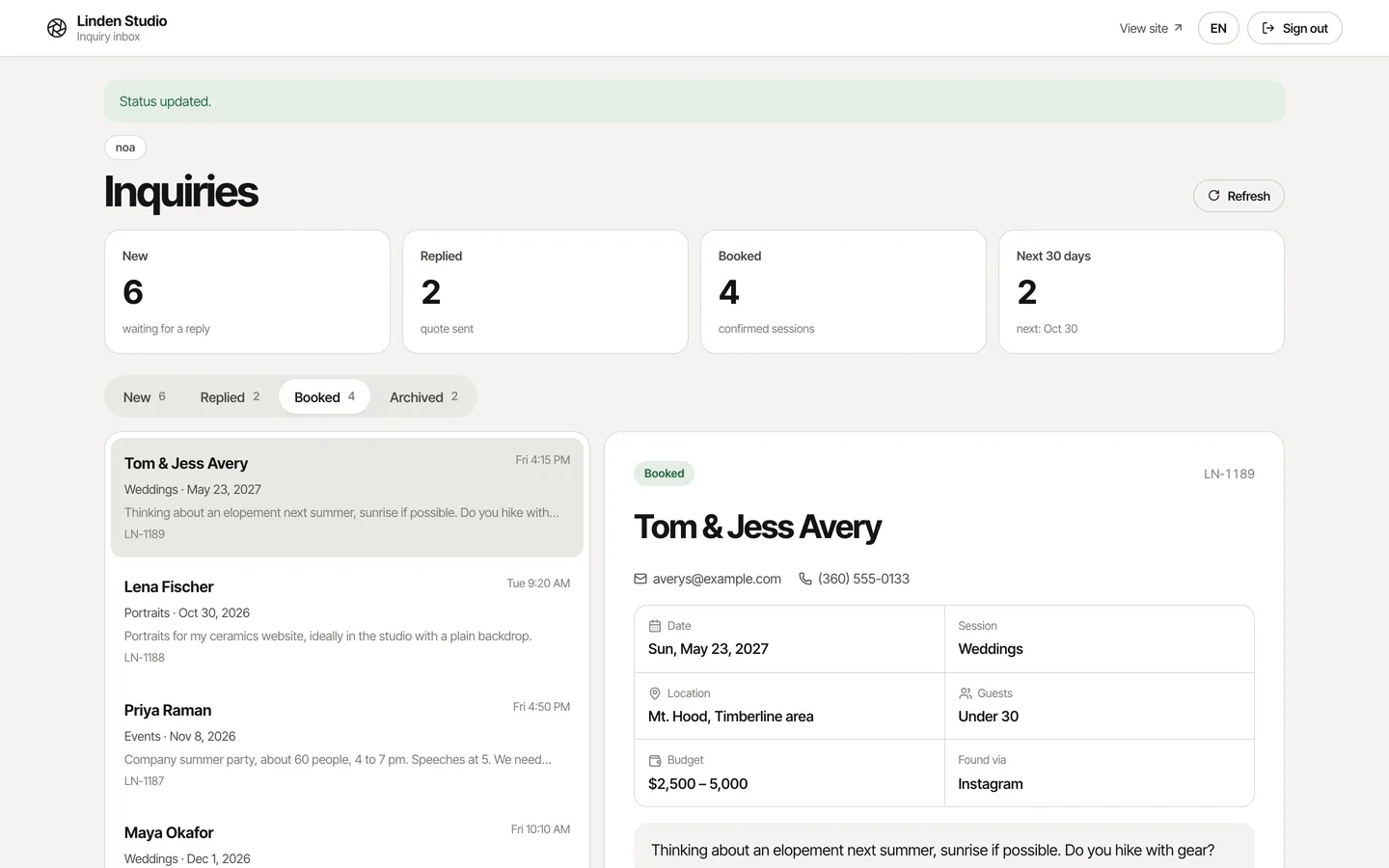
Inquiries saved in a database
Inquiry forms can receive submissions and save them in the app’s built-in database, so you can build a place to review requests alongside the site.

Publishing on the Free plan
The Free plan includes publishing and hosting.

Your domain and your code
Lite and Pro add your own domain and code export.
Choose the way of working that fits you:
| Your current approach | Consider HappySeeds when… | Keep that approach when… |
|---|---|---|
| Template-first portfolio builder | You want to describe business changes, such as a new package or a different inquiry question, and work through them in conversation. | You already have a layout and visual editing workflow that meet your needs. |
| Photography builder with AI site generation | You expect to keep changing packages, pages and inquiry questions after launch, and want to do it by describing each change. | Its AI starting point and editing process already work well for you. AI generation alone is no reason to switch. |
| All-in-one photography platform | You need a public portfolio, service information and inquiries while keeping photo delivery in an existing tool. | Client galleries, proofing or print sales drive your choice. Choose that route first. |
Bring photos you have permission to display, check the first draft, and review changes before publishing again. Your brief and your checks remain part of making the site yours.
How do you create a website for a photographer?
Start with a short brief: one or two photography categories, a small selection of representative photos, your services and prices, and the details you need from clients. Describe that to HappySeeds, review the first version, and add more once it reflects your business.
Fill in the lines below and use them as your starting request:
- Build a public photography website for [business name].
- My photography categories are [categories].
- My visual style is [a few words about the look and mood].
- I will supply [selected photos I have permission to display].
- I work in [service area and any travel conditions].
- After an inquiry, I will [how I reply and confirm next steps].
- Label the date field as a preferred date, not a confirmed booking.


Need help filling it in? See how to organize your portfolio, what to say about services and prices, and which inquiry details to request.
Build a first version you can review
Describe the website you want in HappySeeds, add your selected photos, and review the generated draft against your brief.
Describe the website you want in HappySeeds, using your photography brief as the starting request.
Add your selected photos, and review the generated draft against your brief.
- Open each portfolio group and check that the photos belong to the right type of work.
- Read the service and price information as a prospective client would.
- Check the inquiry form and ask for a list of saved inquiries.
- Describe any correction with the page, the current issue and the change you want.
For example: “Put my portrait work before event photography, and change the inquiry form so clients can tell me which session they want.”
Keep reviewing as you refine the site. When the content and inquiry flow are ready, publish the version you want visitors to use.
Describe your photography website
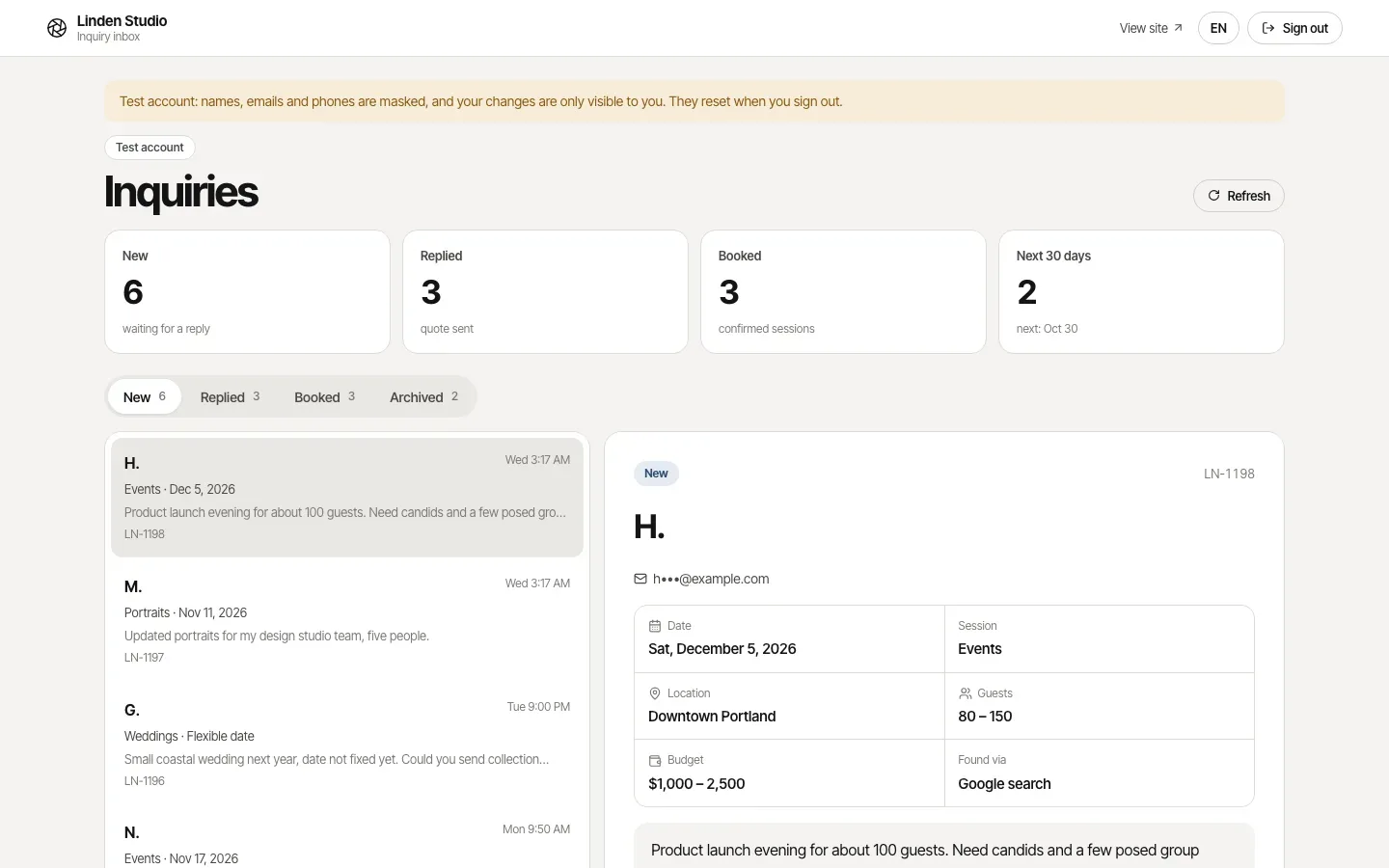
Build a public photography website for Linden Studio. My photography categories are portraits, weddings and events. Group my work into Portraits, Weddings and Events…
↑
 + 28 photos
 First draft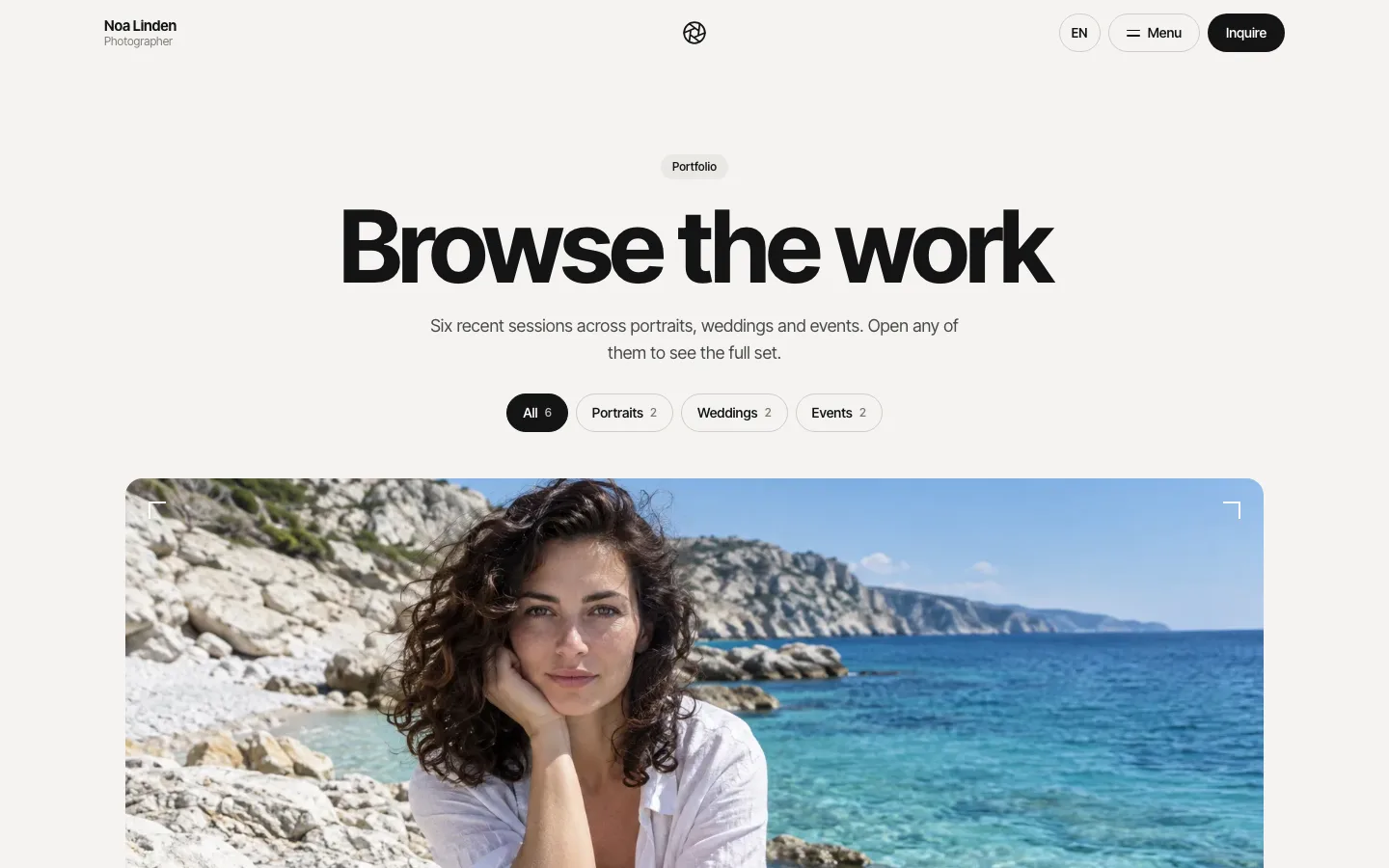
Put my portrait work before event photography, and change the inquiry form so clients can tell me which session they want.
Liveapp-250dff2216.happyseeds.spaceShare
Organize your portfolio around the work you want to book
Group photos by the services a client can hire you for. Someone considering a portrait session should be able to find relevant work without sorting through every event you have photographed.
Clear category names
Use clear category names and choose representative images that show the style you currently offer.
Brief project context
Add brief project context where it helps explain the assignment or approach. A focused collection gives visitors a clearer basis for deciding whether your work fits their shoot.
A next step for each group
Give each group a relevant next step, such as exploring that service or asking about a session. Expand the collection as your services and available work grow.
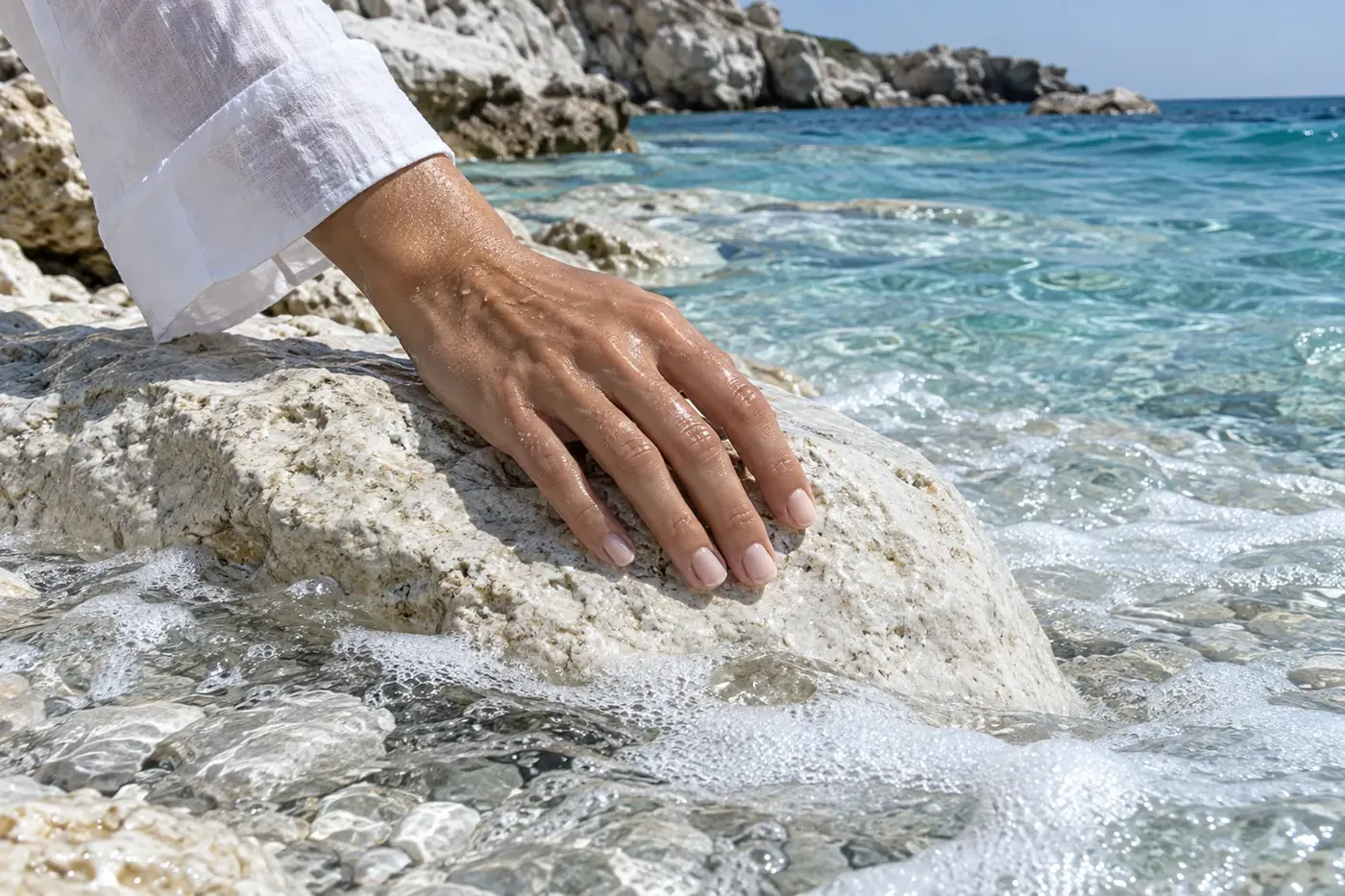
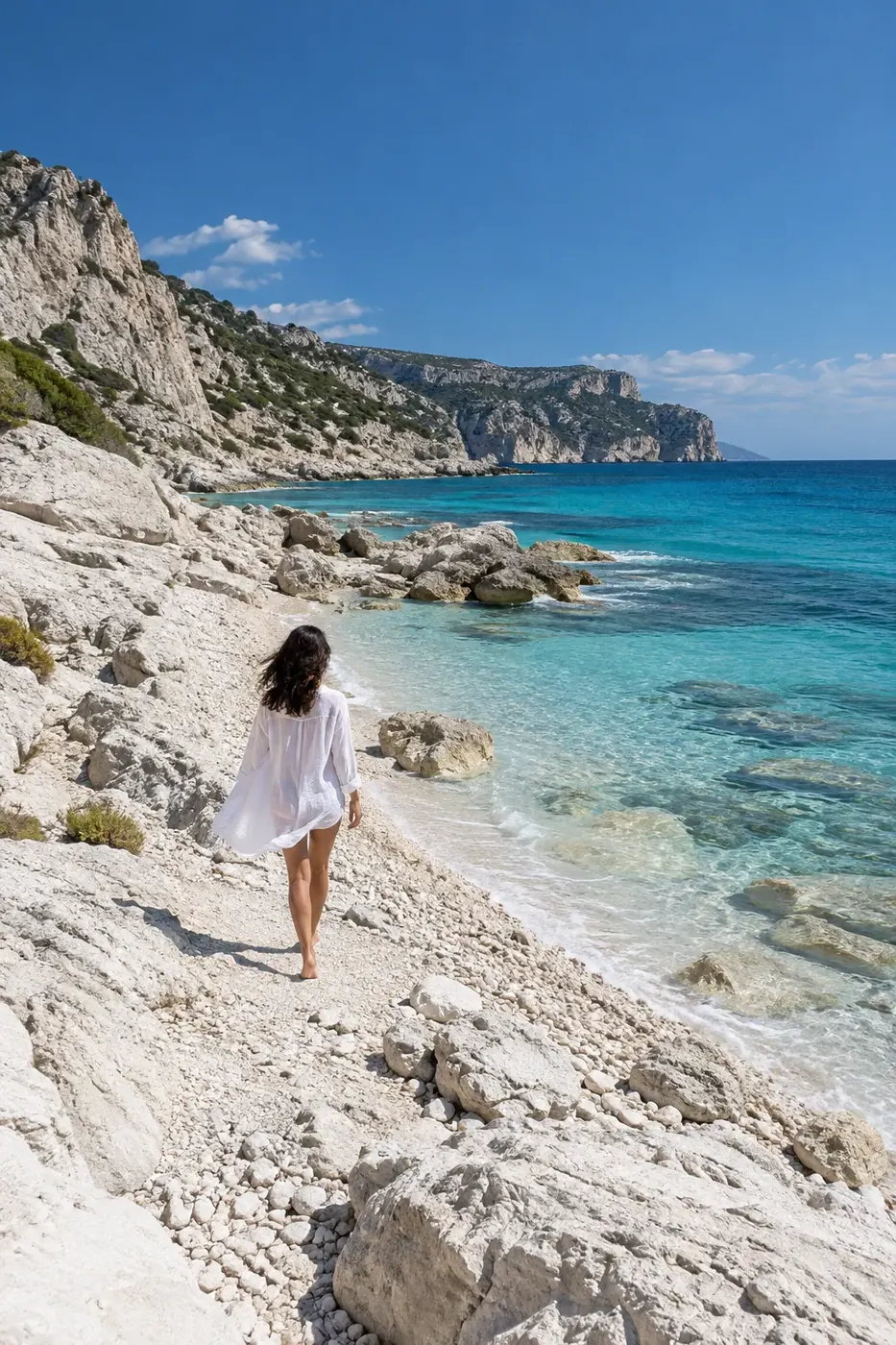
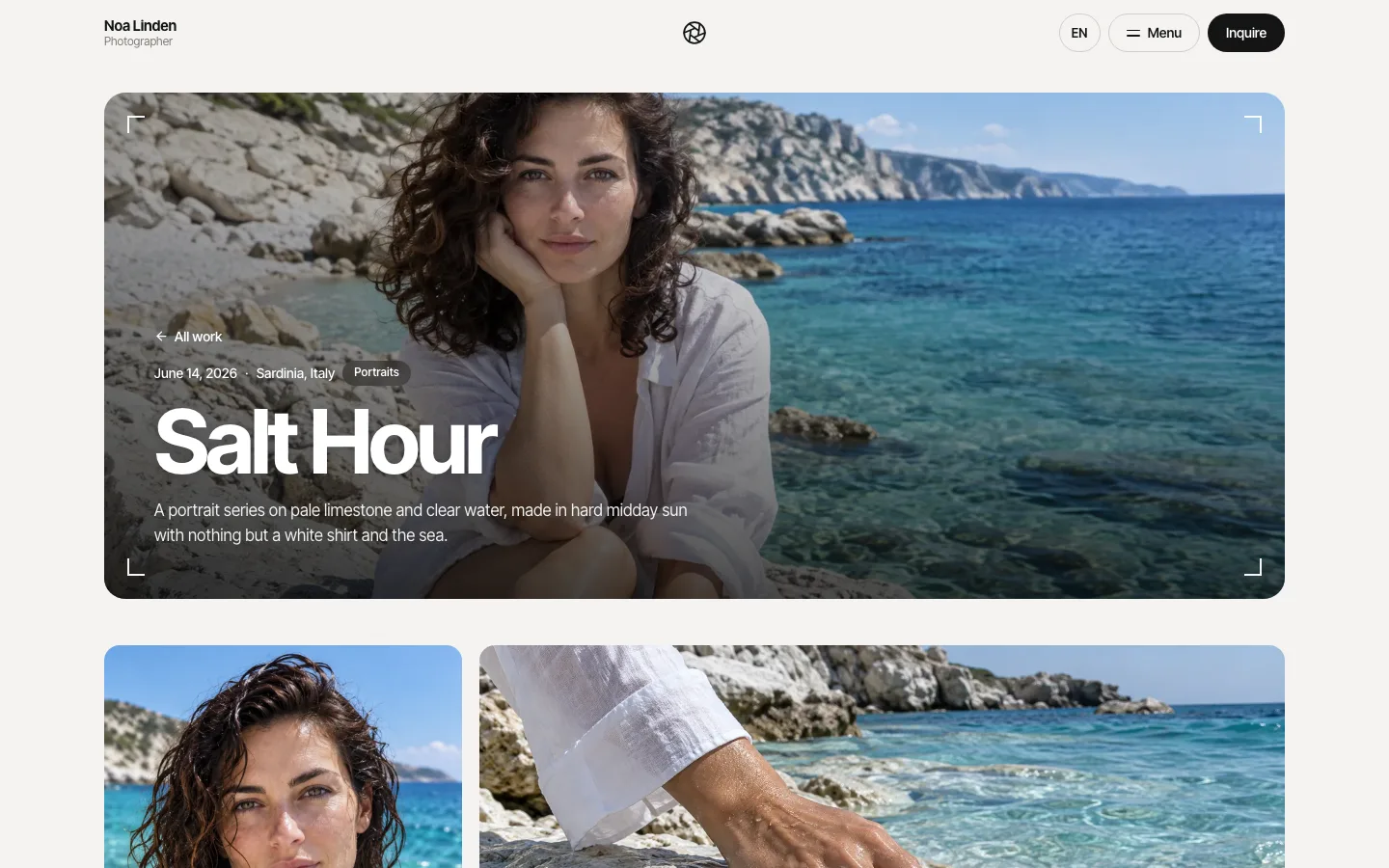
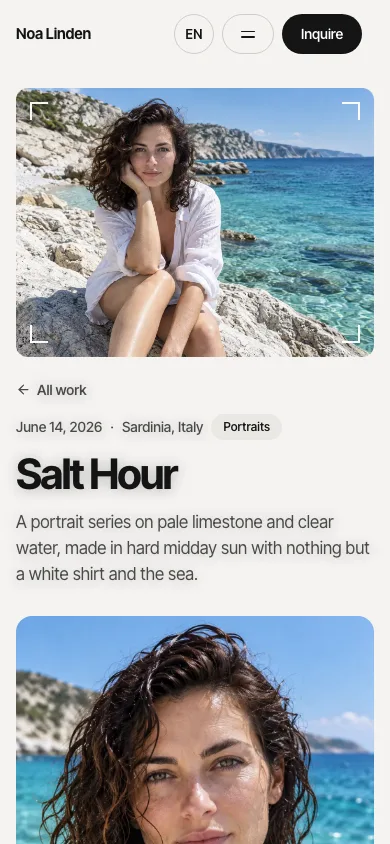
 PortraitsSalt HourA portrait series on pale limestone and clear water, made in hard midday sun.
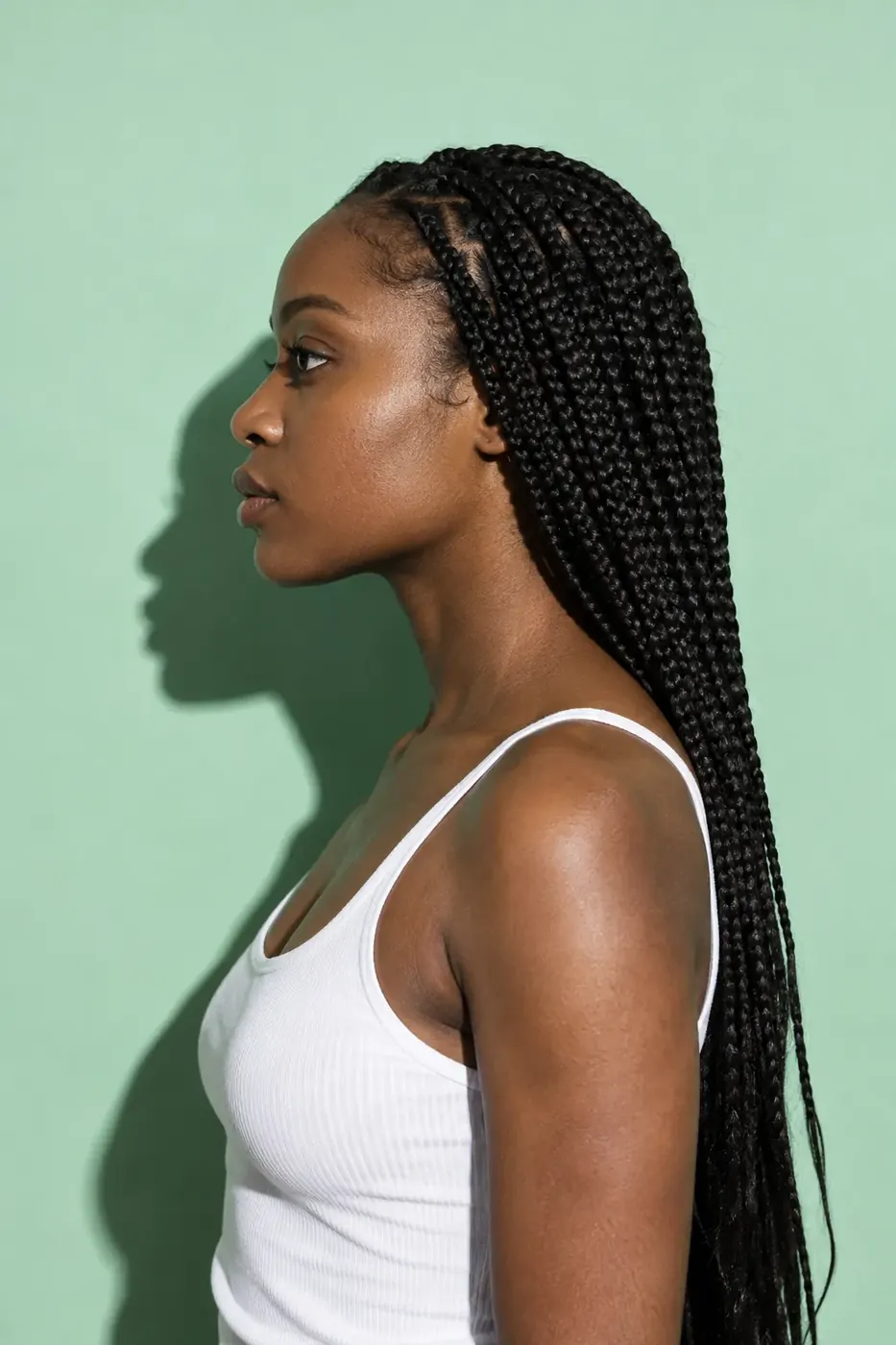 PortraitsChroma SessionsStudio portraits on painted seamless paper, one colour per sitter.
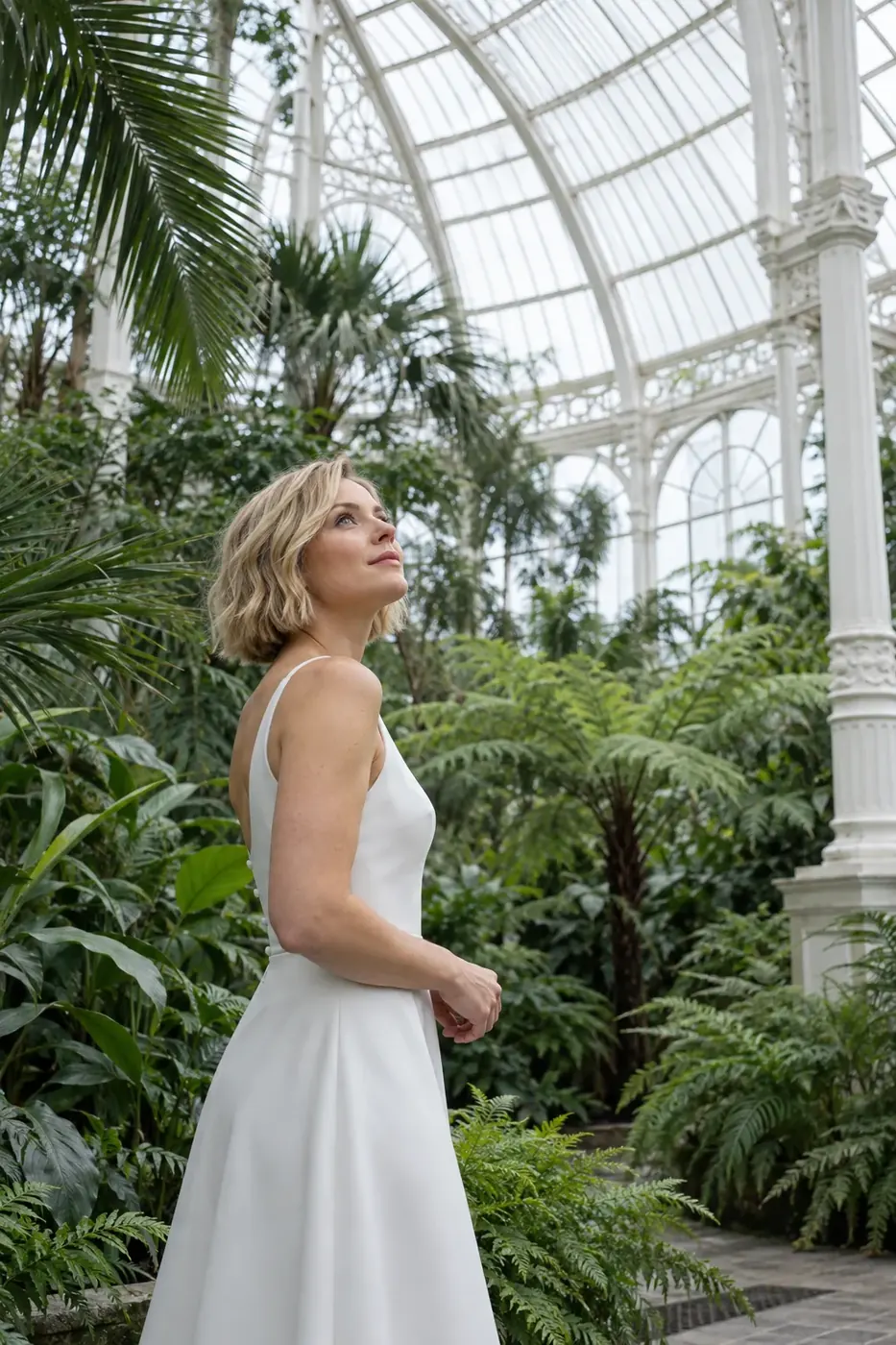
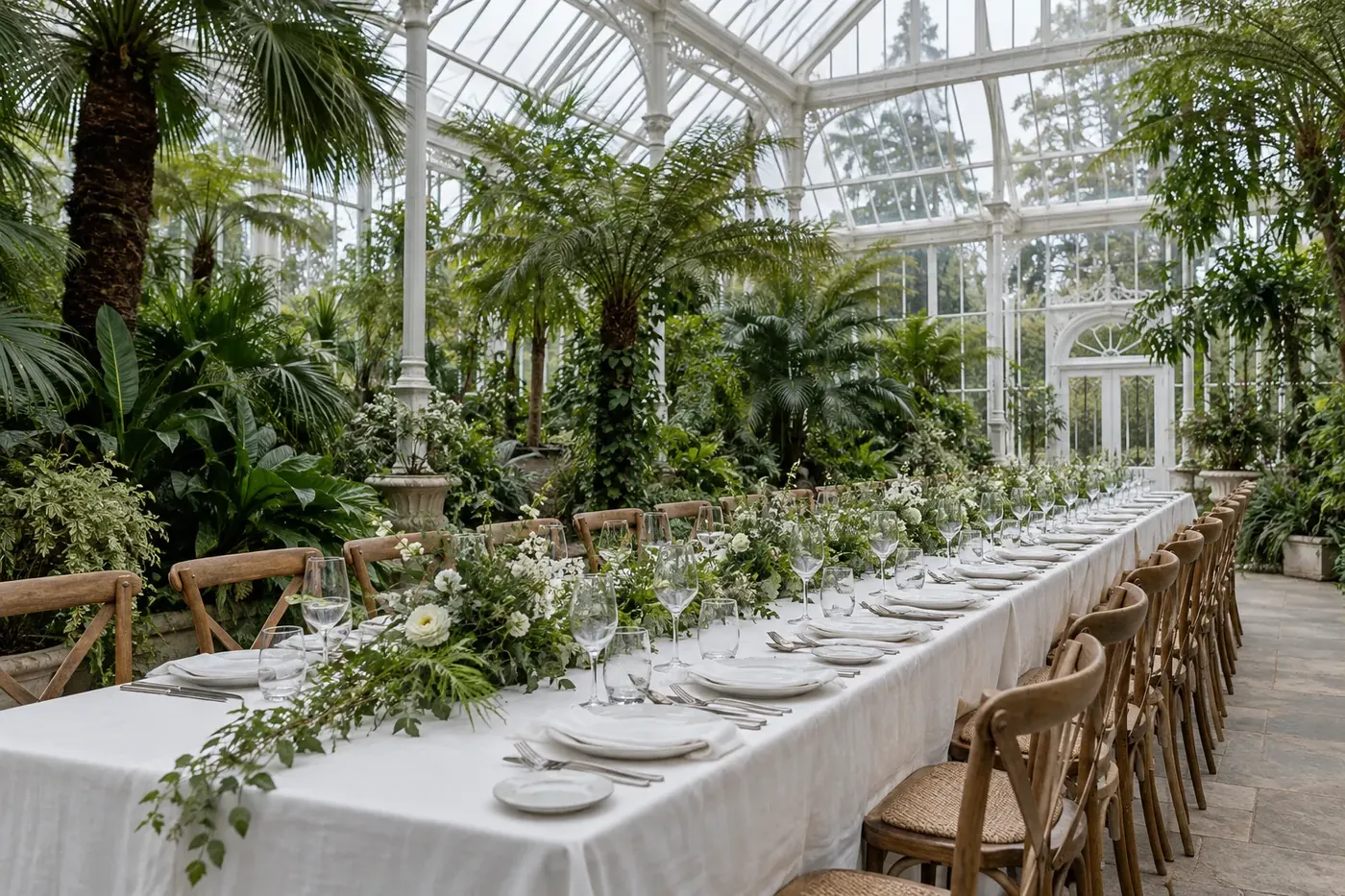
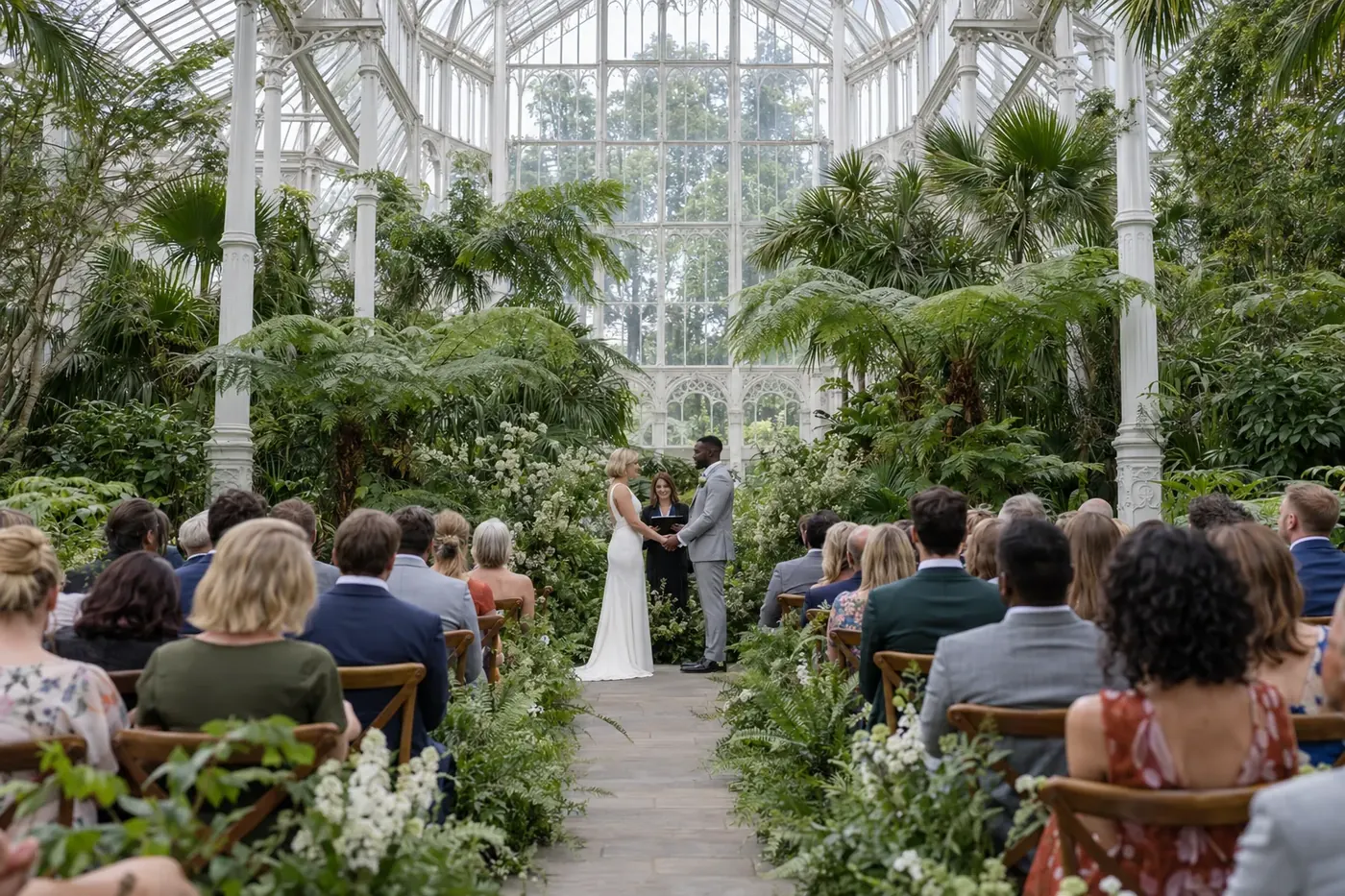
 WeddingsGlasshouse VowsThirty guests and one Victorian glasshouse on a grey spring morning.
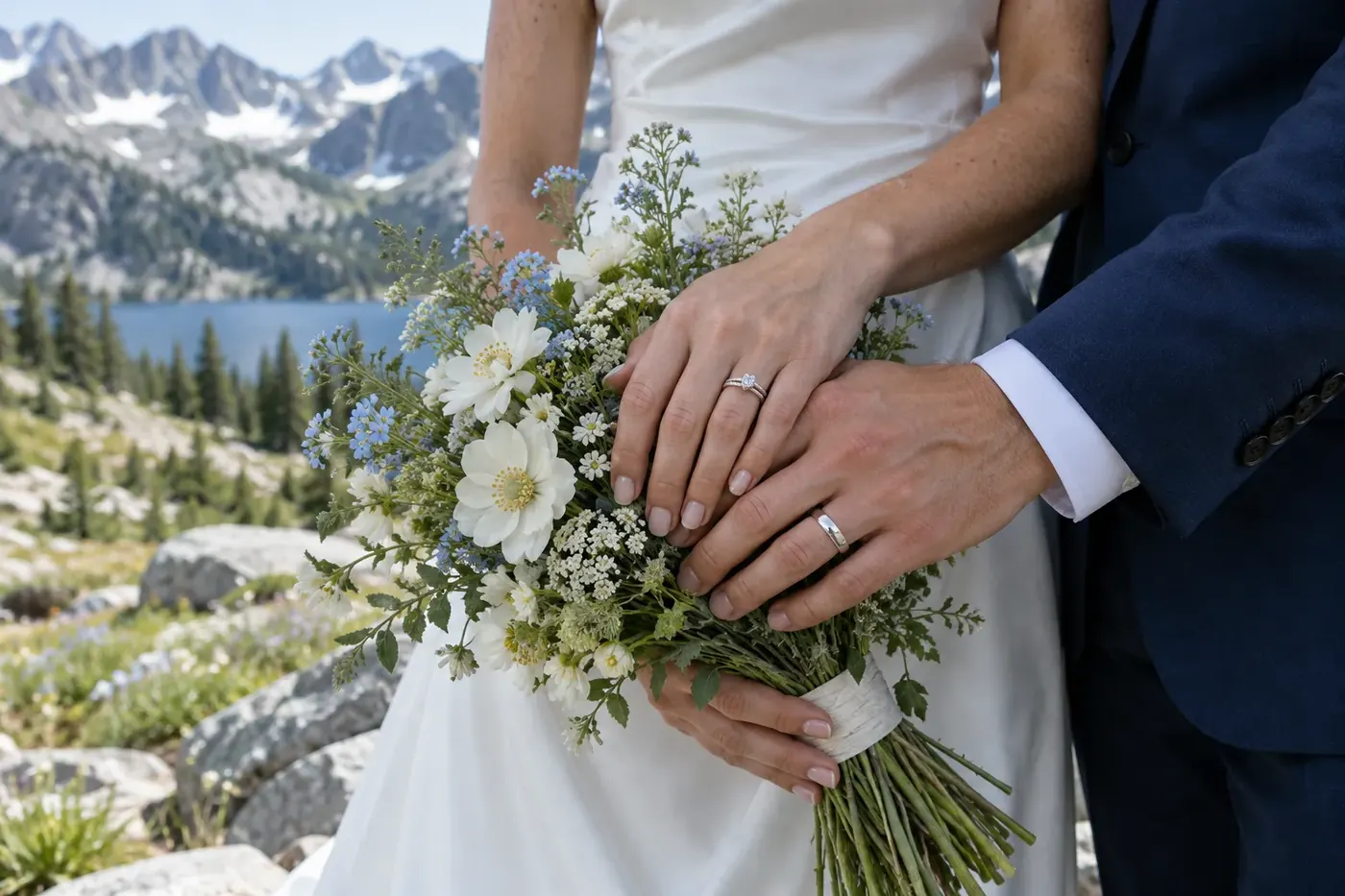
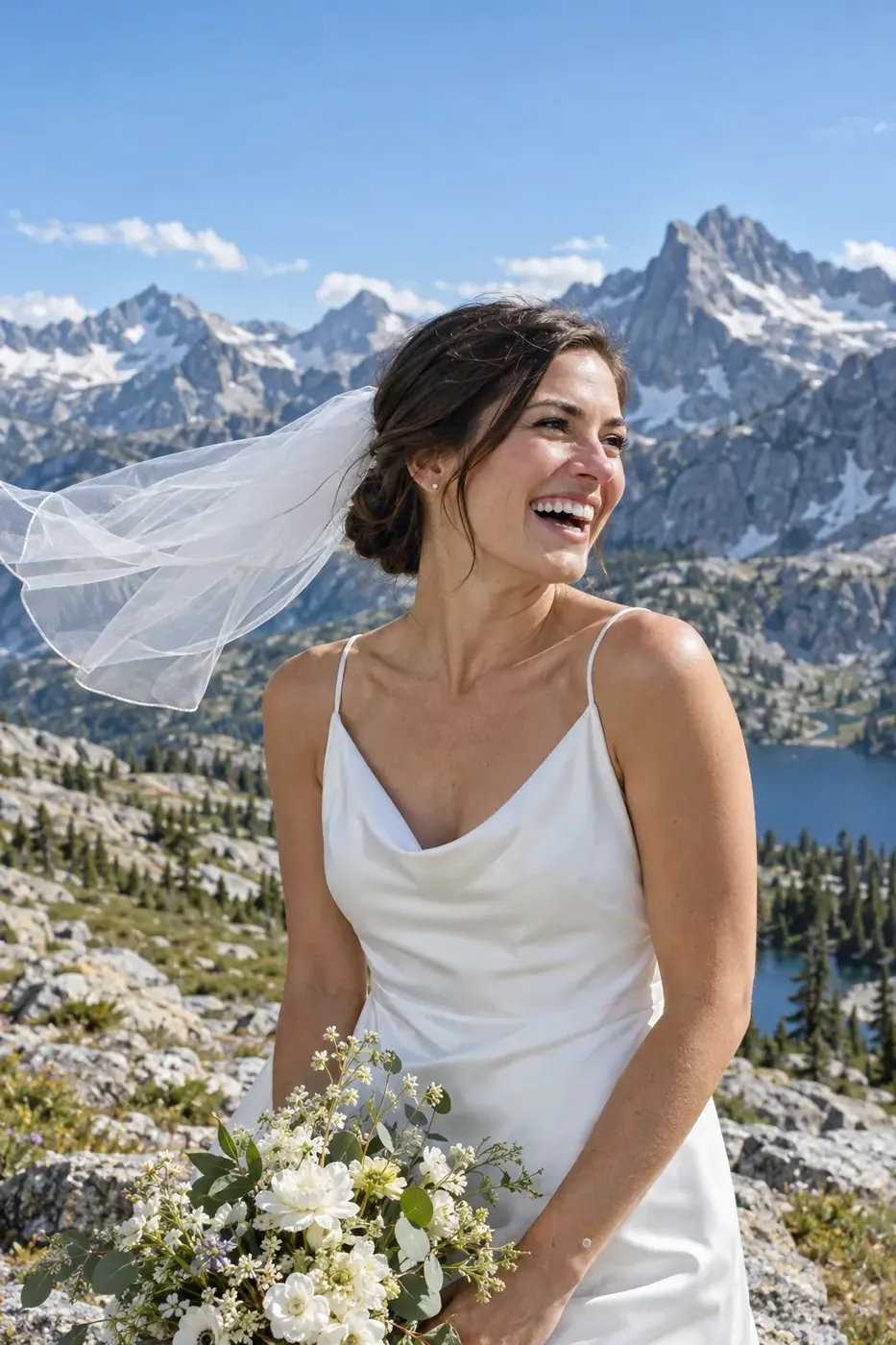
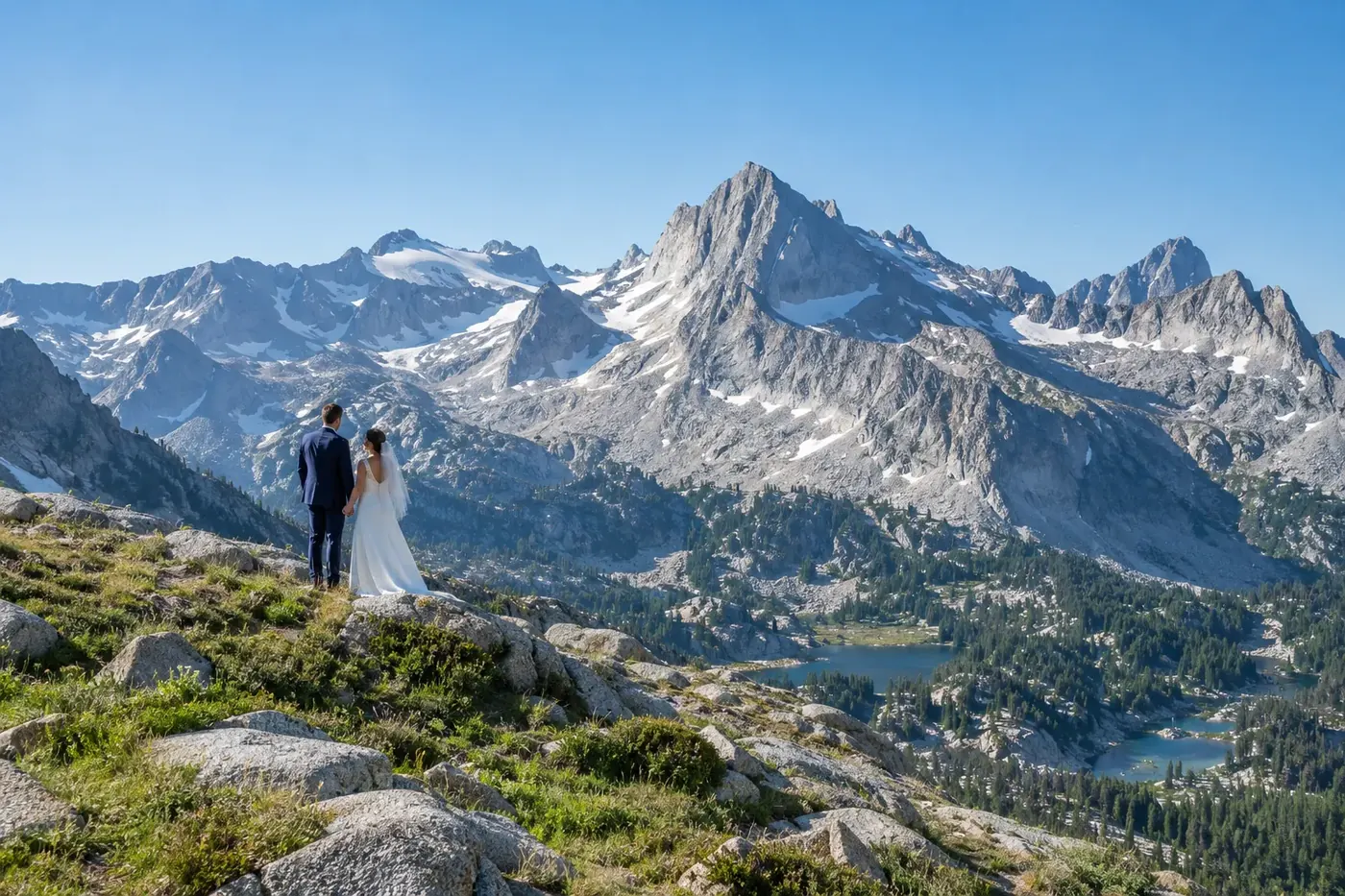
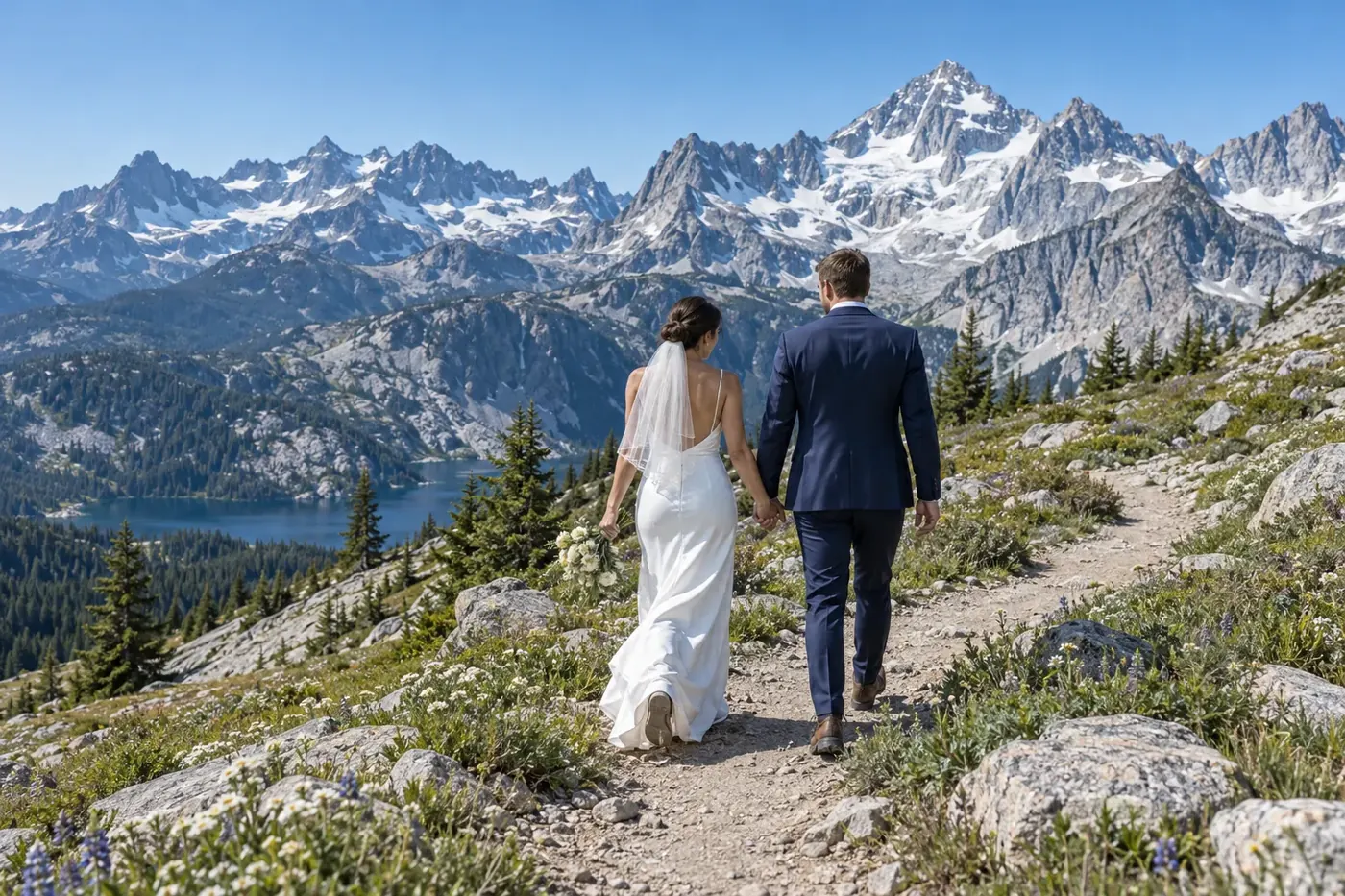 WeddingsRidgeline ElopementA sunrise hike, two vows and a granite ridge with nobody else on it.
 EventsRooftop Spring SocialA company spring party for forty people on a rooftop terrace.
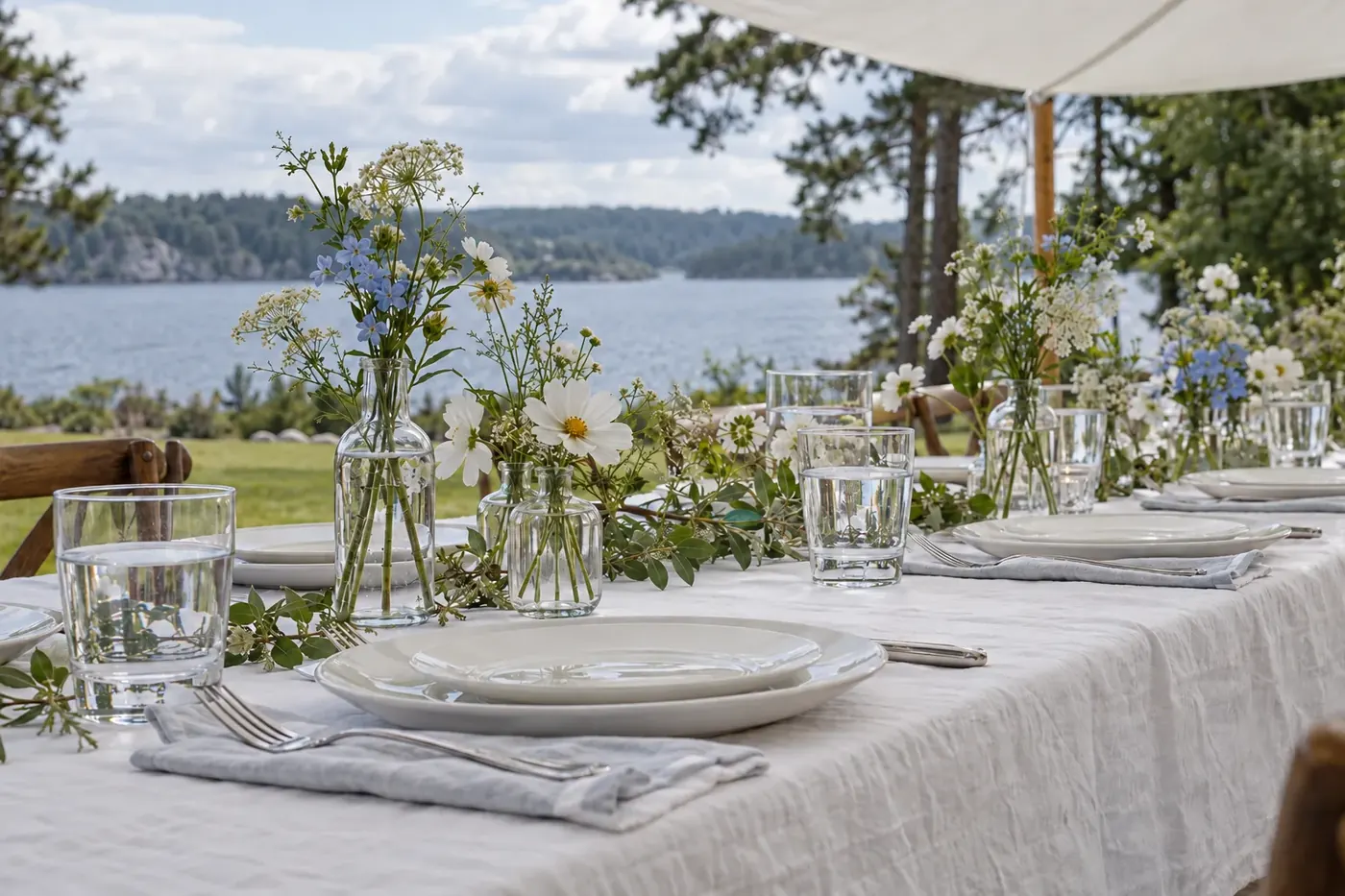
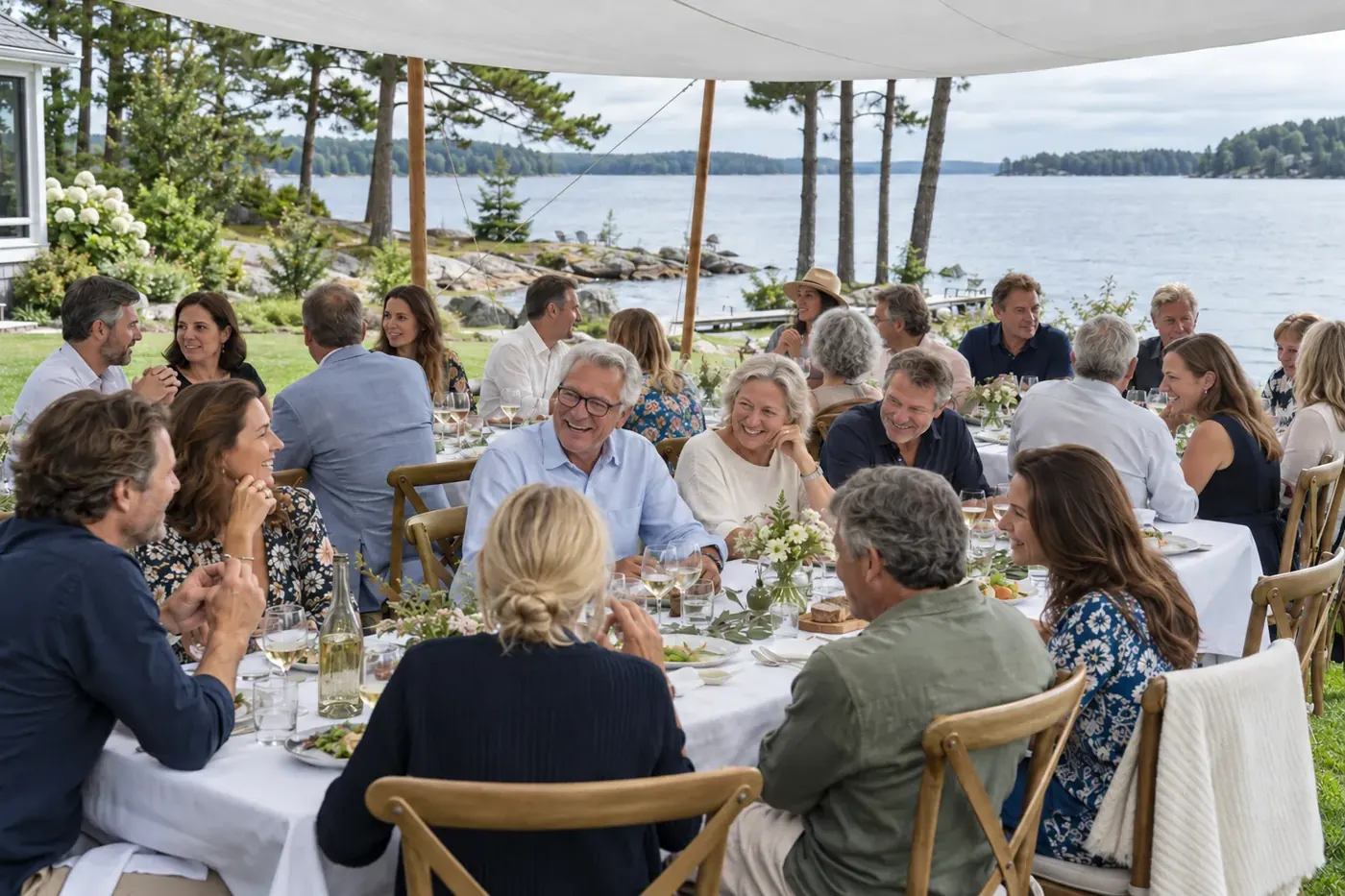
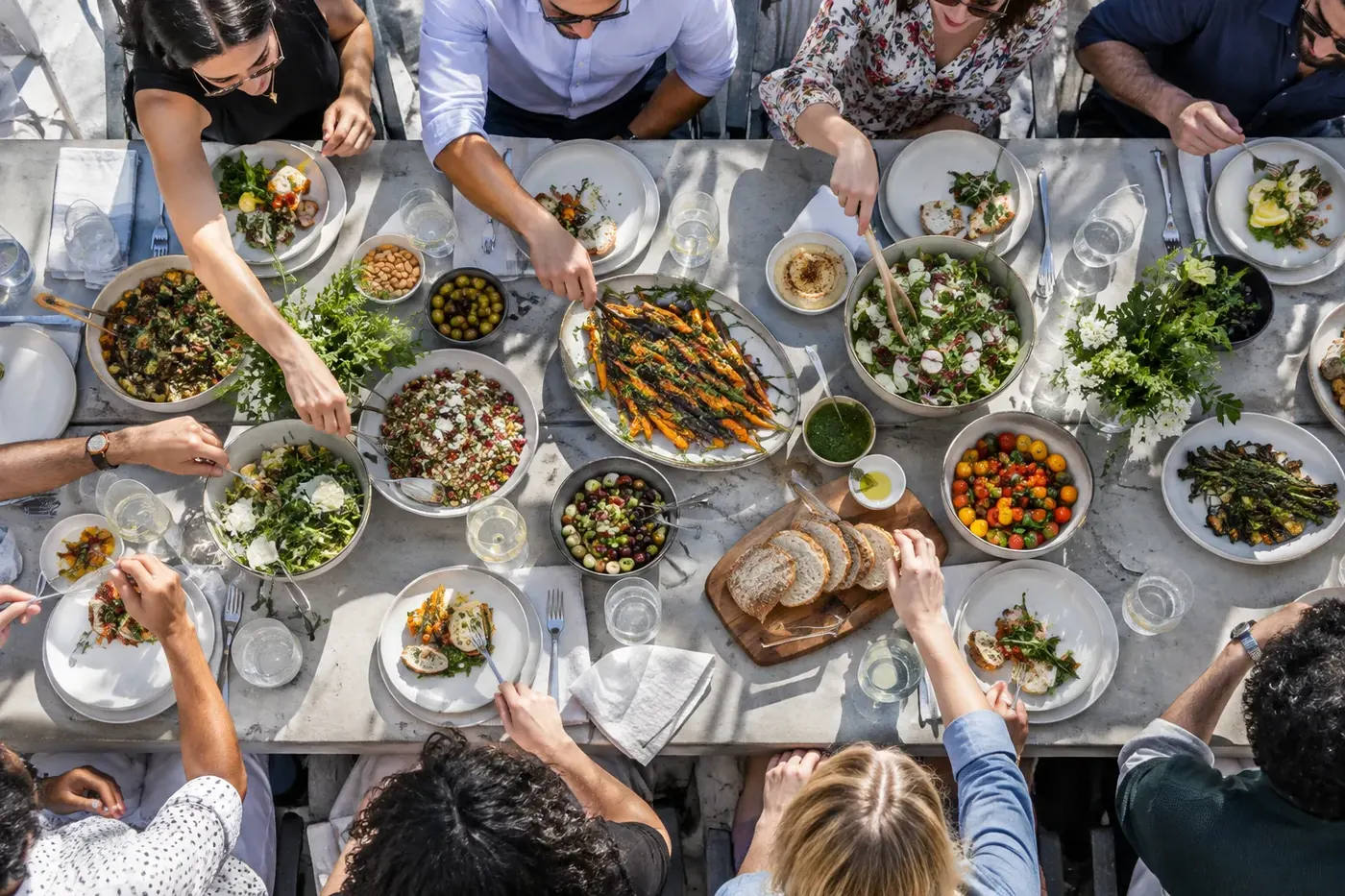
 EventsSixty by the LakeA sixtieth birthday lunch on a lakeside lawn, one long table.
Six projects on the Linden sample site, grouped as Portraits, Weddings and Events
Make your services and prices easy to understand
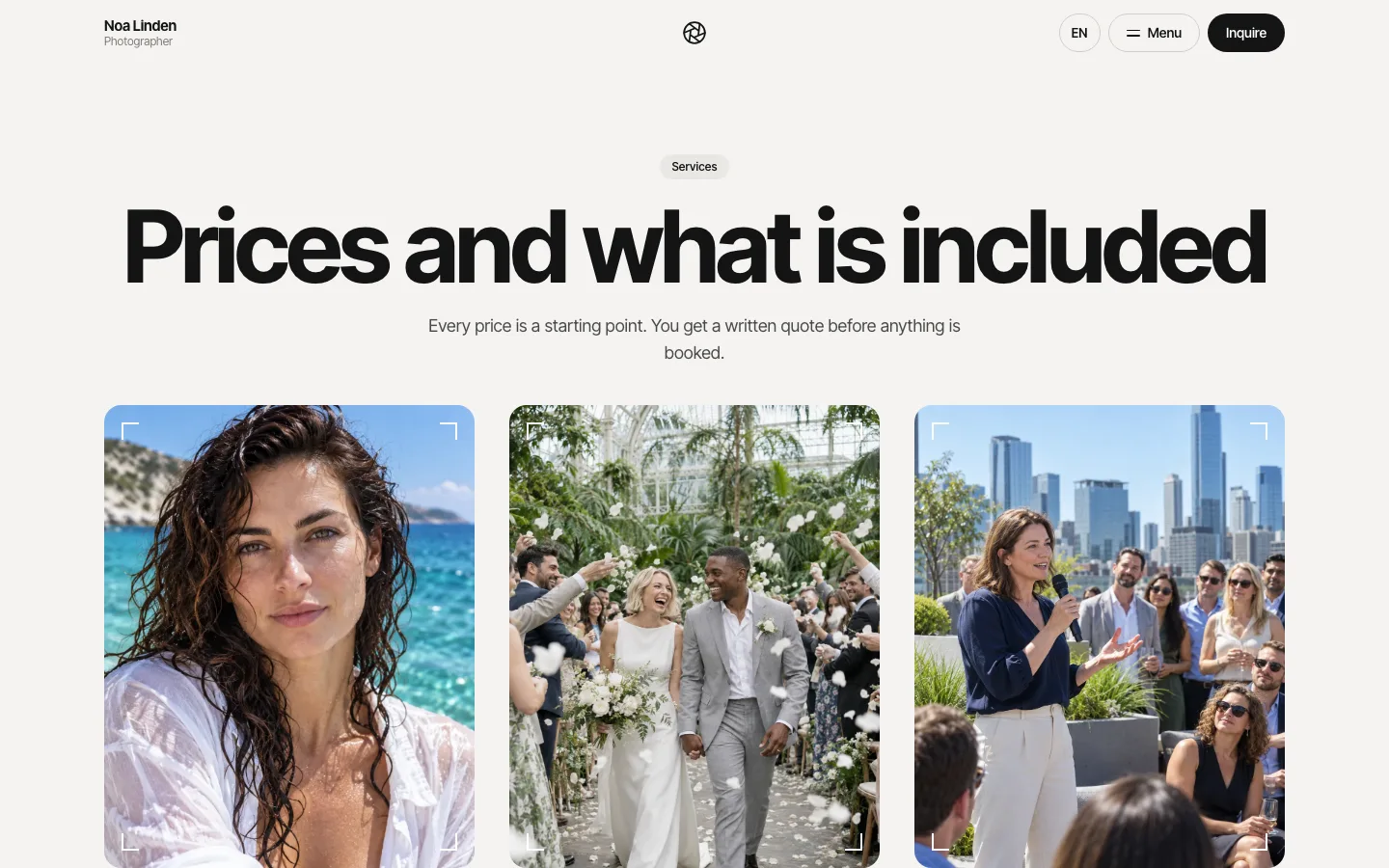
Give prospective clients enough information to judge whether a session fits their needs before they inquire. Choose the pricing explanation that matches how you actually sell your work.
How you priceWhat visitors need to know
The price and what is included, such as session length and the edited photos they receive.
What the starting price covers and which choices change the quote.
The project details you need before quoting, such as scope, location and intended use.
On the Linden sample site: travel within 30 miles is included, $0.67 per mile beyond, destination flights at cost.


Name your service area and explain relevant travel conditions. Put the next step with the service: ask about a portrait session, request wedding coverage, or describe a commercial assignment.
Use prices and deliverables you are prepared to honor. If the final quote depends on the project, say what you need to confirm.
What should a photography inquiry form ask?
A photography inquiry form should tell you how to reply and what the client is planning. HappySeeds supports forms that receive submissions and save them in the app’s database. Ask it to build the inquiry form and a list where you can review the records.
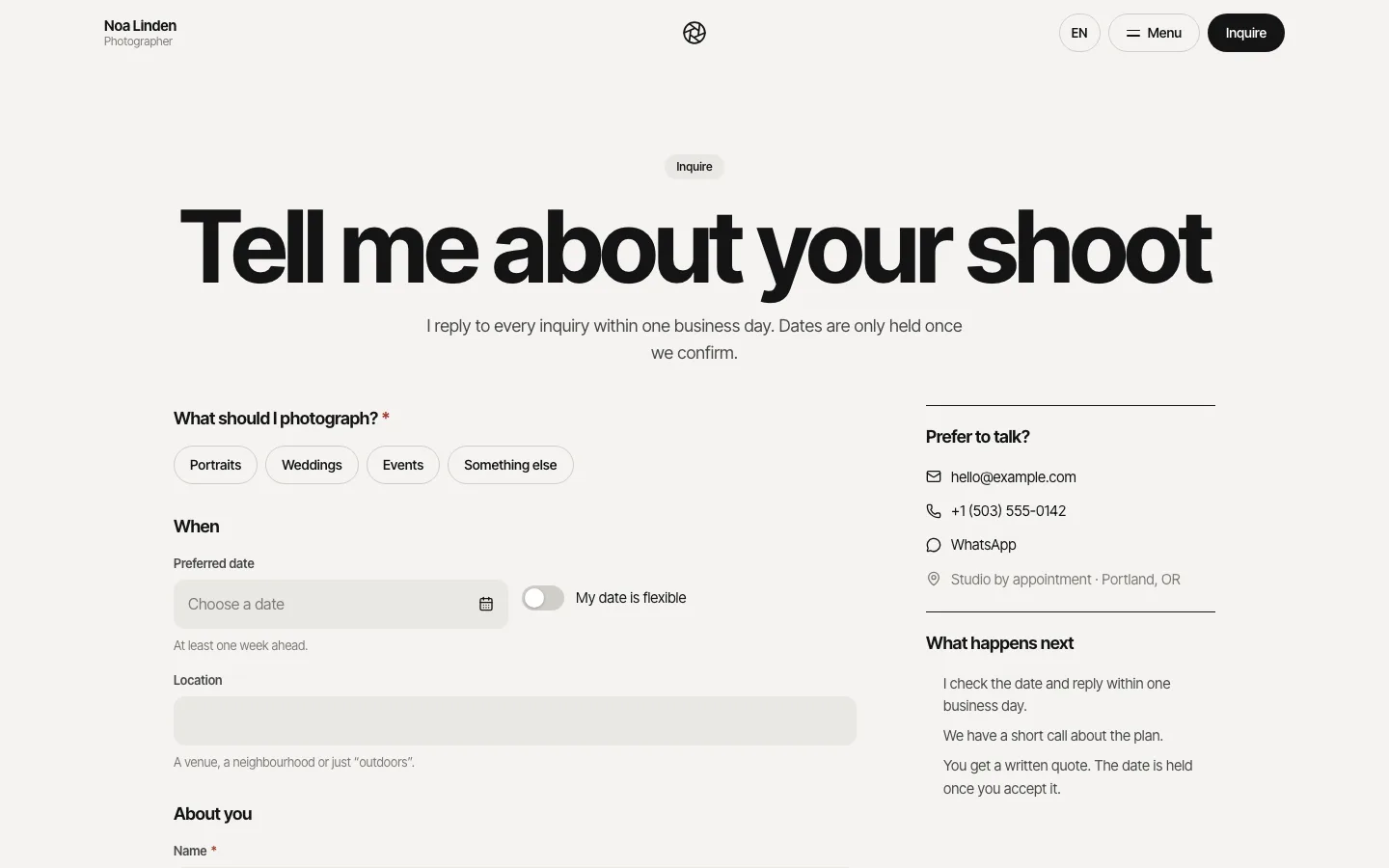
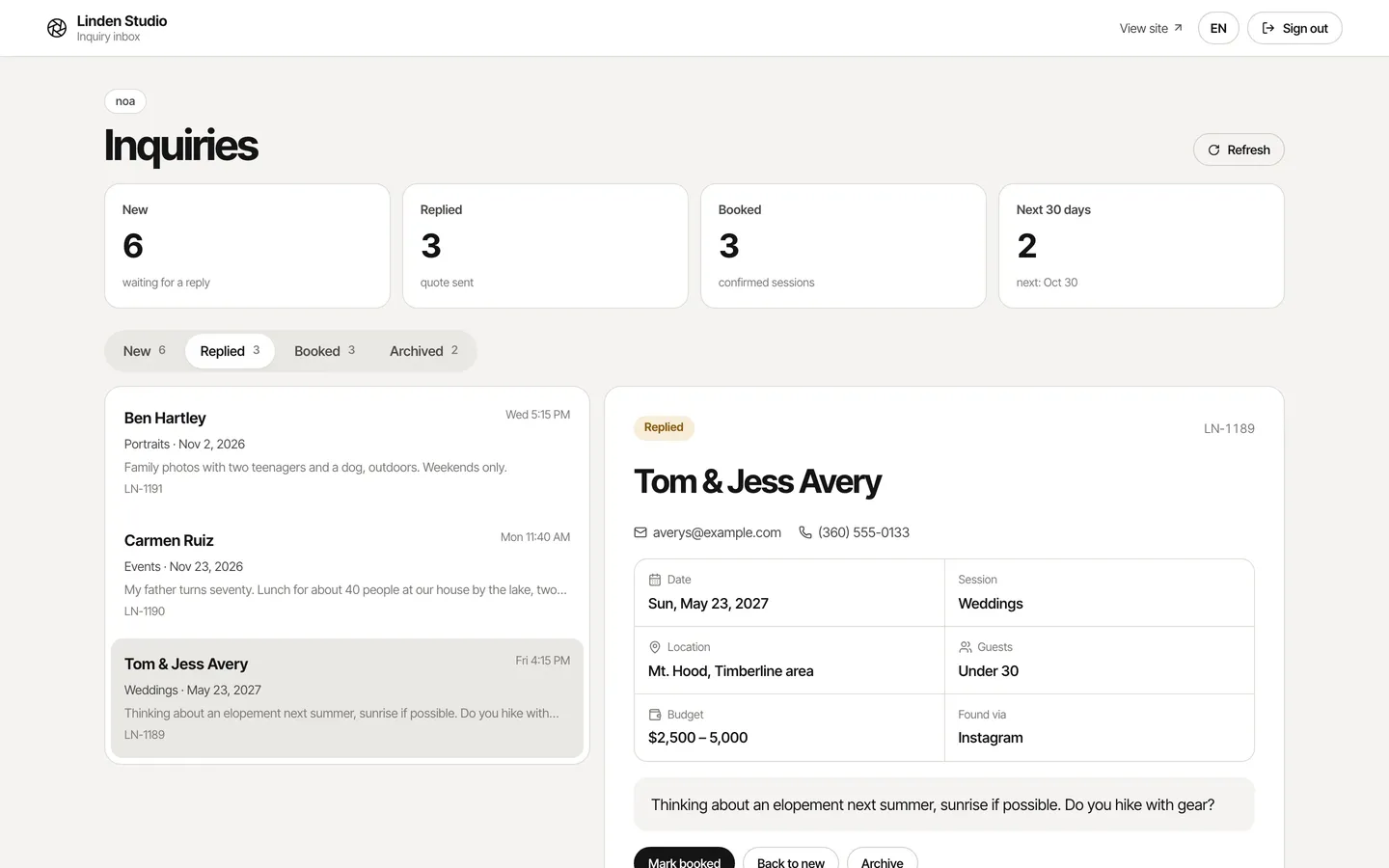
If you want an email when a new inquiry arrives, ask HappySeeds to add email notifications. You’ll need to connect an email service and complete its setup.
| Detail | Why ask for it? |
|---|---|
| Name and email | Know who is contacting you and how to reply. |
| Session or project type | Understand which service the person needs. |
| Preferred date | Start a conversation about timing. |
| Location | Check whether the shoot fits your service area or travel arrangements. |
| Project description | Understand the assignment before you suggest next steps. |
| Budget, when useful | Check whether the requested scope fits the client’s expectations. |
Ask only what you need for the first reply. Before sharing the site, send a test inquiry and check that you can find the saved record. If you have added email notifications, check that the notification arrives too.
A preferred date starts a conversation
A booking request asks you to review a date. It does not confirm that the time is available. Tell clients how you will reply. If you want clients to book live time slots, that scheduling workflow needs to be built and configured for your availability rules.
Keep client management as a separate decision
An inquiry form and a saved-request list give you a place to start following up. Decide separately how you will handle client communication, contracts and the rest of your studio work; those tasks belong in a photography CRM workflow.
Keep your portfolio and packages current
Use conversation to update the business information on your site as your work changes. Tell HappySeeds which page or part of the inquiry flow you want to change and what the new version should say or do.
- Current siteVisitors see the published version
- Describe the change“Move my new family session ahead of older work”
- Check the affected pagesThe portfolio order and the inquiry form
- Publish againChat edits alone leave the live site unchanged
- Updated siteVisitors see the new version
You might ask it to move a new service ahead of older work, replace a package description, or add a project question to the inquiry form. Review the affected pages and the form after making changes, then publish again to update the live site.
Check the portfolio on a phone before sharing it
Review your photography website on a phone as well as a desktop. Prepare web-sized photo copies that look clear at their displayed size, then check how the published pages actually load and read.
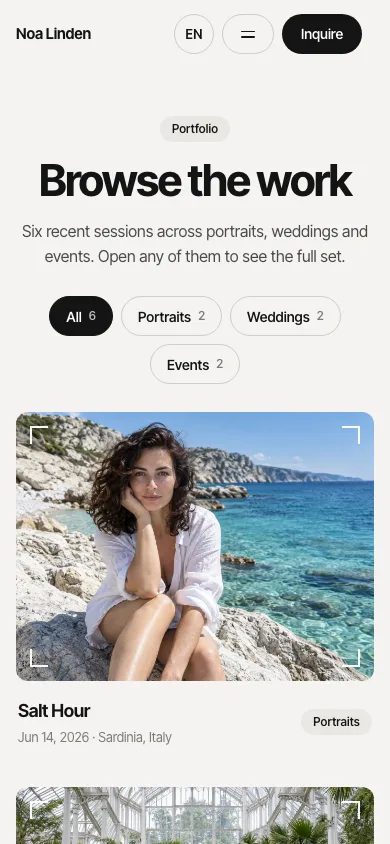
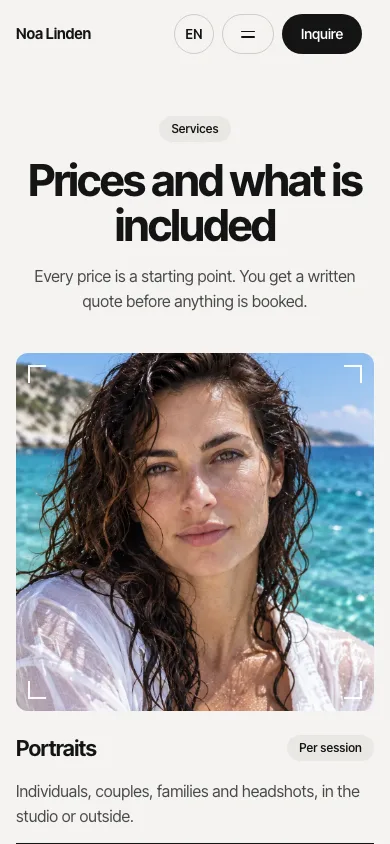
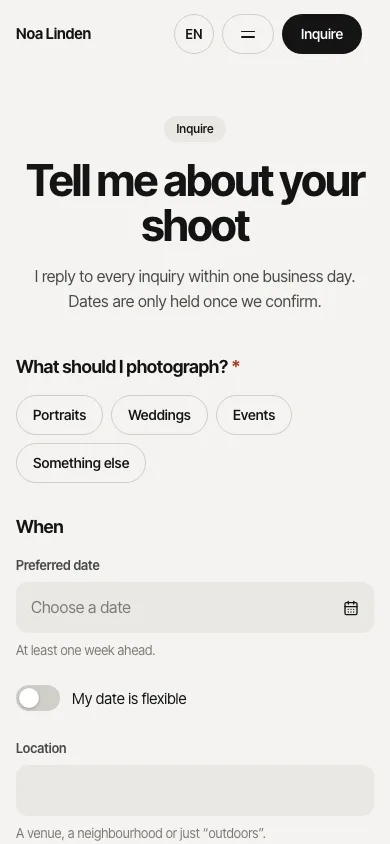
- Check that image crops keep the important part of each photograph visible.
- Follow the navigation between portfolio groups without losing your place.
- Read the package information and find the inquiry action.
- Complete a test inquiry on mobile and check the saved submission.
If a page feels heavy, review the images and the amount of work shown on that page. Let the rest of the collection live in relevant groups instead of making every photo part of the first visit.
How much does it cost to have a photography website?
With HappySeeds you can publish a photography website on the Free plan, with hosting included. Paid plans start at $12.90 a month (as of October 2026) and add your own domain and code export. Use the published link when you are ready to share your portfolio.
- Publishing and hostingFree
- Your own domainLite and Pro
- Code exportLite and Pro
- Domain registrationThrough your domain provider
Lite and Pro support connecting your own domain. Publish the site, connect the domain, and complete the required domain settings and verification. Domain registration is separate from the website plan, so check with your domain provider for its cost.
Lite and Pro also include code export. The Free plan does not include code export. Choose one of those paid plans if taking the website code with you is part of your requirements. Compare plans
Update the version visitors see
After changing your site in conversation, review the changes and publish again. Publishing again is what updates the live version.
Help clients recognize your work and find your services
Give your website a real business name, a useful introduction and clear service-area information. Explain what you photograph and how to contact you. Include genuine client feedback only when you have permission to use it.
HappySeeds can generate SEO titles and metadata for your site. Review that information so it accurately describes your photography services and location. Use clear page names and relevant service descriptions for the people you want to reach.
A website gives people a place to learn about your work and inquire. Search visibility and new bookings also depend on factors beyond building the pages.
HappySeeds also builds sites for other service businesses, such as a restaurant website with menus and table reservations.
Photography website questions
Can I publish a photography website for free?
Yes. The HappySeeds Free plan includes publishing and hosting. If you want to connect your own domain, choose Lite or Pro. See the publishing options.
Can I use my own domain?
HappySeeds supports your own domain on Lite and Pro. Publish your site, then complete the domain settings and verification. Domain registration is separate from your HappySeeds plan.
Do I own the website, and can I take the code with me?
HappySeeds assigns to you the rights it owns in output created specifically at your direction. Code export is included on Lite and Pro; Free does not include it. See the domain and code options.
Do I keep the rights to the photos I upload?
You retain the rights you already hold in the content you upload. Use photographs you have permission to display; uploading a third party’s image does not make it yours. For controlled client delivery, choose the client-gallery route.
Can I start without a large client portfolio?
Yes. Begin with a small selection of work you have permission to show, including personal projects where relevant. Describe those projects accurately and build out the portfolio as you have more work to share.
Where do photography inquiries go?
Ask HappySeeds to save form submissions in the app’s database and build a list where you can review them. You can also ask it to add email notifications for new inquiries; you’ll need to connect an email service and complete its setup. Send a test inquiry to check the saved record and, if added, the notification.
Does a requested date confirm a booking?
A date on an inquiry form is a request for you to review. Live time-slot booking needs a scheduling workflow configured around your availability. See the distinction.
Can I change packages and portfolio pages later?
Yes. Describe the page or package you want to change and ask HappySeeds to update it. Review the result, then publish again to update the live site.
How should I prepare photos for mobile visitors?
Use selected, web-sized copies and check the actual page on a phone. Review image crops, readability, navigation and the inquiry form before sharing the site.
Can I keep my existing client gallery?
You can keep your current delivery workflow and build a public portfolio and inquiry site separately. Choose by your main task if galleries, proofing or print sales are your priority.
What if I get stuck after the first draft?
Continue the conversation with the page you are changing, what is wrong and the result you want. Work through a specific correction, review the result and publish again when ready.
What should a photographer website include?
A public photography site should show relevant work, explain the services clients can buy, and provide a clear way to inquire. Use the website brief to prepare those inputs.
Build a website around the photography work you want to book
Bring your selected photos, services and inquiry process. Describe the site you want, review the first version, and make it ready to share.
Use the website brief ↑ Start my photography website →