HappySeeds is an AI product workspace for turning an idea into a working web project, refining it, publishing it, and improving it over time.
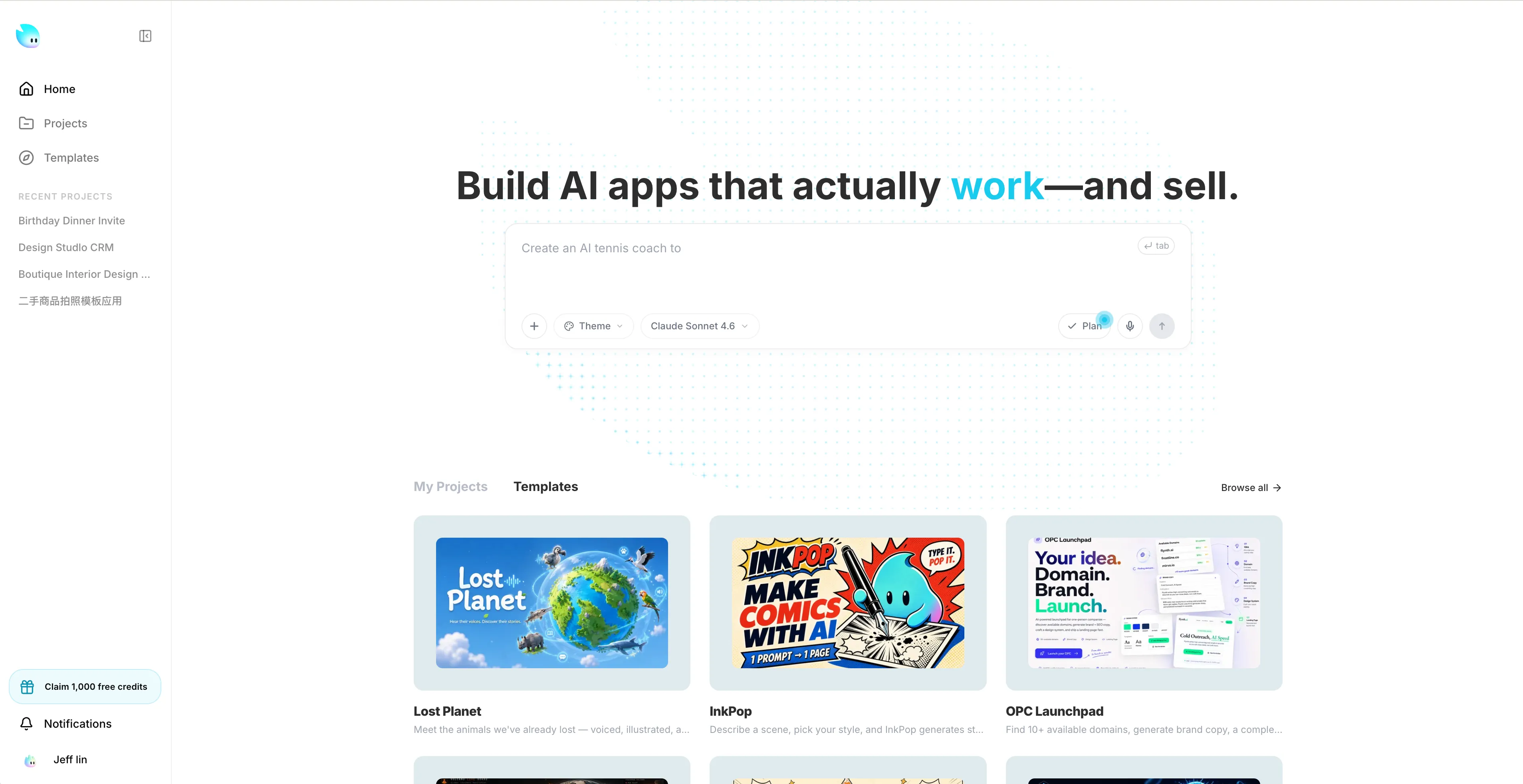
Use HappySeeds when you want to move from a rough concept to something real without starting from a blank codebase.
It is useful for:
Most work happens inside the workspace.
The usual flow is:
Preview.HappySeeds helps generate and revise the project, but you still decide:
If you are new, use this order:
The help center is organized around the main parts of the product:
Getting Started for first projects, templates, and early workflowWorkspace for preview, assets, code, analytics, and troubleshootingPublishing & Settings for deploy, links, SEO, and app configurationAccount & Billing for plans, credits, invoices, renewals, and cancellationCloud Services for database, domains, secrets, auth, and paymentsProfile & Access for sign-in, rewards, profile setup, and access problems